Music production for beginners: what you need and where to start
How to start making music on a computer: the gear you need, how to pick a DAW, and a learning path in seven steps, from rhythm and chords to your first mix and master, with a guide for each step.
You can start making music with a computer, a DAW and a pair of headphones. The rest is learning, one skill at a time: rhythm, harmony, sound, arranging a track, then mixing and mastering it. This page is the path, in order, with a guide for every step. For what a producer actually does, see what music production is.
1. Set up: a computer, a DAW and headphones
The DAW is where you record, arrange and mix. If you are on a Mac, GarageBand is free from the Mac App Store (the current version needs a recent macOS) and is a lighter version of Logic Pro that shares its audio engine and opens in it, so much of what you learn carries over. Many other DAWs offer a free trial, so you can try a few and keep the one that suits you. Add an audio interface and a microphone only if you will record vocals or instruments.
Plugins add instruments and effects to the DAW: see what a VST plugin is, and the install guides for FL Studio, Ableton Live and Logic Pro.
2. Rhythm: tempo and drums
Every track sits on a tempo. Start with the usual range for the style you like in BPM by genre, then program a beat from the grids in drum patterns. The BPM tapper finds the tempo of a song you are referencing as you tap along to it.
3. Harmony: keys, scales and chords
You do not need to read music, but knowing a key and a few chords goes a long way. Start with major and minor keys and scales, then try the progressions in chord progressions.
4. Sounds: synths, samples and 808s
Learn where sounds come from, so you can shape presets instead of only scrolling through them: what a synthesizer is, types of synthesis and what an 808 is.
5. Make a whole track
Put the pieces together and finish something, even if it is short. For beat-led music, start from drum patterns; for songs with a vocal, follow how to make a song.
6. Mix it
Mixing balances the parts so each one can be heard. How to mix a song gives an order to follow, and the EQ starting points and compression guides explain the two tools you will use most.
7. Master it and release it
Mastering sets the final tone, loudness and peak level. See how to master a song and LUFS targets for streaming.
Habits that help
- Use references. Sound On Sound's Paul White advises always comparing your work with commercial recordings in a similar style, to check your tonal balance. Match their level to your track before you compare.
- Learn one DAW well. The shortcuts and workflow you build carry into every track.
- Finish tracks. Each finished track teaches the whole process once; an unfinished one teaches only the first half.
Free tools and trials
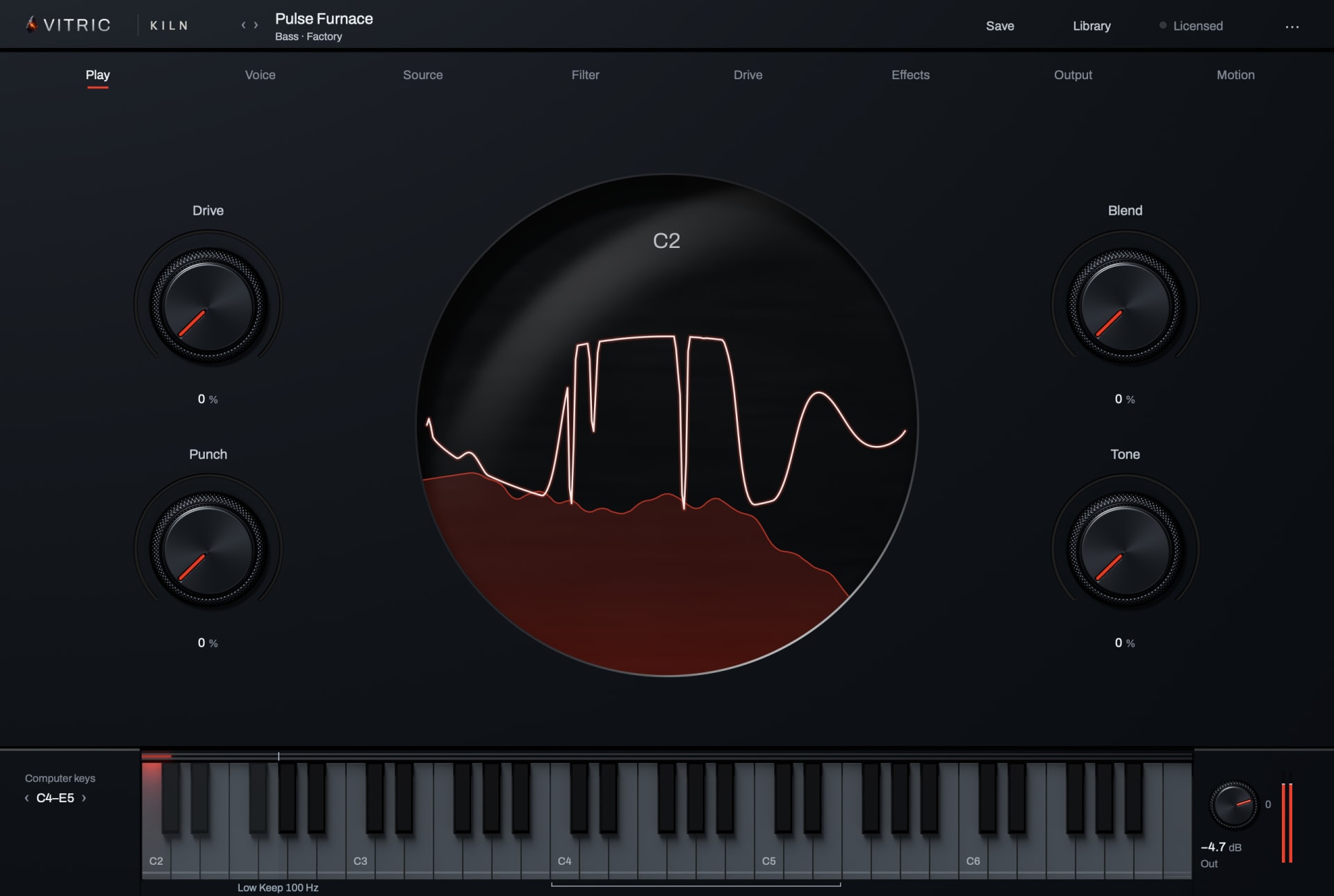
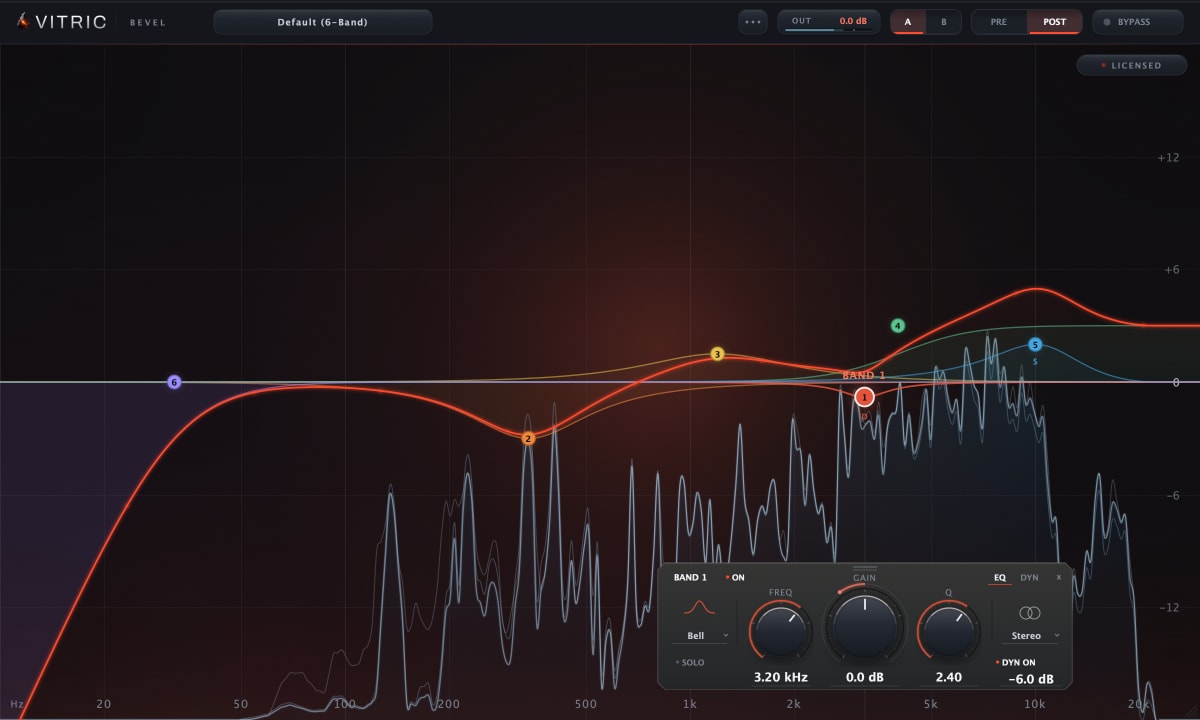
The free Vitric tools run in your browser: a BPM tapper, a key and BPM finder, a loudness meter, a spectrum analyzer and more. Every released Vitric plugin, such as Kiln Synthesizer and Bevel EQ, has a free 3-day trial with every feature available.
Questions
Can I learn music production on my own?
Yes. A home setup and free guides cover the basics; the rest comes from finishing tracks and comparing them with music you like.
Do I need to play an instrument?
No. You can program drums, chords and melodies with a mouse or a small MIDI keyboard. Playing helps, but it is not required to start.
Which DAW is best for beginners?
The one you will keep using. GarageBand is free on a Mac, and many DAWs have a free trial: try a few, then commit to one.