
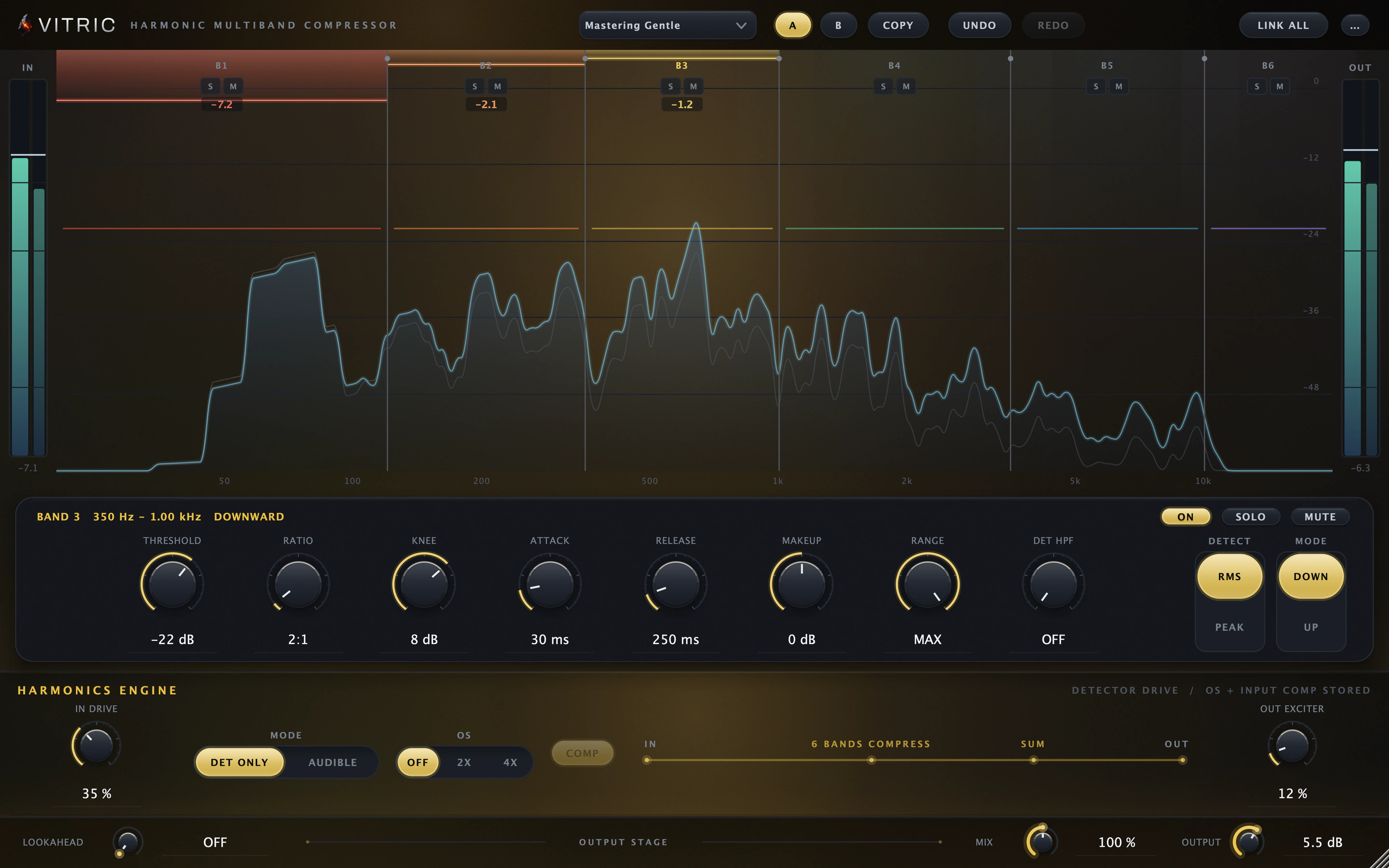
Five movable crossovers divide the display into six bands.
Harmonic Multiband Compressor plugin
Steady the low end without clamping the whole mix.
- Six bands, five movable crossovers
- Harmonics in the detector or in the audio
- An output exciter with automatic level matching
Runs on Mac and Windows: VST3, AU and AAX.
Sale price
This price runs through Saturday, October 31, Eastern time. From November 1 it's $100.
One-time purchase. Mac and Windows: VST3, AU and AAX.
Pay by card, PayPal, Apple Pay or Google Pay.
US and Canadian sales tax is added at checkout.
By buying, you agree to the EULA and Terms of Service.
Listen to Harmonic Multiband Compressor
The same take with and without Harmonic Multiband Compressor. Loudness matched.
Mastering Gentle preset (six bands, 2:1, RMS detection) with detector-only harmonics at 35% and the output exciter at 12%.
About this demo
Rendered through Harmonic Multiband Compressor 2.0.5 on macOS. Input and processed excerpts are matched in loudness. Switching keeps your place.
Open input audio ↗Open processed audio ↗Harmonic Multiband Compressor features
A six-band multiband compressor plugin (VST3, AU and AAX) for a steadier low end, controlled upper mids and independent movement across the mix. Add input harmonics or use detector-only drive to change the compression response.
Give each part of the mix the movement it needs.
Tighten the lows without clamping every transient, or lift a quieter frequency region. Each band has its own compressor. Global IN DRIVE and DET ONLY/AUDIBLE controls shape the input to all six bands, and the output exciter adds harmonics after they recombine.
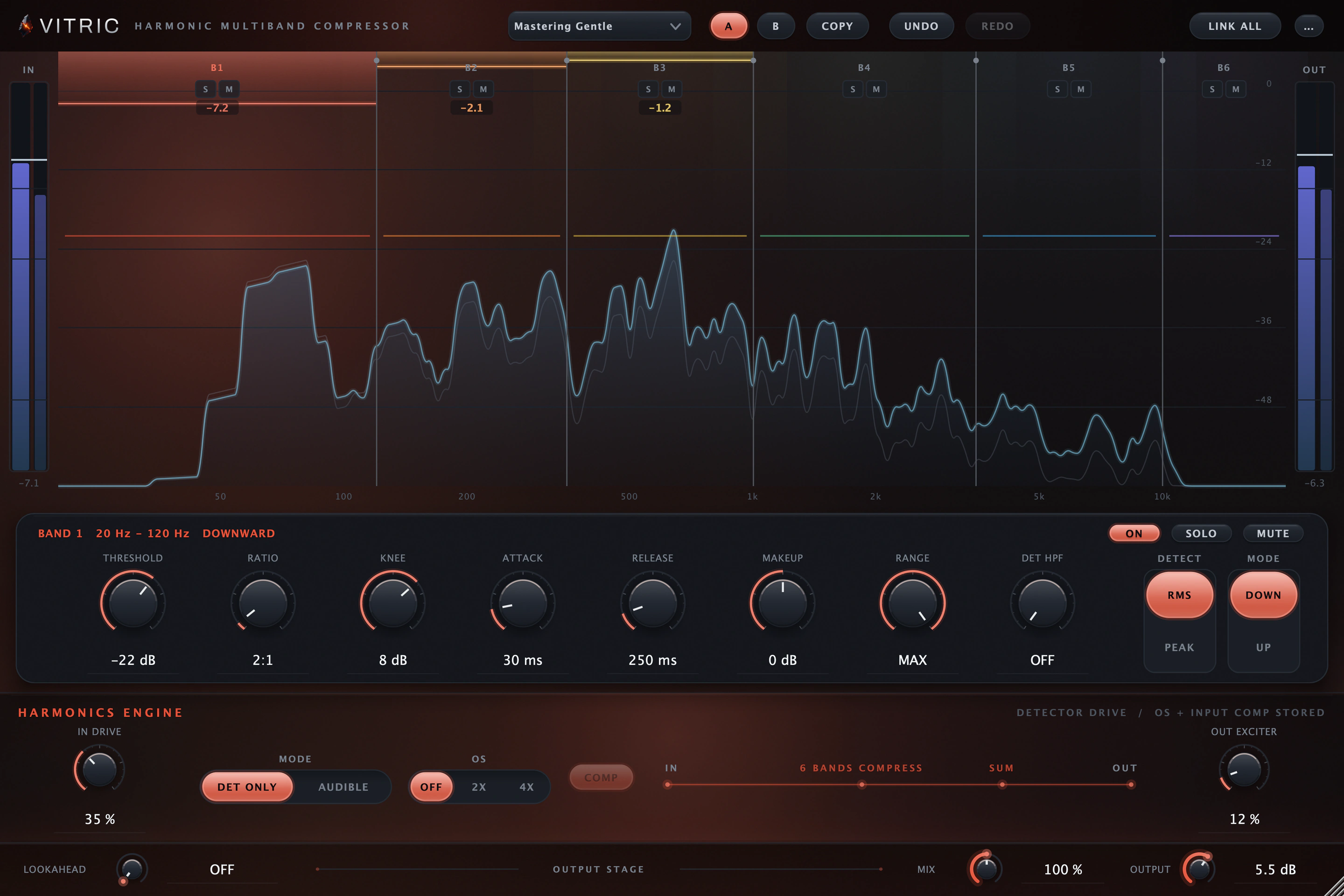
Tighten a loose low end
Control a wandering low end or an aggressive upper region without applying the same compression to the whole mix. Set threshold, ratio, knee, attack, release, makeup and range in the selected-band strip.
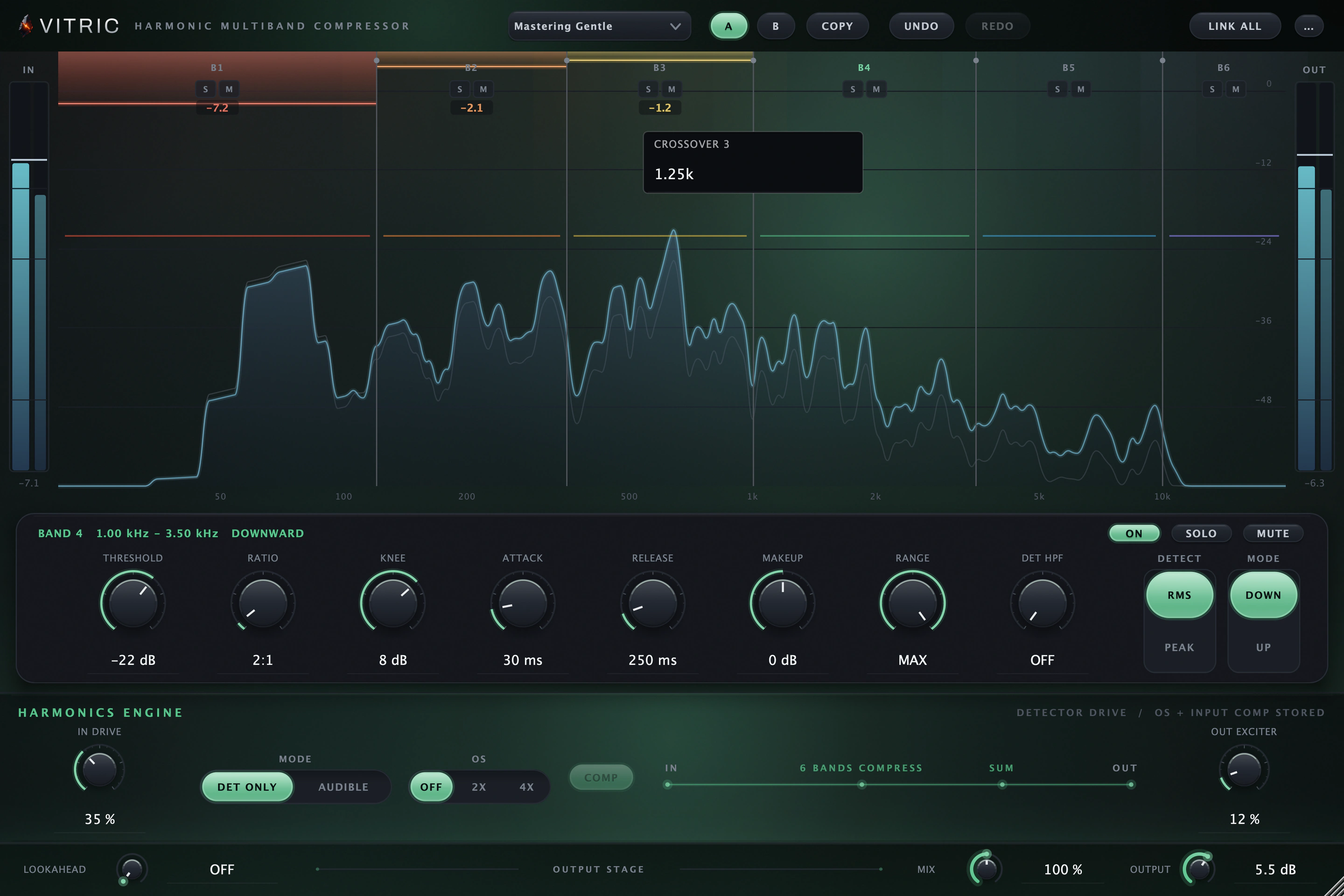
Set each band's range exactly
Double-click a crossover, or focus it and press Enter, to type Hz or kHz. The field keeps the splits ordered with the required 5 percent spacing between neighbors.
Every control is in the Harmonic Multiband Compressor manual.
Harmonics stages
| Stage | Path | What it changes |
|---|---|---|
| IN · DET ONLY | Each band’s detector | Global drive changes detection without adding input saturation to the audible path |
| IN · AUDIBLE | Each band before compression | Global drive adds audible saturation; COMP trims this input stage by up to 6 dB |
| OUT EXCITER | After the bands recombine | Adds output harmonics with its own automatic level matching, up to 6 dB |
All features and controls
- Six compressor bands and five movable crossovers
- Per-band threshold, ratio, knee, attack, release, makeup and detector high-pass
- RMS/Peak detector choice per band
- Down/Up dynamics; Range 0–60 dB with upward lift capped at 30 dB
- Global IN DRIVE and DET ONLY/AUDIBLE selection, applied across the bands
- Optional 2x/4x audible-input oversampling and input COMP
- Output exciter with its own automatic level matching, up to 6 dB
- Low Latency suppresses input oversampling; lookahead remains available
- Lookahead 0–10 ms; dry/wet Mix to 100%, additive wet gain to 200%
- Exact value fields and crossover entry; effective state and signed LIFT displays
Add warmth with harmonics
Global IN DRIVE runs from 0 to 100 percent. DET ONLY shapes each detector without adding those harmonics to the band audio; AUDIBLE places saturation before each compressor.
Solo a band to hear it alone
Solo a band to hear its region or mute it from the output. COMP OFF disables that band’s compressor; audible input saturation and output excitation can still process the signal.
Brighten the mix at the output
OUT EXCITER adds harmonics to the summed bands, with its own automatic level matching of up to 6 dB. Introduce a little output excitation after the bands recombine: low settings add a subtle, bright density, higher settings a darker, thicker color.
Six bands on one display
Five movable crossovers divide the display into six bands. Compare the pre/post spectra, and read gain reduction or positive LIFT to see each band’s dynamics separately from its harmonics.
Harmonics in the detector
Global IN DRIVE runs from 0 to 100 percent. DET ONLY shapes each detector without adding those harmonics to the band audio; AUDIBLE places saturation before each compressor.
Exact values, band by band
Set threshold, ratio, knee, attack, release, makeup and range in the selected-band strip. Click a value to type it; Return applies and Escape cancels.
Type the crossover
Double-click a crossover, or focus it and press Enter, to type Hz or kHz. The field keeps the splits ordered with the required 5 percent spacing between neighbors.
Solo, mute, band bypass
Solo a band to hear its region or mute it from the output. COMP OFF disables that band’s compressor; audible input saturation and output excitation can still process the signal.
The output stage
OUT EXCITER adds harmonics to the summed bands, with its own automatic level matching of up to 6 dB. MIX blends dry and wet up to 100 percent, then adds wet gain to 200 percent; OUTPUT trims by ±24 dB.
Harmonic Multiband Compressor in a session
Drum bus density
Choose DET ONLY, raise the global input drive, then set the low, mid and high bands to control the kit independently.
Bass that carries
On a bass track, use AUDIBLE input drive for harmonics, then balance the fundamental and upper bands with their own dynamics.
Free tools for the same job: EQ Frequency Chart (ranges, bands, notes) and Loudness Meter (LUFS and true peak).
Harmonic Multiband Compressor in motion
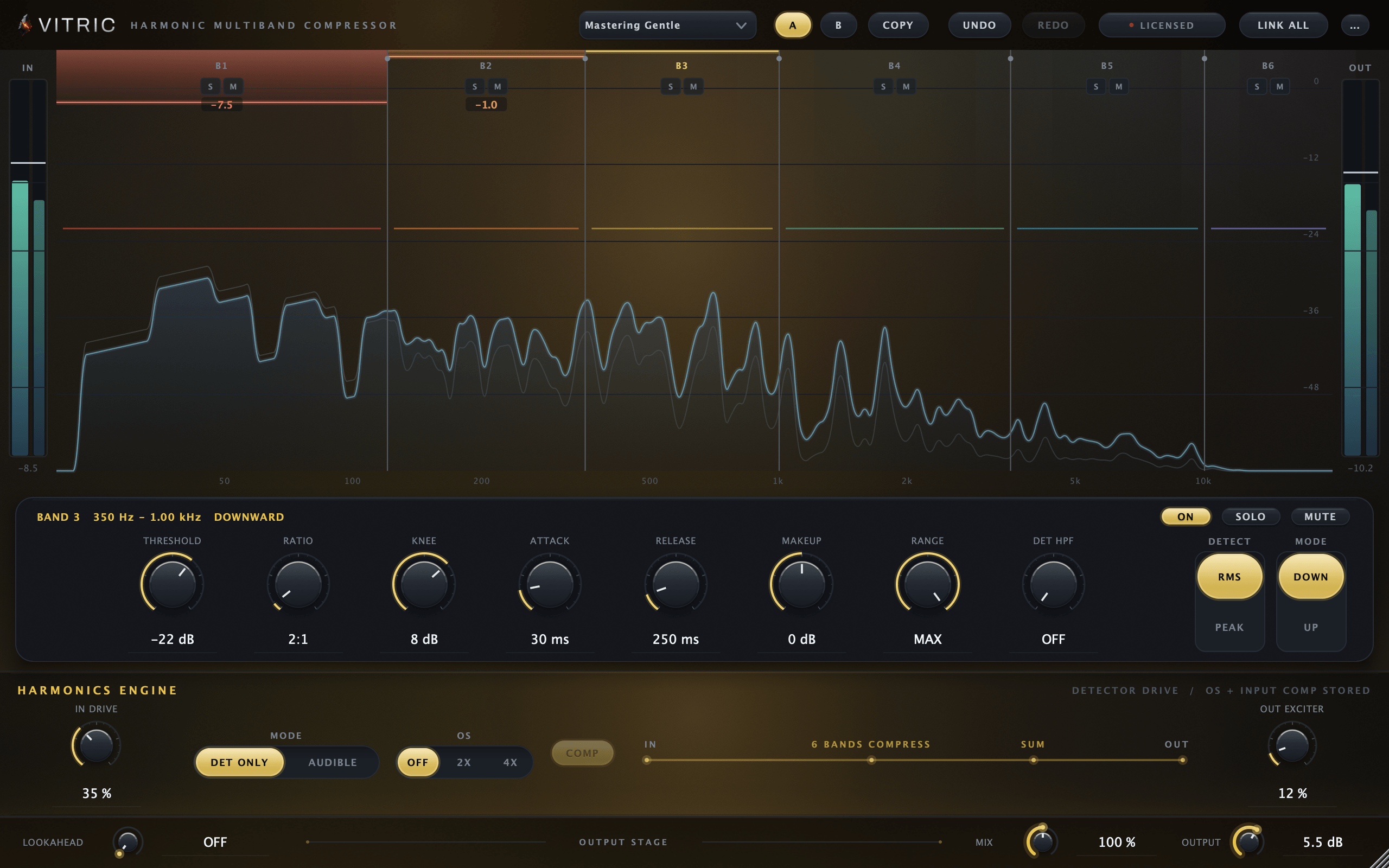
Harmonic Multiband Compressor specifications
- Bands
- 6 with 5 ordered, movable crossovers
- Dynamics
- Down/Up; Range 0–60 dB, upward cap 30 dB
- Detector
- RMS/Peak choice and high-pass per band
- Input harmonics
- Global drive; Detector Only / Audible; input COMP
- Output harmonics
- Post-sum exciter; own level matching, up to 6 dB
- Oversampling
- Off / 2x / 4x on audible input
- Lookahead
- 0–10 ms
- Mix
- 0–100% dry/wet; 100–200% additive wet gain
- Platforms
- macOS 10.15 or later on Intel; macOS 11 or later on Apple Silicon. AU, VST3, AAX. Windows 10 or later, 64-bit. VST3, AAX, Standalone.
- Hosts
- A 64-bit host supporting your platform’s plugin format. Your DAW may require a newer operating system. Use it in Pro Tools, Logic Pro, Ableton Live, Cubase, Studio One, FL Studio, REAPER, Bitwig Studio, and other compatible hosts. Find the right format for your DAW
- Included in
- Vitric Bundle, Mix Bundle, Vitric Access and Vitric Pro
Version 2.1.15. Instant download: your license key arrives by email right after payment.
Read the Harmonic Multiband Compressor manual Manual (PDF)
Questions about Harmonic Multiband Compressor
Can I set different harmonics for each band?
The compressor settings are independent per band. IN DRIVE, DET ONLY/AUDIBLE, OS and COMP are global controls applied across all six bands.
What does COMP compensate?
COMP trims audible input drive by up to 6 dB; it is not a full level match. The output exciter has its own automatic level matching, up to 6 dB. DET ONLY stores input COMP and OS settings without applying them.
Can it lift quiet detail?
Yes. Each band can use Up mode, with lift capped at the smaller of its Range setting and 30 dB. Down mode applies downward compression.
Does Low Latency remove all latency?
It disables input oversampling. Lookahead remains active and can still add latency. With effective oversampling and lookahead both off, processing adds zero latency.
Own Harmonic Multiband Compressor? Leave a verified review from your account.
Guides for Harmonic Multiband Compressor
- How to use a multiband compressor without smearing your mix
- A Pro-MB alternative? Harmonic Multiband Compressor compared
- Dynamic EQ vs multiband compression: which should you use?
More guides for Harmonic Multiband Compressor
- How loud should a master be for streaming? LUFS targets explained
- What does a compressor do? Dynamic range compression, explained
- Detector-only saturation: make a compressor hear differently
- Saturation before or after compression?
- FET vs opto compressor: choosing the right response
- Zero latency compression: when plugin delay actually matters
- A Pro-Q 4 alternative? Bevel EQ vs FabFilter Pro-Q 4
- How to read a spectrum analyzer, pre vs post
- What is dither? When to use it in mastering, and when to skip it
Related plugins
All plugins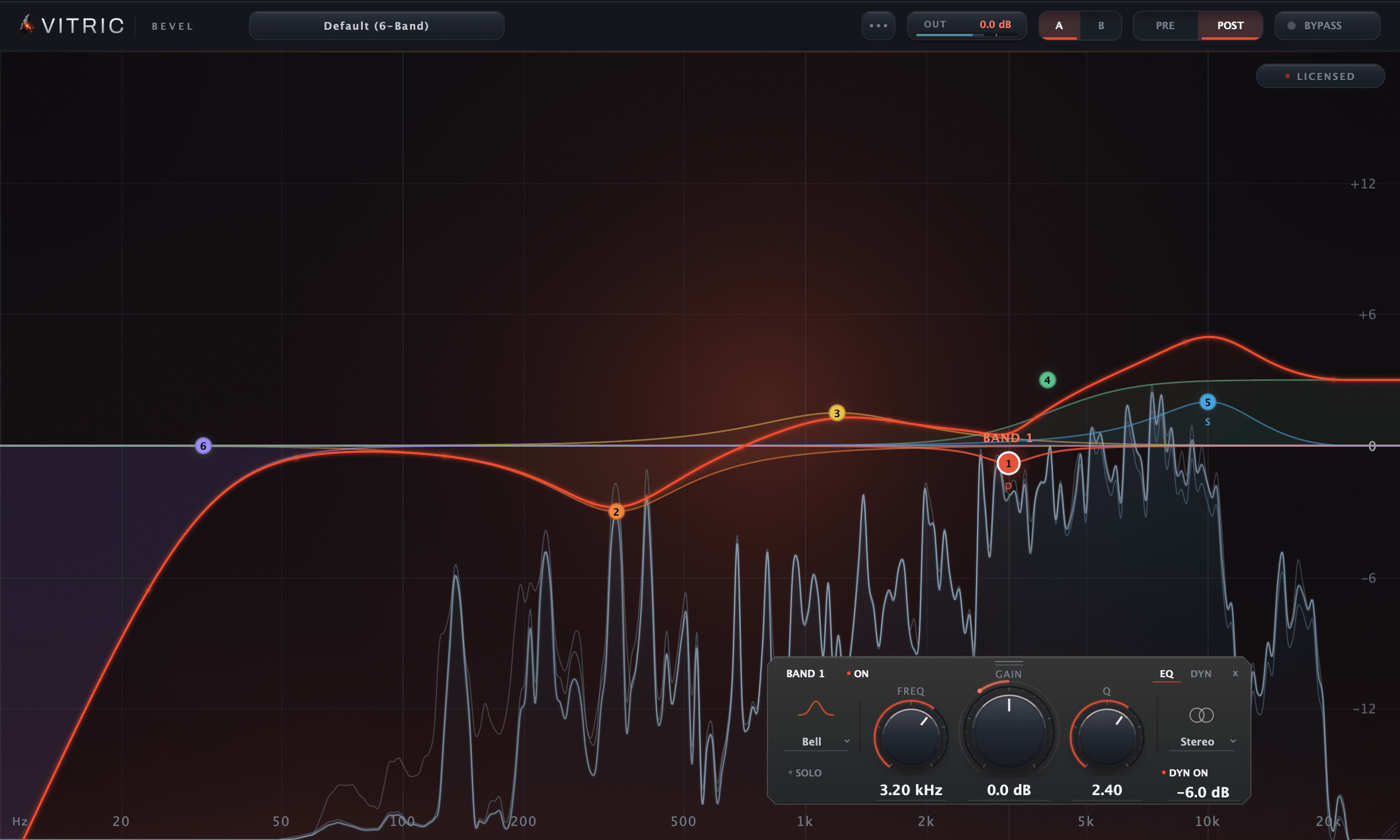
Bevel EQ
$9Regular price $30
Parametric EQ
A 24-band parametric EQ with dynamic bands, each placed in stereo, left, right, mid or side.
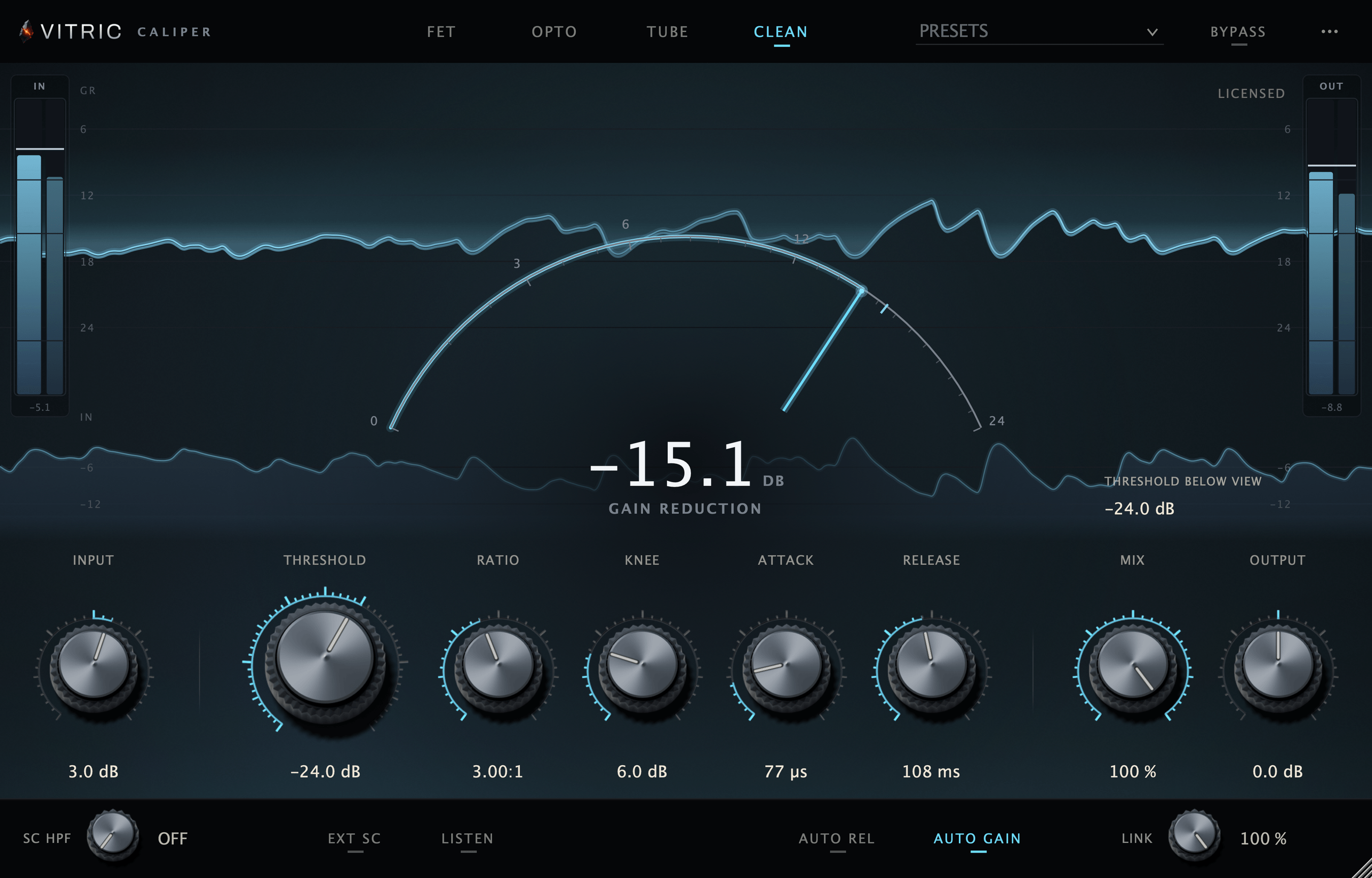
Caliper Compressor
$39Regular price $80
Character Compressor
FET, Opto, Tube and Clean compression in one window, with parallel mix and a sidechain.
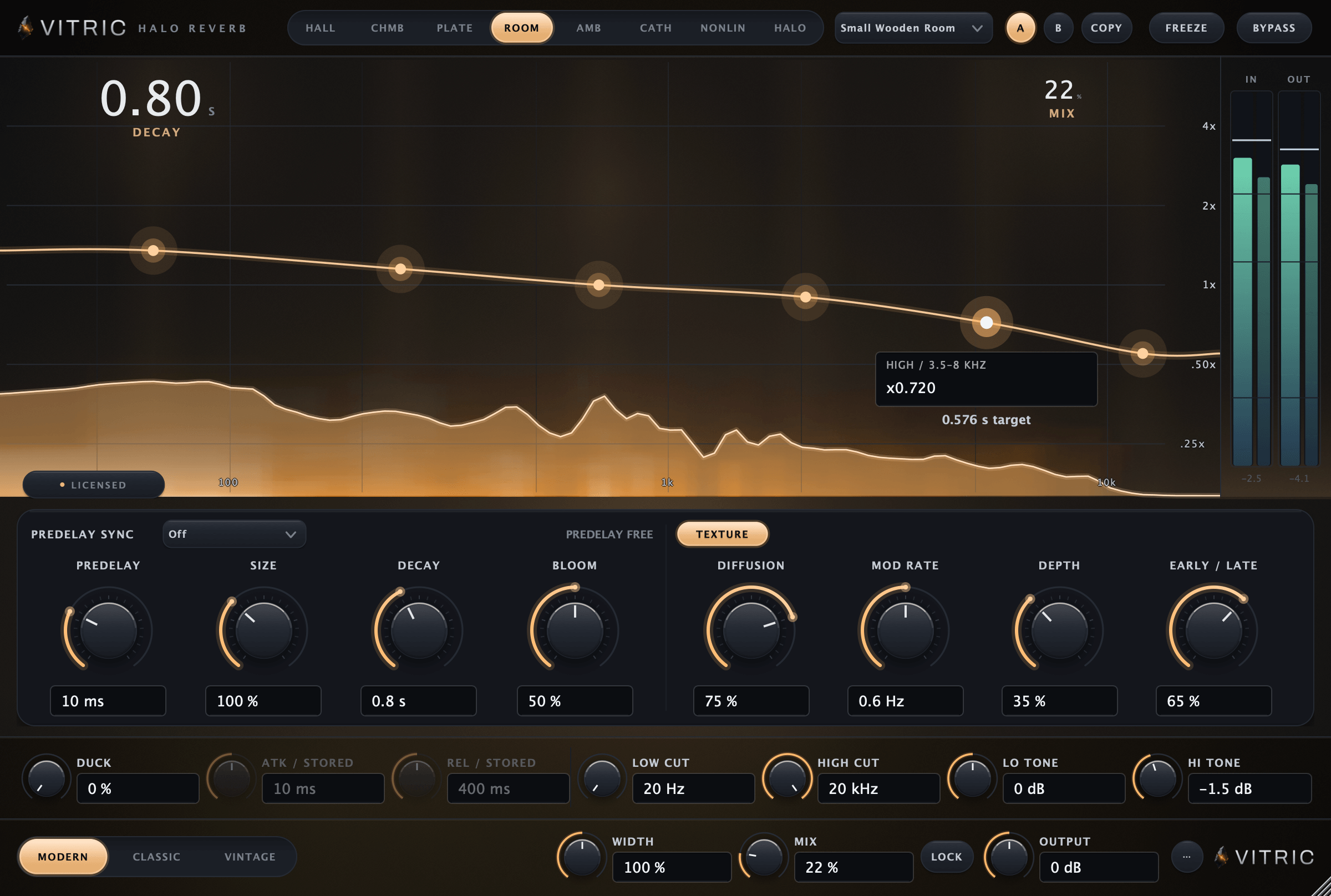
Halo Reverb
$29Regular price $45
Algorithmic Reverb
Eight spaces around your sound, from close rooms to long pitched tails, with decay set across six bands.