How loud should a master be for streaming? LUFS targets explained
Understand integrated LUFS, true peak and streaming normalization. Compare playback targets, leave peak headroom and choose loudness that suits the track.
A streaming master should have the dynamics you want and enough peak headroom for delivery. There is no single LUFS number that makes every song ready. Playback normalization can turn a loud master down, but it cannot restore the drum attacks or quiet details changed during mastering.
What does integrated LUFS measure?
LUFS means Loudness Units relative to Full Scale. Integrated LUFS measures loudness over the whole program using frequency weighting and gates that exclude silence and very quiet passages. It describes overall loudness more usefully than the height of the single highest sample.
Less negative is louder: -9 LUFS is louder than -14 LUFS. For a fixed measurement window, a 1 dB gain change normally produces a 1 LU loudness change. Very quiet material can cross a meter's gate after gain changes, so remeasure rather than relying only on arithmetic.
Measure the complete export from start to finish. A loud eight-bar chorus does not give the integrated reading for a song with a quiet verse. Short-term loudness, measured over three seconds, helps show how the sections differ. A track can have a reasonable integrated reading and still have a chorus that feels flattened or a verse that disappears.
How is true peak different from LUFS?
True peak estimates the highest level of the reconstructed waveform, including peaks between stored samples. It is expressed in dBTP. A sample-peak meter can stay below 0 dBFS while the reconstructed waveform exceeds full scale.
LUFS describes loudness; true peak checks the brief highest excursions. Two masters can both measure -14 LUFS but have very different peak levels. A sparse drum track with tall transients can run out of peak headroom before a dense pad track reaches the same loudness.
The loudness meter measures integrated LUFS and true peak together. Read both, then listen. Neither tells you whether the bass is balanced, the vocal is clear or the snare has kept its impact.
What targets do Spotify, YouTube and Apple Music use?
Separate a playback reference from a delivery requirement. The figures below follow the distinctions in our loudness normalizer: Spotify documents its default normalized playback level; the commonly quoted YouTube and Apple Music numbers are estimates, not published exact music playback specifications.
| Service | Playback reference | How to read the number |
|---|---|---|
| Spotify | -14 LUFS | Documented default (Normal); Loud is -11 LUFS and Quiet is -19 LUFS. Spotify says its web player and third-party devices do not normalize |
| YouTube | About -14 LUFS | A commonly quoted estimate, not an exact published music delivery target |
| Apple Music | About -16 LUFS | A commonly quoted Sound Check estimate, not an exact published music delivery target |
Spotify's own guidance for artists asks for masters below -1 dBTP, and below -2 dBTP if the master is louder than -14 LUFS integrated, because lossy encoding adds peaks.
With normalization active, a service can reduce the playback gain of a master above its reference level. Actual behavior depends on the service, device, playback mode and listener settings. Do not assume every quiet master will be raised, or that every playback path applies normalization at all.
These numbers are useful for checking how a master feels when its level advantage is removed. They are not a reason to export three differently compressed versions of the same track. Check current platform and distributor guidance before delivery, particularly if a release has specific requirements.
What happens when a loud master is turned down?
Suppose a master measures -8 LUFS integrated and peaks at -1 dBTP. A simple gain adjustment to -14 LUFS turns it down by 6 dB, placing its peaks around -7 dBTP. The relationship between the peaks and the rest of the music stays the same.
Compare that with a less limited version measuring -14 LUFS and -1 dBTP. Both have the same integrated loudness, but the less limited one has room for taller transients. That does not prove it sounds better: the denser version may suit the production. It means extra limiting no longer guarantees a louder playback result.
Normalization does not reverse distortion, pumping or softened attacks. Those remain in the audio after it gets quieter. Compare versions at the same perceived level and listen for the kick, snare and vocal movement, not just the meter reading.
Why start with a -1 dBTP ceiling?
A -1 dBTP ceiling leaves a margin below full scale for playback and conversion. Lossy encoding can change the waveform and increase reconstructed peaks. Leaving headroom reduces the chance of those peaks exceeding full scale; it does not certify that every later encode will stay below it.
Use a true-peak limiter when you need peak control, and measure the final exported file. A limiter set to -1 dB on a sample-peak output control is not necessarily enforcing -1 dBTP. Processing after the limiter can change peaks too, even if the limiter itself stayed under its ceiling.
For a dense, loud master, audition a lower ceiling such as -2 dBTP when delivery guidance or an encoded-file check calls for it. If you make an AAC or MP3 version, decode and measure that version as well as the WAV. Headroom is a margin, not a way to repair clipping already printed into the mix.
Should you normalize or limit?
Normalize when the dynamics already sound right and only the overall level needs to move. A single gain change preserves the relationship between samples and channels. It can turn a loud track down without reshaping individual transients.
Turning a quiet track up is limited by its peaks. A -20 LUFS file needs about 6 dB of gain to reach -14 LUFS. If its peak is already -3 dBTP, only 2 dB fits below a -1 dBTP ceiling before allowing any extra safety margin. The dynamics cannot stay identical while adding the full 6 dB under that ceiling.
Our LUFS normalizer applies one gain change and gives the peak ceiling priority, with an additional 0.2 dB margin. In that example it adds 1.8 dB, landing around -18.2 LUFS, then measures the result again. It reports the shortfall instead of compressing or limiting the file to force the target.
If you want more density, use compression or limiting as an audible decision. If one stray hit consumes the headroom, an edit in the mix may be enough. Do not reshape the whole song just to make a number line up.
When is loudness a creative choice?
A clipped drum texture, a sustained bass line or a tightly controlled chorus can be part of the record's sound. A master around -9 LUFS may be an intentional choice for a dense track. It is not a genre requirement, and a sparse arrangement may lose more than it gains trying to reach it.
Make two versions with different amounts of peak control, then turn the louder one down for comparison. Keep the denser version if its sustain and texture serve the song. Keep more dynamics if the groove depends on space around the hits. The useful question is what the processing adds to the music at equal loudness.
Where do Caliper and Harmonic fit?
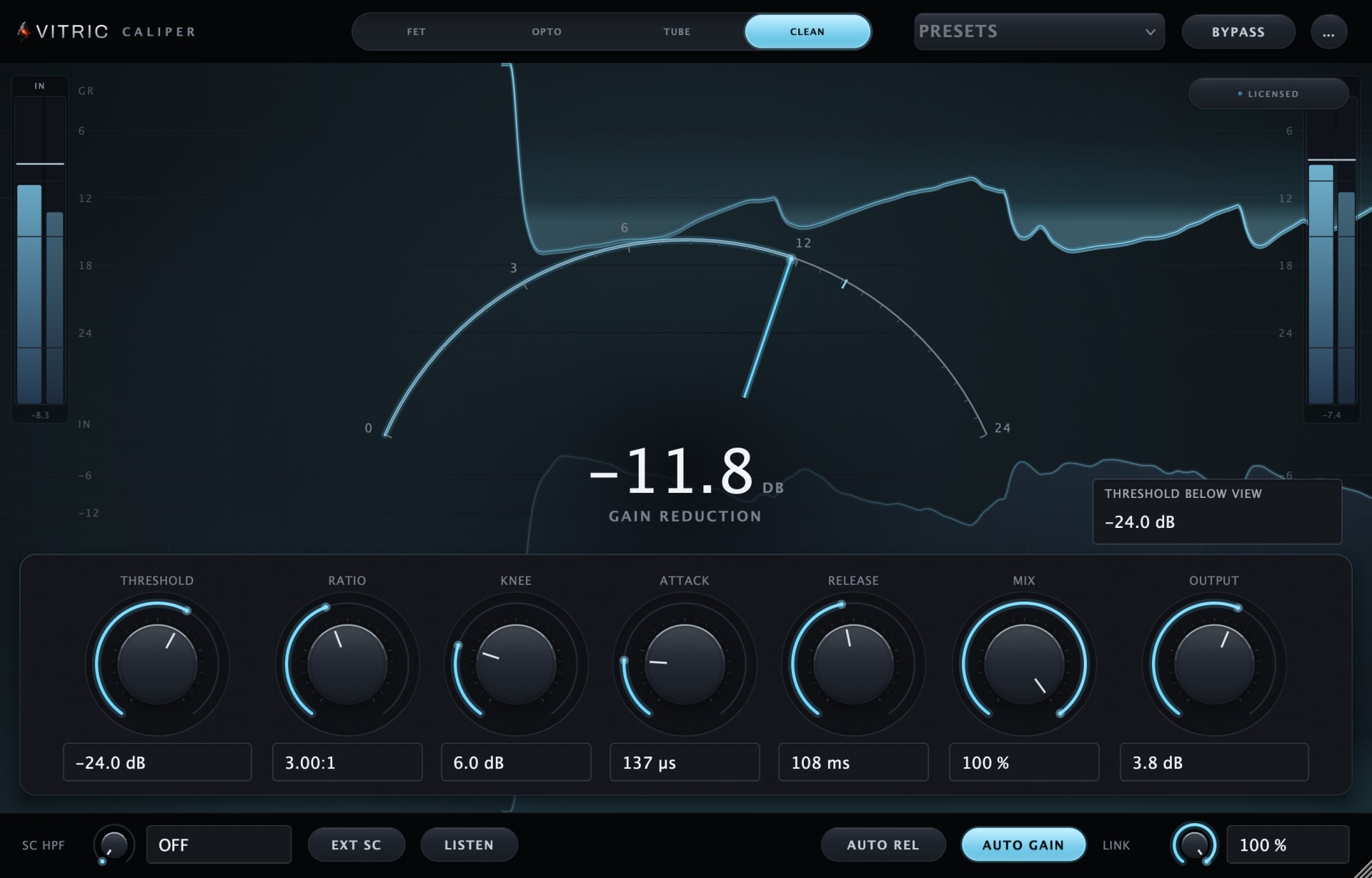
Caliper Compressor offers FET, Opto, Tube and Clean modes. Clean provides threshold, ratio, knee and adjustable timing for shaping bus movement. Try a moderate ratio and a small amount of gain reduction if the whole mix needs steadier dynamics, then match the output level to bypass.
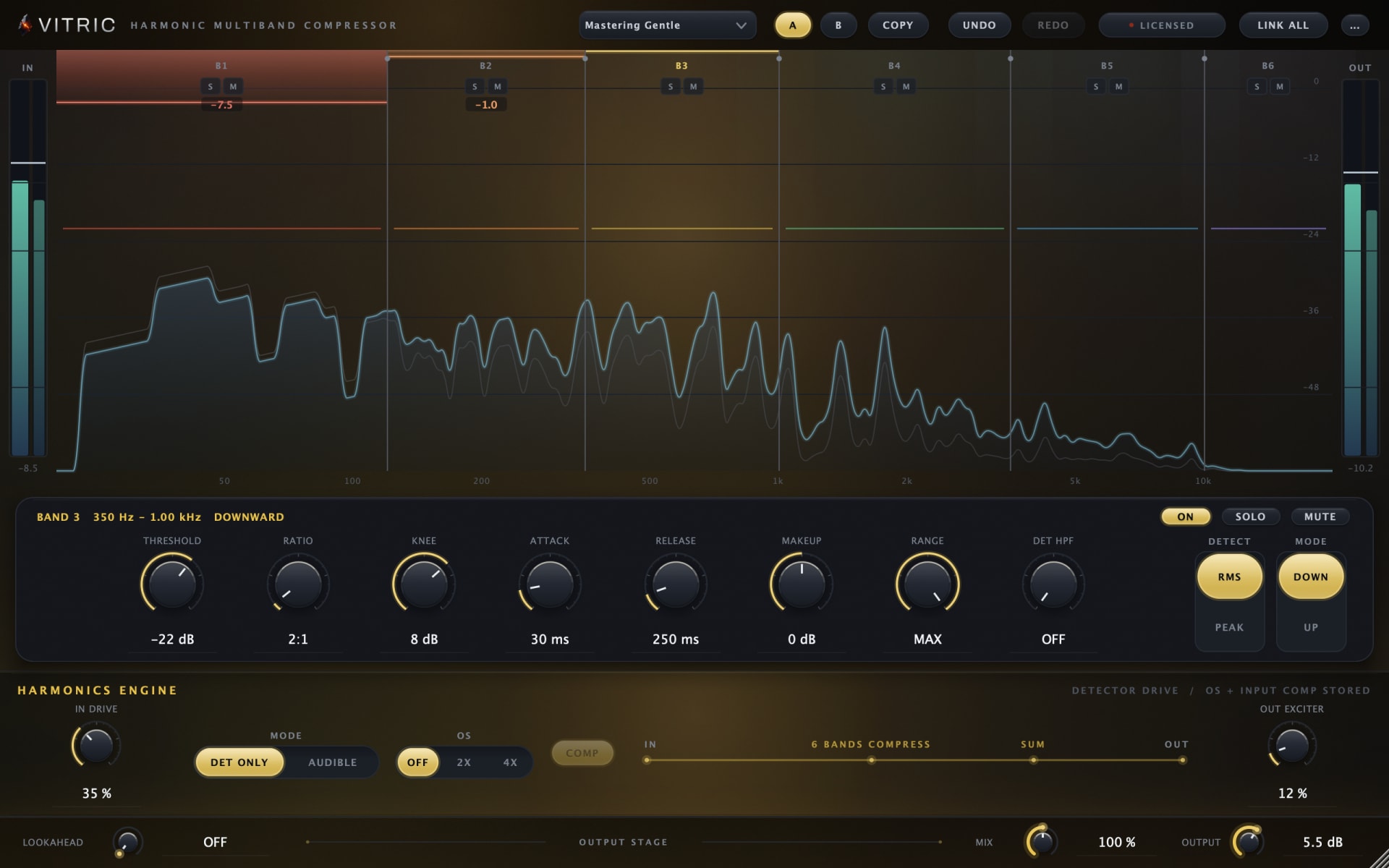
Harmonic Multiband Compressor has six bands with independent dynamics. It can address a bass region that swells without applying the same reduction to the vocal and cymbals. Use it for that specific balance problem, then listen to all bands together. Neither compressor is a substitute for checking the final true-peak ceiling.
The mastering page connects these stages with the measurement tools. Once the tone and dynamics work, export the complete track, measure it again, and listen to the file you will actually deliver.