What is a VST plugin? VST, VST3, AU and AAX explained, and which one your DAW uses
A plugin is software that runs inside your DAW to add an instrument or an effect, and VST is Steinberg's standard for them. VST3 is the current version; Apple's DAWs use Audio Units (AU) instead, and Pro Tools uses AAX. Here is what each format is, which one your DAW loads, and where plugins install.
A plugin is a piece of software that runs inside your DAW (digital audio workstation) to add an instrument or an effect. The DAW is the host: it loads the plugin onto a track, sends it audio or MIDI, and saves its settings with your project. VST, short for Virtual Studio Technology, is the plugin standard Steinberg introduced in 1996, and VST3 is its current version. A VST plugin is a synth, sampler, EQ, compressor, reverb or other tool built to that standard, so it runs in DAWs that host that VST version on your computer. Apple's own DAWs use a different format, Audio Units (AU), and Pro Tools uses Avid's AAX.
What does a plugin do?
- Instruments generate audio, usually from MIDI notes: synths, samplers, drum machines. In VST terms these are VST instruments, sometimes written VSTi.
- Effects process audio that is already on a track: EQ, compression, saturation, reverb, delay and pitch correction.
- MIDI effects change notes before they reach an instrument, for example to transpose or arpeggiate them.
- Analyzers and utilities measure the audio: meters, tuners and spectrum analyzers.
You load instruments on an instrument (MIDI) track, and effects in a track's insert slots or on a return (aux) track fed by a send.
Plugin formats: VST3, AU and AAX
VST, VST2 and VST3
Steinberg released the VST specification in 1996 with Cubase 3.02, which came with the first VST plugins. VST 2.0 arrived in 1999 and let plugins receive MIDI, which made VST instruments possible. VST 3.0 followed in 2008. Steinberg stopped maintaining the VST2 developer kit in September 2013 and stopped distributing it that December, and its licensing page now says only developers who signed the VST2 license agreement before October 2018 may distribute VST2 plugins; other makers release VST3 instead. In October 2025, with VST 3.8.0, Steinberg moved the VST3 developer kit to the open-source MIT license. People often say "VST" loosely for any plugin.
What is the difference between VST and VST3?
VST3 is a rework of the standard, not compatible with VST2 plugins, so a DAW has to support each version separately. Steinberg lists these among its benefits:
- Plugins can skip processing while no audio reaches their inputs, which saves CPU.
- Inputs and outputs that are not fixed in number, which makes sidechain inputs easy.
- Sample-accurate automation.
- Resizable plugin windows.
- Note Expression, which carries articulation for each note of a chord, beyond MIDI controllers.
On disk the two look different too. Older VST2 plugins on Windows often arrive as .dll files in a folder you choose, while a VST3 plugin has the .vst3 extension and installs in a fixed folder. On a Mac a VST3 plugin is a bundle (a folder that looks like one file). On Windows it is a folder whose name ends in .vst3, or, for plugins built with older developer kits, a single .vst3 file.
What is AU (Audio Units)?
Audio Units are Apple's plugin architecture, built into Core Audio on macOS and iOS. Apple's apps use them, including Logic Pro, GarageBand, MainStage and Final Cut Pro, and Mac DAWs such as Ableton Live and FL Studio load them too. Logic does not load VST3 or AAX plugins, so on a Mac you install the AU version for Logic and GarageBand. AU is not available on Windows.
What is AAX?
AAX, short for Avid Audio eXtension, is the plugin format for Avid's Pro Tools, introduced with Pro Tools 10 in 2011. AAX Native runs on your computer's processor and replaced the older RTAS format; AAX DSP runs on Avid's DSP hardware, such as HDX, and replaced TDM. Since Pro Tools 11, plugins have to be 64-bit AAX.
CLAP, LV2 and other formats
Other formats exist. CLAP (CLever Audio Plug-in) is a newer open format from Bitwig and others, and FL Studio loads it; LV2 is common on Linux. Moving a plugin file into another format's folder does not convert it: install the format your DAW uses.
Which plugin format does your DAW use?
| DAW | Formats it loads |
|---|---|
| FL Studio | VST2, VST3 and CLAP; on Mac also AU |
| Ableton Live | VST2 and VST3 on Windows and Mac; AU on Mac |
| Logic Pro | AU only |
| GarageBand | AU only |
| Pro Tools | AAX |
In GarageBand, third-party AU plugins appear only when Enable Audio Units is on, under GarageBand, Settings, Audio/MIDI.
Where do plugins install?
Most installers put plugins in shared system folders that compatible DAWs scan. These are the standard ones, and the ones Vitric's installers use:
- VST3, Windows:
C:\Program Files\Common Files\VST3 - VST3, Mac:
/Library/Audio/Plug-Ins/VST3 - AU, Mac:
/Library/Audio/Plug-Ins/Components - AAX, Windows:
C:\Program Files\Common Files\Avid\Audio\Plug-Ins - AAX, Mac:
/Library/Application Support/Avid/Audio/Plug-Ins
Some installers on a Mac use the same folders in your user Library instead, such as ~/Library/Audio/Plug-Ins/VST3 and ~/Library/Audio/Plug-Ins/Components. If a plugin does not show up, common causes are the wrong format for your DAW, a folder your DAW does not scan, or a plugin list that needs a rescan. The step-by-step guides cover each DAW: FL Studio, Ableton Live and Logic Pro.
VST vs VST3 vs AU vs AAX: which should you install?
Install the format your DAW loads. A plugin normally sounds the same in every format, but a few features can depend on the format and the DAW, such as sidechain inputs, so check the maker's notes. If you work on both Windows and Mac, use VST3 where both computers can, because an AU instance saved on a Mac will not open on Windows. Use VST2 versions for older plugins that never got a VST3 build, and keep a VST2 version installed if old projects use it, unless its maker says the VST3 version takes over those projects. On an Apple Silicon Mac, run your DAW natively first; for an older Intel-only plugin, check its maker's guidance rather than switching the whole DAW to Rosetta.
Plugins and your computer
Every plugin uses some of your computer's processing power, so a big session with many plugins can run out of headroom on an older machine. Some plugins also add delay: lookahead and oversampling need a little time. Each plugin reports its delay to the DAW, which lines the other tracks up to match, as the guide to plugin latency explains.
Vitric plugin formats
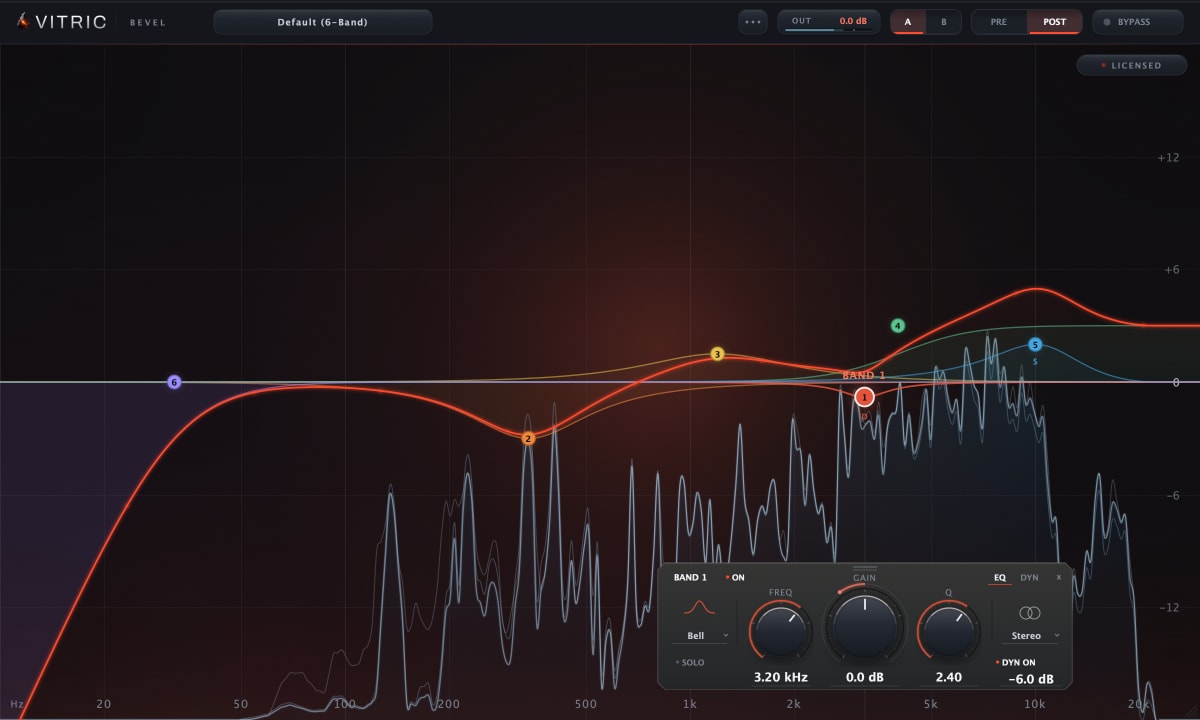
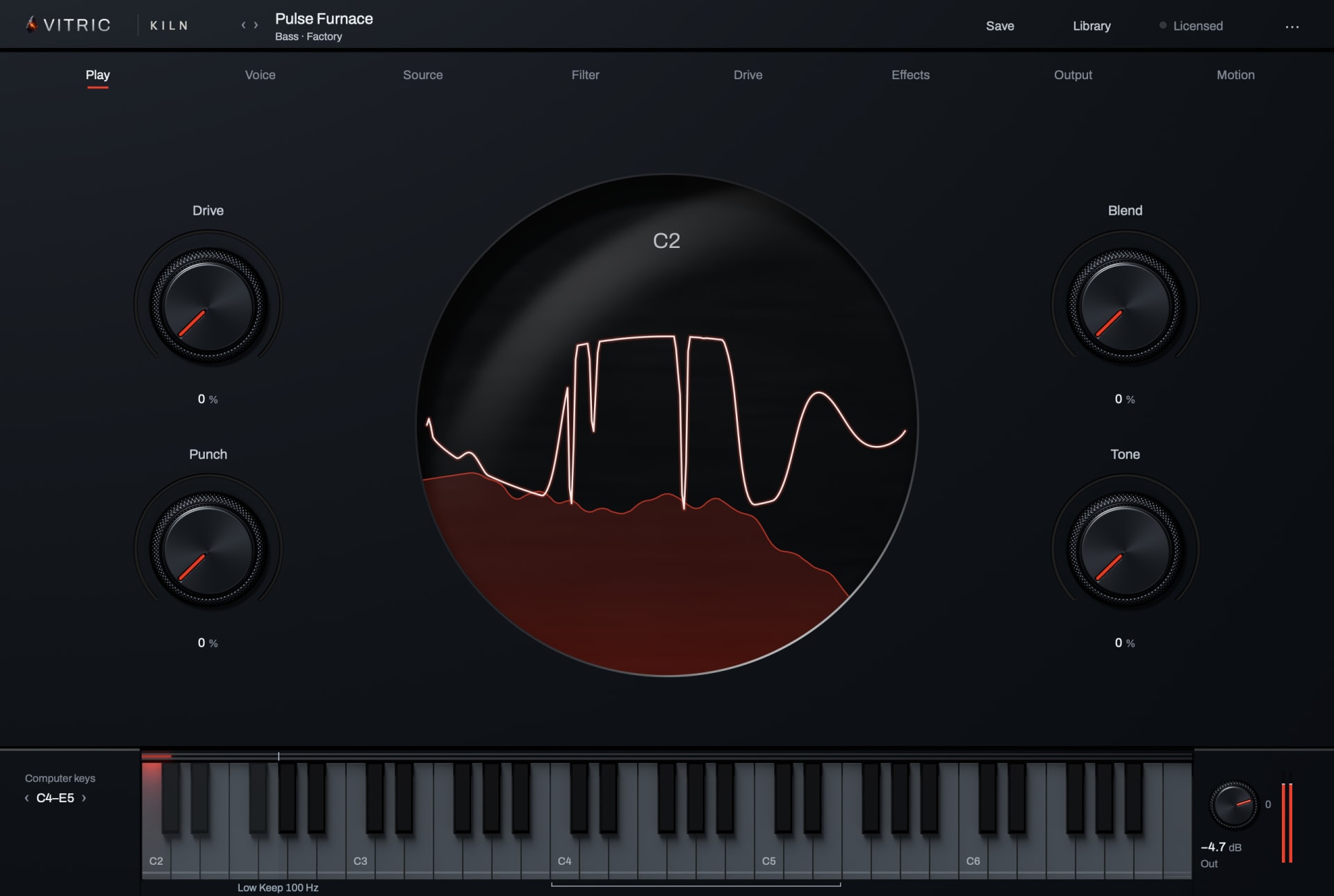
Every Vitric plugin installs VST3 and AAX on macOS and Windows, plus AU on macOS. It needs Windows 10 or later (64-bit), or macOS 10.15 or later on Intel or 11 or later on Apple Silicon. For example, Bevel EQ and Kiln Synthesizer both run as VST3 in FL Studio and Ableton Live, as AU in Logic Pro and as AAX in Pro Tools. Every released Vitric plugin has a free 3-day trial with every feature available.
Questions
What does VST stand for?
Virtual Studio Technology, Steinberg's plugin standard, introduced in 1996.
Is VST2 still supported?
Many DAWs still load VST2 plugins, but Steinberg ended VST2 maintenance in 2013, and only plugin makers who signed a VST2 license before October 2018 may still release VST2 versions; other makers release VST3. Vitric ships VST3, AU and AAX.
What is the difference between VST and AU?
VST is Steinberg's cross-platform standard; AU is Apple's, built into macOS and iOS. Logic Pro and GarageBand load only AU, while Ableton Live and FL Studio on a Mac load both.
What is the difference between AAX and VST?
AAX is Avid's format and the one Pro Tools loads; VST and AU are for other DAWs.
Do VST plugins work on Mac?
Yes, in DAWs that host VST on macOS, such as FL Studio and Ableton Live. Logic Pro and GarageBand need the AU version.