How to mix a song: a step-by-step order for your first mixes
Mixing turns a set of recorded tracks into one balanced stereo file. Work in this order: prepare, pick a reference, balance with faders, clean up with EQ, control dynamics, add space, ride the levels, then check and export.
Mixing turns a set of recorded tracks into one balanced stereo file: every part audible, the important ones in front, nothing harsh, muddy or clipping. There is no single correct order, but a fixed one helps on your first mixes, because each step makes the next one easier and you stop fixing the same problem three times.
1. Prepare the session
Name and color the tracks, group them (drums, bass, music, vocals), and delete or mute anything that will not be in the song. Then set each track's level with clip gain or a trim so the peaks sit well below 0 dBFS on every track and on the master. Sound On Sound lists poor gain staging among the five biggest mixing mistakes.
2. Pick a reference
Choose a few released songs in the same genre and put them in the session on their own track, turned down to the loudness of your mix. Compare often: where the vocal sits, how big the low end is, how bright the top is. A released master is usually louder than a mix in progress, so compare at matched loudness, or the louder reference will always sound better.
3. Balance with faders and pan
Before any plugin, make the best mix you can with faders and pan alone. Start with the most important part, usually the vocal or the kick and bass, and bring the rest in around it. A good static balance needs less EQ later, and every later decision depends on it.
4. Clean up with EQ
Cut what gets in the way before shaping tone. High-pass tracks that have no reason to carry low end, cut mud where several parts pile up, and remove ringing resonances. Mike Senior's advice in Sound On Sound is to make corrective cuts before the compressor, so it does not react to the problem. The EQ frequency chart shows where each band and instrument lives, and the guides on parametric EQ and EQ starting points give the settings.
5. Control the dynamics
Compress the parts whose level jumps around: vocals, bass, drums. Go gently. Sound On Sound advises caution as gain reduction nears double digits, and no compression or limiting on the mix bus while you are learning. Start with vocal compression, choose a character with FET, opto or tube, and use sidechain compression when the kick and bass fight. Mike Senior usually puts tonal EQ after the compressor. For harsh esses, a de-esser works better than a static cut.
6. Get the low end right
Kick and bass decide whether a mix works on a big system. Make sure the bass or 808 is in the song's key (how to tune an 808), give the kick and the bass their own frequency or their own moment, and keep the lowest end in mono. The 808 guide covers mixing a sub that carries the melody.
7. Add space: reverb and delay
Put reverb and delay on send tracks so several parts can share them. Time them to the song with the delay calculator and the reverb calculator. Sound On Sound's tip for depth: cut the high frequencies on reverbs and delays, so the effect sits behind the dry sound instead of on top of it. The guides to reverb and types of delay explain which kind suits which part.
8. Add color, carefully
Saturation adds harmonics that make a part denser and easier to hear on small speakers. Use it where a part needs more presence, not on everything. See what a saturator does and whether it goes before or after compression.
9. Ride the levels
Automate the faders. A word that drops out, a chorus that should lift, a guitar that is too loud in one section: a fader move fixes each of these more transparently than more compression. Automate in sections first, then single words if they still need it.
10. Check the mix
- In mono. Parts that vanish or thin out in mono have phase problems or too much stereo widening.
- At a quiet and a loud level. The ear's sense of bass changes with volume, as the human hearing range guide shows.
- On small speakers and headphones. If the bass disappears on a phone, it needs more harmonics.
- On an analyzer. Sound On Sound recommends one when you mix on headphones or on less-than-perfect monitoring; here is how to read one.
- After a break. Fresh ears hear what tired ones have stopped noticing.
11. Export for mastering
Take any limiter off the mix bus, make sure the master peaks below about -3 dBFS in the loudest part, and export a WAV at the session's sample rate, at 24-bit or 32-bit float with no dither (the dither guide explains why). Mastering then sets the final loudness and true peak: see LUFS targets for streaming, true peak and what a limiter does.
Numbers to start from
| Step | Starting point |
|---|---|
| Track peaks | Well below 0 dBFS |
| Mix bus peaks | Below about -3 dBFS in the loudest part |
| Vocal compression | 3:1, 15 ms attack, 100 ms release, 3 to 6 dB of gain reduction |
| Any compressor | Gain reduction in single digits |
| Mix bus while learning | No compressor, no limiter |
| Reference tracks | Matched to your mix's loudness |
| Finished master | True peak at or below -1 dBTP (-2 dBTP if louder than -14 LUFS) |
Vitric plugins for each step
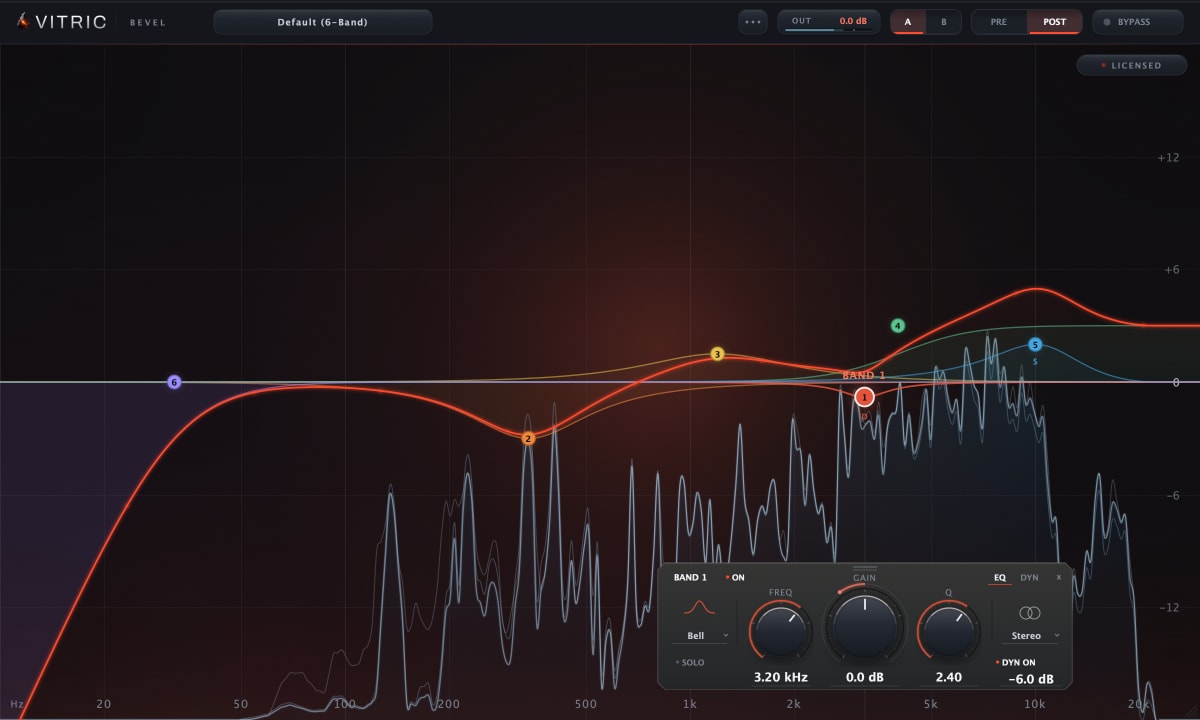
- Bevel EQ: a 24-band dynamic EQ with bells, shelves, Mid/Side processing and a pre/post analyzer, for cleanup and tone.
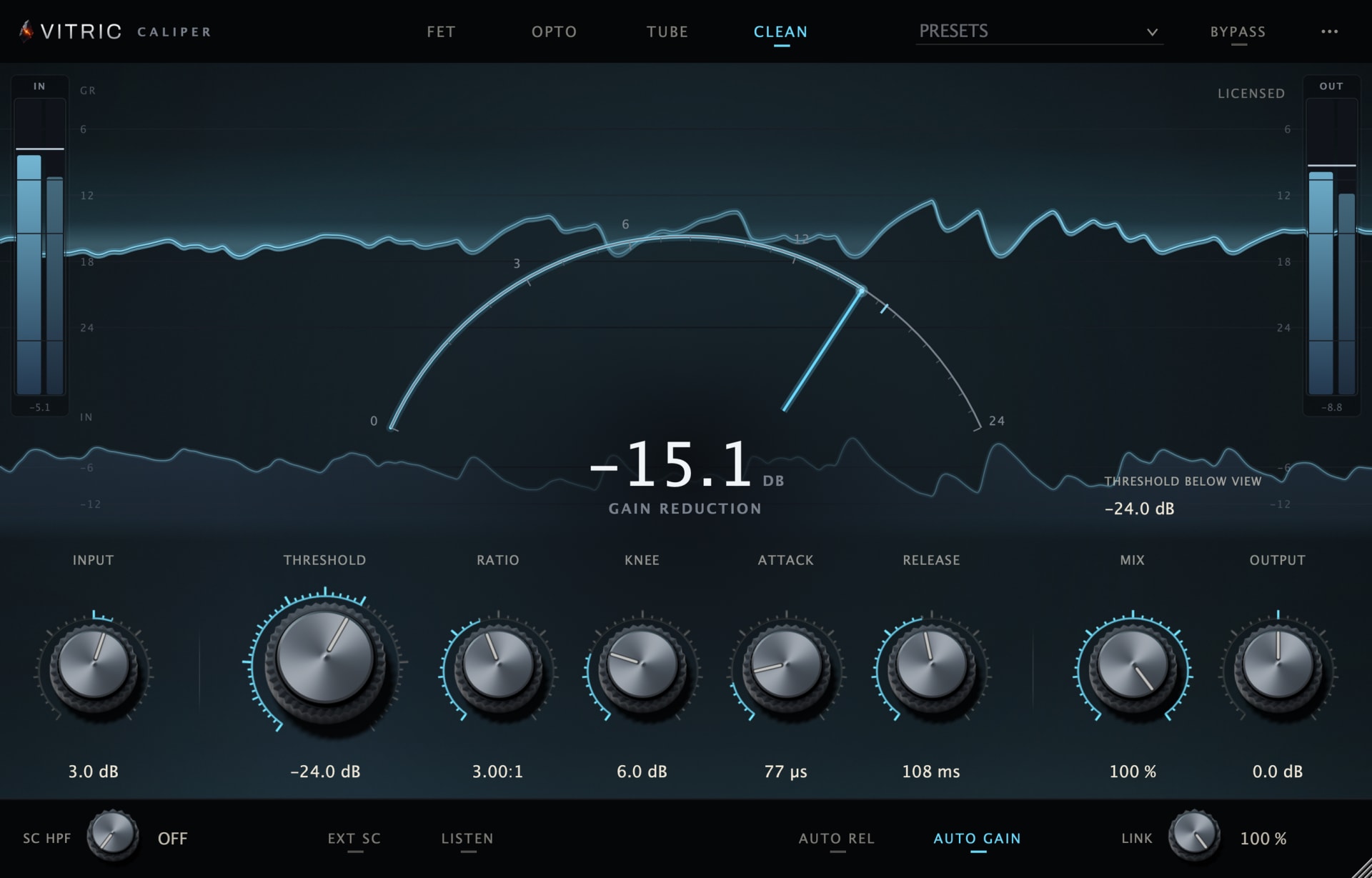
- Caliper Compressor: a FET compressor with three more characters, Opto, Tube and Clean, plus parallel mix and sidechain controls.
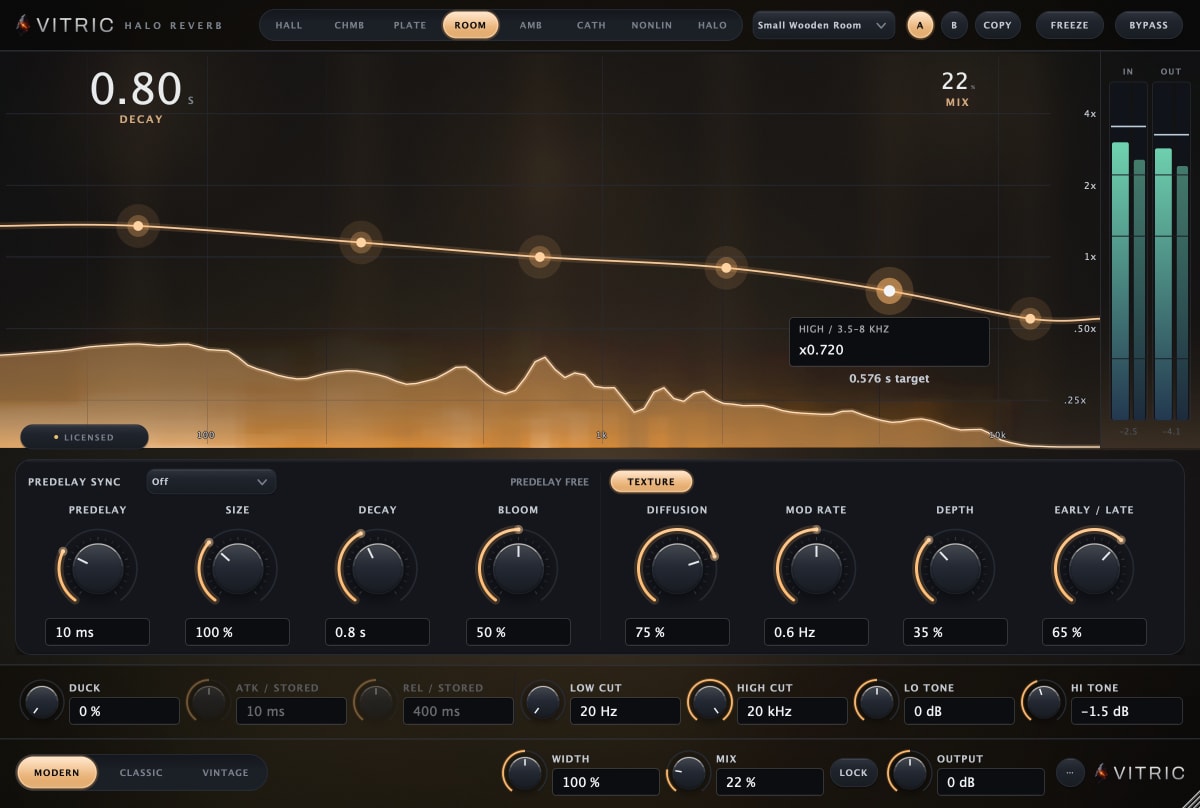
- Halo Reverb: an algorithmic reverb with decay shaped across six bands and ducking to keep the dry performance clear.
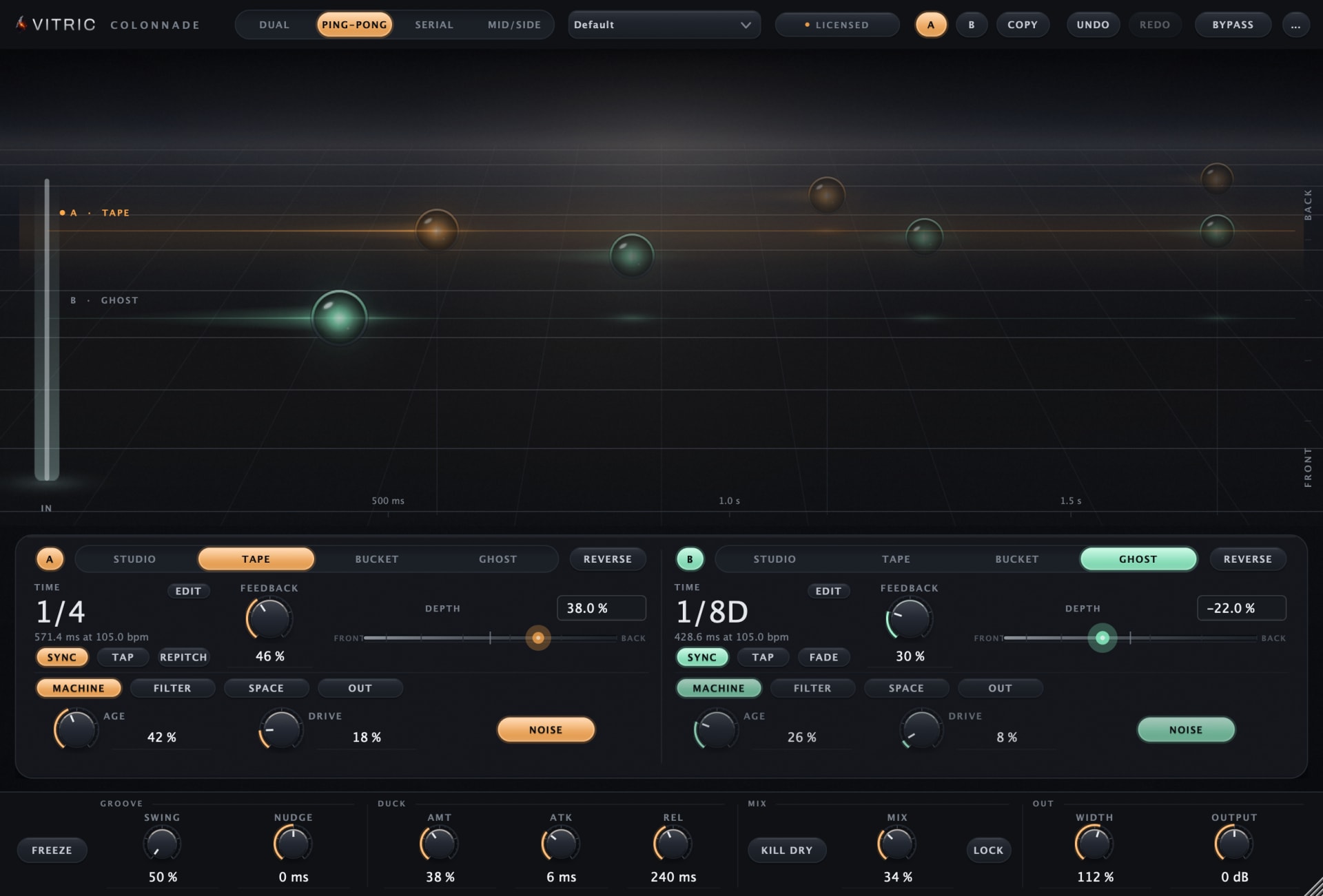
- Colonnade Delay: two delay engines in one insert, each Studio, Tape, Bucket or Ghost, routed in parallel, ping-pong, serial or Mid/Side.
Questions
What is the right order to mix a song?
A common order: prepare and gain-stage, balance with faders and pan, clean up with EQ, compress, add reverb and delay, automate, then check and export. Experienced engineers move back and forth, but most start from a balance.
Should EQ go before or after compression?
Both, for different jobs. Corrective cuts go before the compressor so it does not react to the problem; Mike Senior usually puts tonal EQ after it. Mike Senior's own caveat: there are no hard and fast rules.
How loud should my mix be before mastering?
Loud enough to judge, with the master peaking below about -3 dBFS and no limiter on the mix bus. Loudness is set in mastering.
How long does mixing a song take?
It varies with the song and the mixer. On a first mix, finish one pass of every step, take a break, then make a second pass instead of perfecting step 4 for a day.