What is sibilance? Why esses turn harsh, and how to tame them
Sibilance is the hiss of s, sh and z sounds in a voice. It becomes a problem when those sounds jump out of the mix. Here is where it comes from and how to tame it without a lisp.
Sibilance is the hissing part of speech: the sounds of s, z, sh and the s in measure, plus the start of ch and j. In phonetics these are the sibilants, consonants made by pushing air through a narrow gap against the teeth. Every clear vocal has them. In a mix, sibilance means those sounds are too loud or too sharp, so each ess jumps out of the track and stings on headphones.
Where sibilance sits in the spectrum
Sibilants are mostly noise, not pitch: a burst of energy high in the spectrum. For many voices the harsh part of an s sits somewhere between about 5 and 9 kHz, and sh sounds sit lower, nearer 3 to 5 kHz. Those are starting ranges, not rules. The exact band moves with the singer, the microphone and the distance, which is why a fixed frequency from a preset is only ever a place to begin listening.
To find it, loop a phrase with several esses, solo the vocal and listen for the band that spikes on every s. A narrow EQ boost swept slowly through the top octaves makes it obvious; remove the boost once you have found it. A de-esser that lets you audition its detection band does the same job without touching the sound.
Why recordings make esses harsh
- The microphone. Many vocal condensers have a presence rise in the upper treble, exactly where sibilance lives, and singing straight into the capsule from close up exaggerates it.
- Compression. A compressor turns the louder vowels down more than the quieter consonants, so after compression the esses are louder relative to the rest of the vocal.
- Brightening EQ and saturation. An air shelf or a presence boost lifts the esses along with the detail, and saturation adds even more upper harmonics to an already bright sound.
- Stacking. Doubles and backing vocals rarely land their esses at the same instant, so a stack can sound like a row of hisses.
How to fix it, from the cheapest move up
1. At the microphone
Angling the mic slightly off axis, so the singer is not pointing the esses straight at the capsule, often softens them more than any plugin can. A pop filter helps with plosives such as p and b, but does little for sibilance.
2. Clip gain on the worst words
For a handful of problem syllables, drawing a few dB of clip gain under each one is precise and completely transparent. It does not scale to a full vocal, which is where a de-esser comes in.
3. A de-esser
A de-esser listens to the sibilance band and turns it down only while an ess is present. Two kinds are common: a split-band de-esser reduces just the high band, and a wideband one ducks the whole signal for the length of the ess. Split-band is the usual choice on a lead vocal. Wideband can sound more natural on some voices, because it changes the level of the ess without changing its tone.
The controls that matter most are where it listens (the band), how much it takes (amount or threshold) and a cap on the reduction (range). A vocal also changes level from line to line, so a threshold fixed for the verse can miss the chorus or crush the quiet lines. Some de-essers, including Chamfer, offer a threshold that follows the performance level for exactly that reason.
4. A dynamic EQ band
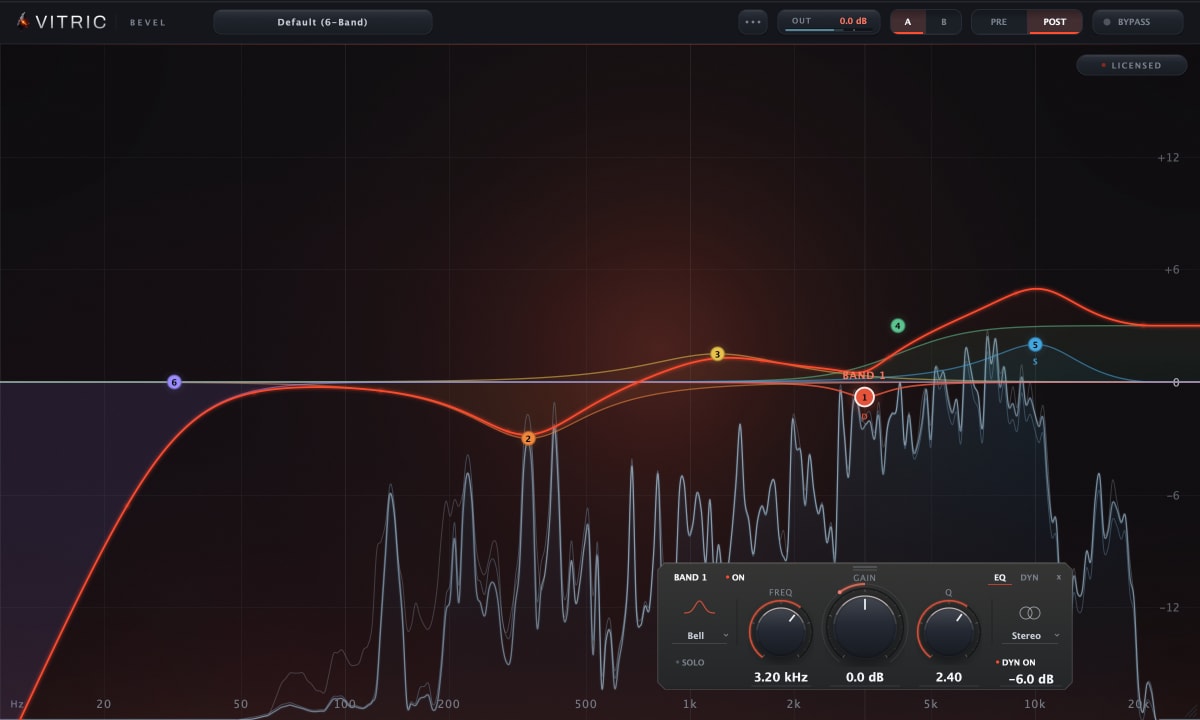
A dynamic EQ bell placed on the sibilance band behaves much like a split-band de-esser, with full control of the filter's shape and width. It is a good choice when the harshness is one narrow ringing spot rather than a broad hiss. The trade-offs are covered in dynamic EQ vs multiband compression.
How to de-ess without a lisp
- Listen to what is being removed. If the removed signal contains whole words or the body of the voice, the band is too wide or too low.
- Cap the reduction. A few dB is often enough. When an s starts to sound like a th, back off.
- Check in context. Sibilance that stings in solo can be right in the full mix, and the reverse. Judge at the level the song will be played.
- Mind the order. De-essing before the compressor stops the compressor from reacting to the esses; a second, gentle pass after the brightening EQ catches what the EQ brought back.
- Treat the stack, not just the lead. A de-esser on the backing-vocal bus often cleans up a hissy stack in one go.
De-essing with Chamfer
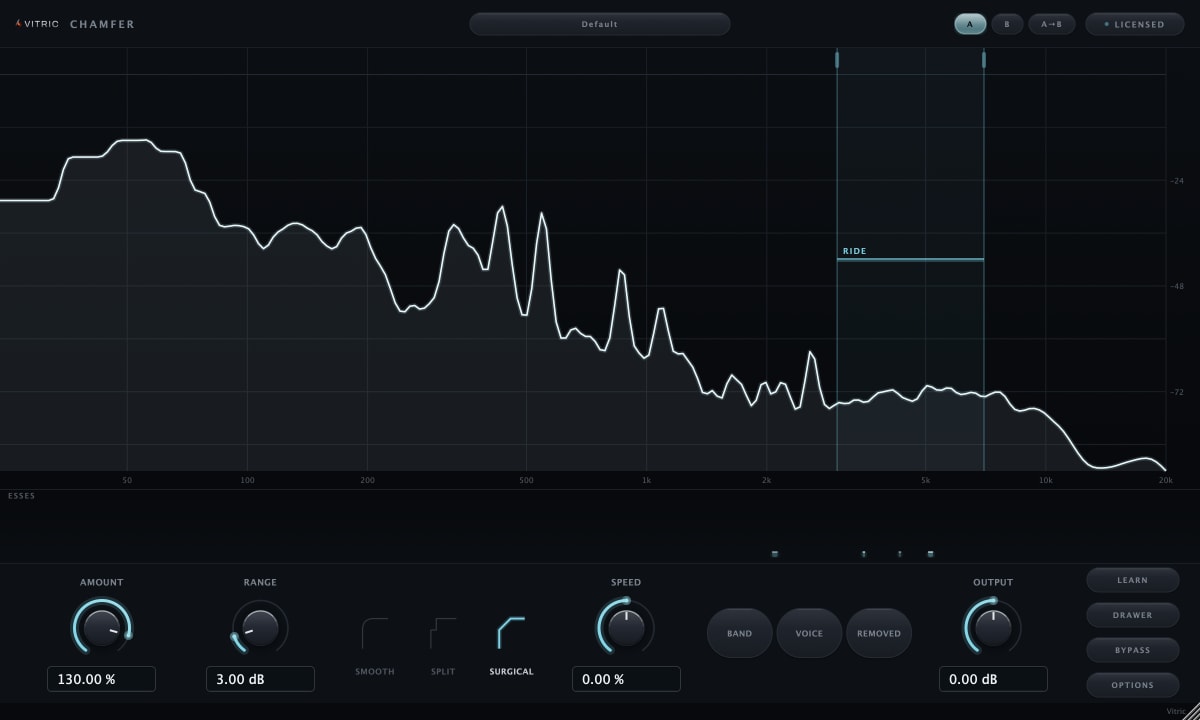
Chamfer is built around these steps. Play a representative phrase and press LEARN to place the detection band and calibrate the threshold. Then set Amount for how soft the esses should sit and Range to cap the reduction. Its Relative threshold follows the vocal level between lines and sections. Smooth, Split and Surgical change the shape of the reduction, and the Band, Voice and Removed listen modes let you hear exactly what is detected and taken away. Live mode reports zero plugin latency for tracking; Precise reports 191 samples, about 4 ms at 48 kHz. The Chamfer manual covers every control.