
Iron Summing Analog-style summing plugin
Add console color across your tracks and control them from one bus.
Plugin for Mac & Windows.
Try it free on your computer.
An analog-style summing plugin that puts Channel tone and Bus control across your DAW session. Add color on tracks, shape the bus and adjust Channel trims from one window. Audio stays in your normal DAW routing.
Sale price
Pay by card, PayPal, Apple Pay or Google Pay.
By buying, you agree to the EULA and Terms of Service.
Try free for 3 daysOne-time purchase · 3 computers at a time · 14-day money-back guarantee
Instant download: your license key arrives by email right after payment.
Or get all 12 with Vitric Access, $20 a month
Secure checkout by Paddle. No card required for the trial.
Mac & Windows · VST3, AU and AAX · version 1.3.12
Prices in US dollars. Checkout charges in your local currency where available. US and Canadian sales tax is added at checkout. In the EU, UK, Japan and Australia, tax is already included.
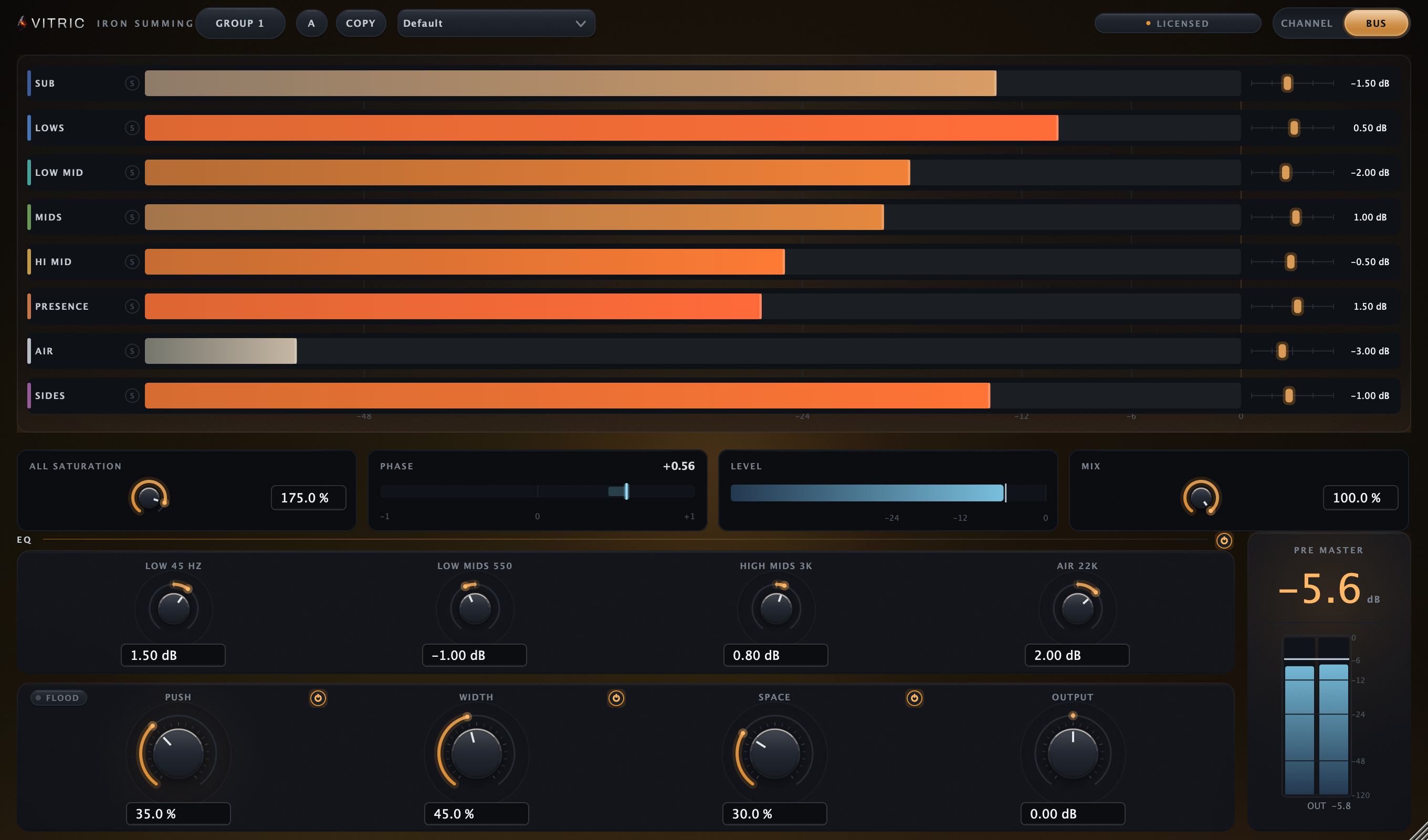
The trial uses the full plugin. Install it in your DAW, then start the 3-day trial from its license screen. No card required.
Read the Iron manualManual (PDF)IN MOTION
Iron, running.
IN YOUR SESSION
Bring the whole session onto one console.
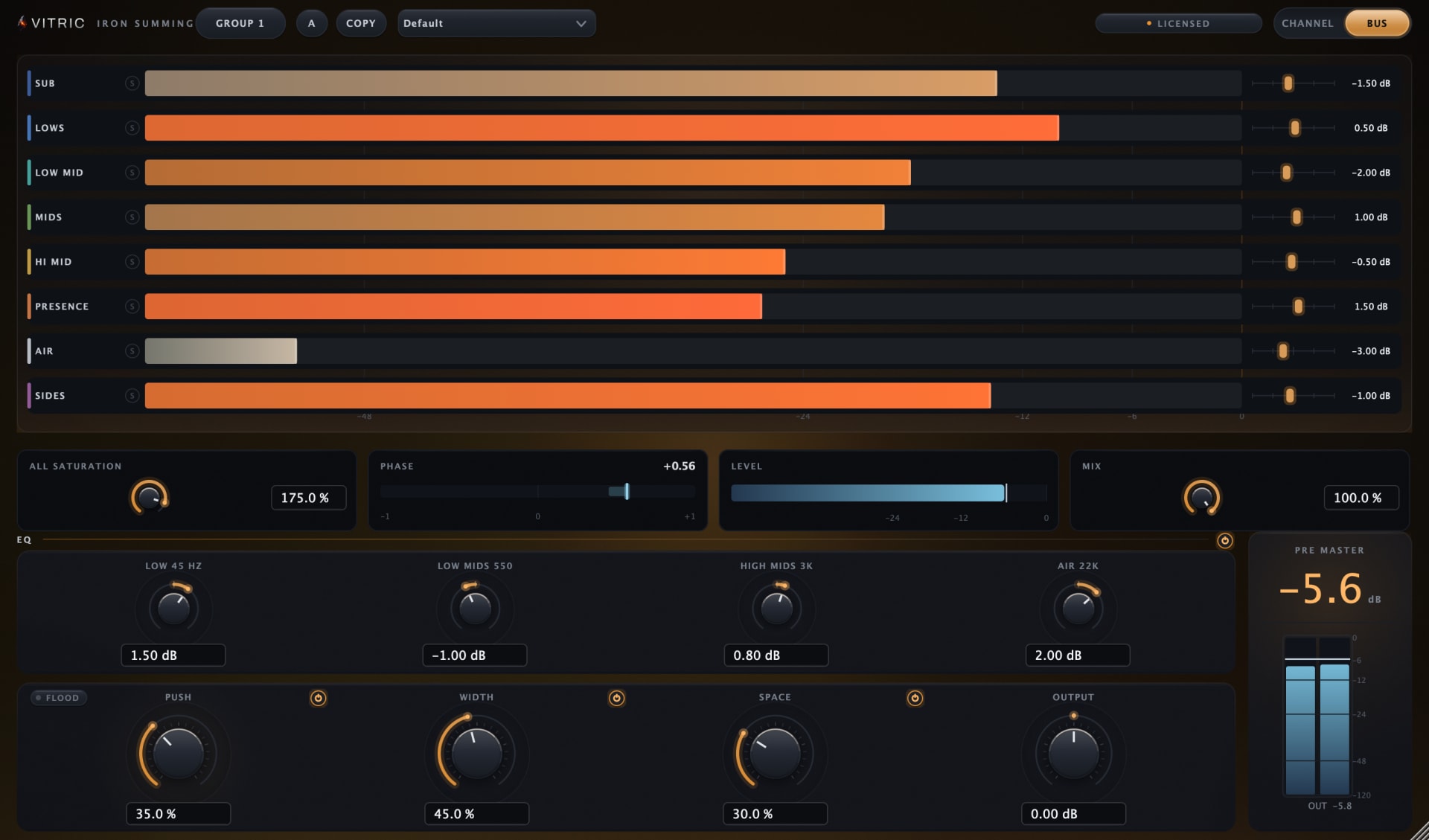
Place Channels on your tracks and a Bus on their destination in the DAW. Ride each track’s tone, adjust Channel trims from the Bus, and use All Saturation to change the console’s color together. Audio follows your normal DAW routing; both roles add zero latency.
A CLOSER LOOK
Inside Iron.
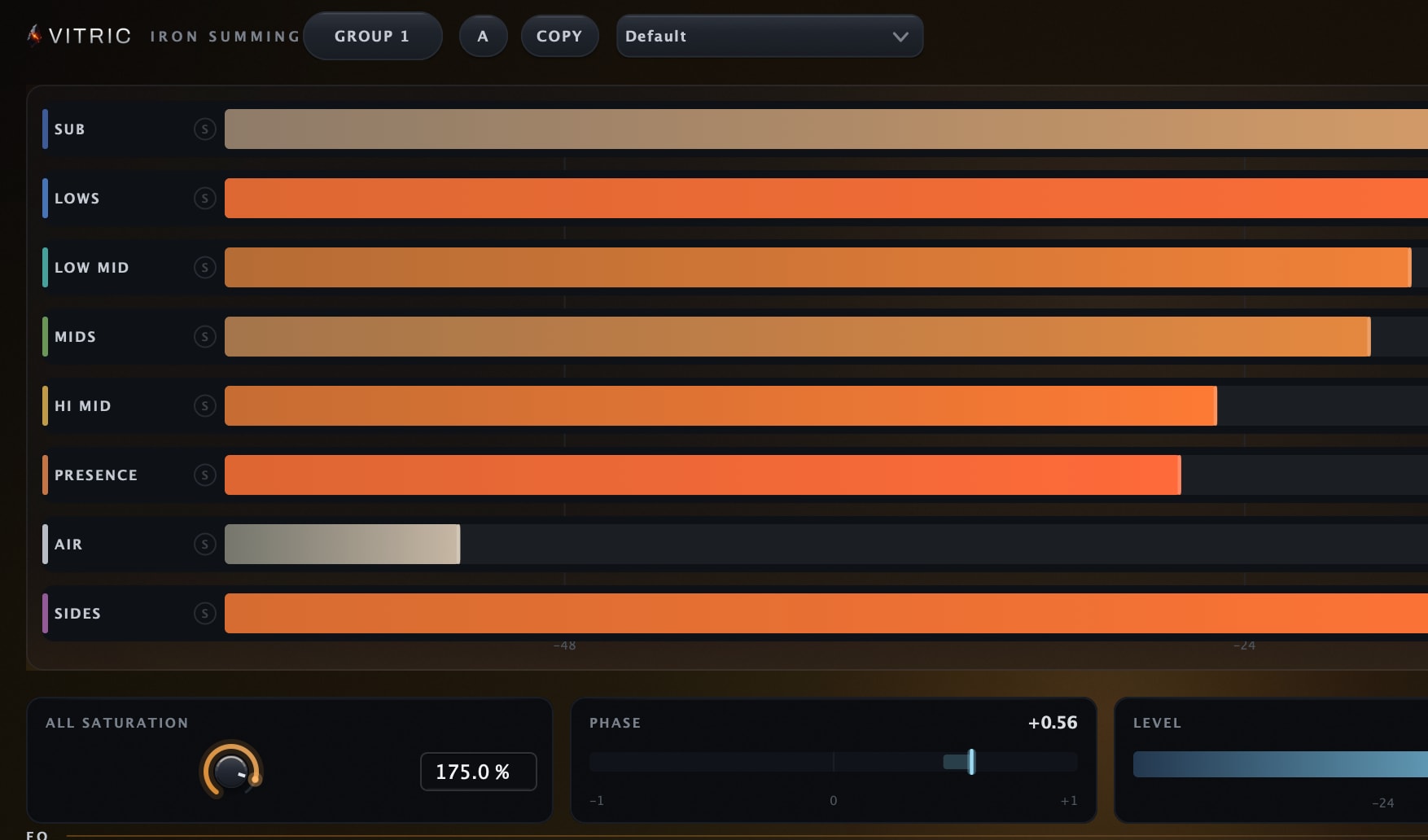
Your tracks, together
Bus TRACKS brings the group’s Channel names, meters, solo and trims into one view. Up/Down selects a lane; Enter opens exact trim entry, F2 renames and Space toggles solo.
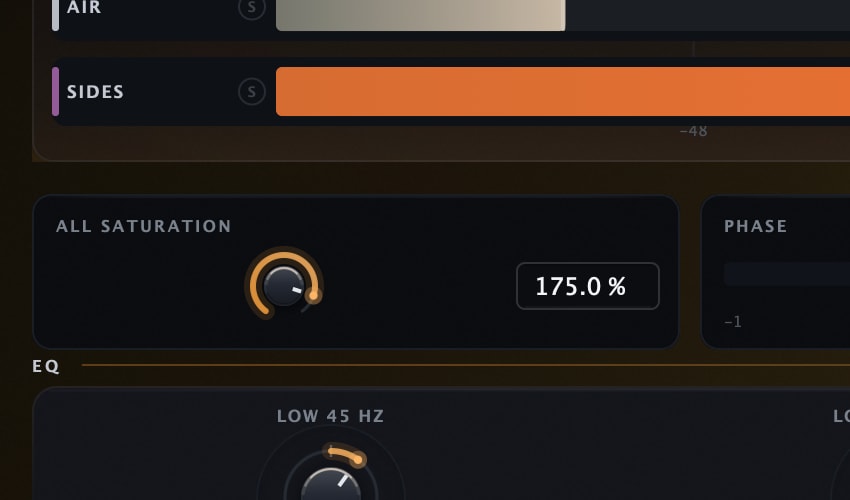
One knob rides every track
ALL SATURATION scales the Tone of every Channel in the group at once, 0 to 200 percent, from the Bus window. One move rides the whole console.
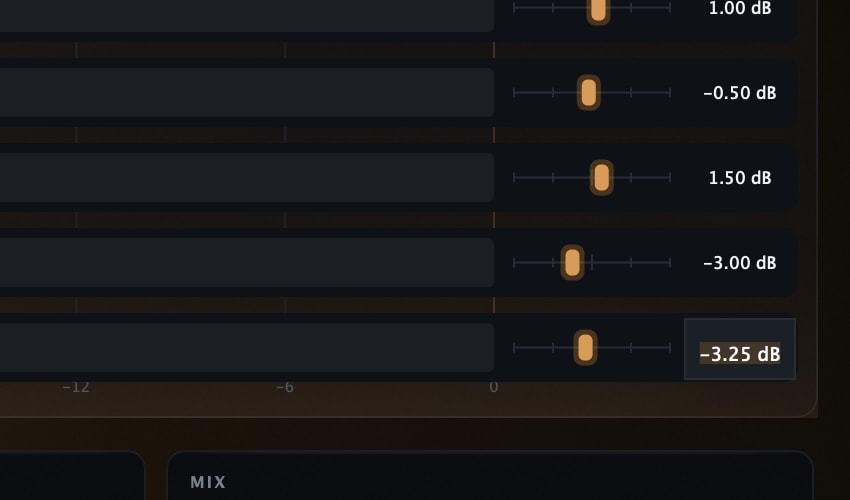
Exact dB, typed from the bus
Type a Channel trim from the Bus. Left/Right nudges the selected trim, with Shift for fine movement. Double-click the trim to reset it to 0 dB; double-click the name to rename it.
All features & controls
- Channel and Bus roles in one plugin
- Channel Tone, gentle compression and output trim
- 32 fixed console voicings
- Eight groups; up to 128 registered instances in a shared module/process
- Bus TRACKS with remote trim, rename and temporary group solo
- All Saturation scales Channel tone from the Bus
- Four-band console EQ; Push cut capped at 3 dB, Flood lift at 3 dB plus up to 1.2 dB transient enhancement
- Bus Width, Space, Mix and output controls
- Exact Channel/Bus value fields and TRACKS keyboard controls
- Zero added processing latency; audio follows normal DAW routing
Fixed bands, typed in dB
Fixed frequencies, every gain typed under its knob. LOW is a 45 Hz shelf and LOW MIDS a 550 Hz bell, each plus or minus 6 dB.
Push down, or flood up
FLOOD flips the glue into an upward expander. Same detector, same threshold, mirrored: the cut is capped at 3.0 dB, and the lift at 3.0 dB plus up to 1.2 dB of transient enhancement.
A Channel on every track
CHANNEL mode opens the track window: TONE and COMP into the iron, and a plate carrying this track's own name, level, mute and solo.
What is measured, not promised
| Claim | The number | How it is held |
|---|---|---|
| Transformer harmonics | H2 near -55 dB at 50 Hz and about -102 dB at 1 kHz on the default voicing, at Tone 100 (test limit -80 dB) | Automated harmonic test in the plugin’s test suite |
| Glue cap | GR can never exceed 3.0 dB; Flood’s expander lift mirrors it to 0.01 dB, plus up to 1.2 dB of transient enhancement | Asymptotic curve, measured worst case 2.999 dB |
| Transparency | Bit-exact at Tone 0; nothing random between recalls | Null-test reference preset ships in the box |
| Aliasing | Products below -80 dB at 44.1 kHz at full drive | Measured worst case -85.2 dB |
Put it to work.
Color across a mix
Set Tone for each track, then ride All Saturation on the Bus to scale the group’s color together.
A drum console
Give the kit its own group and Bus. Use Push for gentle compression capped at 3 dB, or Flood for upward movement.
Bus finishing
Shape the sum with the four console EQ bands, then audition Width and Space at a similar output level.
Trims from one window
Use Bus TRACKS to select a Channel, type an exact trim or audition its group solo without opening every Channel window.
THE DETAILS
Fits your setup.
- Roles
- Channel / Bus
- Voicings
- 32 fixed console variations
- Groups
- 8; up to 128 registrations in a shared module/process
- Glue
- Push/Flood; maximum 3 dB cut; lift 3 dB plus up to 1.2 dB transient
- Bus EQ
- 45 Hz / 550 Hz / 3 kHz / 22 kHz (lower at 44.1 and 48 kHz); ±6 dB
- Remote controls
- Channel trim, rename and temporary solo
- Latency
- Zero added samples
- Platforms
- Windows 10+ (64-bit); macOS 10.15+ Intel / 11+ Apple Silicon
- Windows
- Windows 10 or later, 64-bit. VST3, AAX, Standalone.
- macOS
- macOS 10.15 or later on Intel; macOS 11 or later on Apple Silicon. AU, VST3, AAX.
- Hosts
- A 64-bit host supporting your platform’s plugin format. Your DAW may require a newer operating system.
Use it in Pro Tools, Logic Pro, Ableton Live, Cubase, Studio One, FL Studio, REAPER, Bitwig Studio, and other compatible hosts.
Find the right format for your DAWQuestions about Iron.
How do I set up the console?
Insert Channels on the tracks you want to treat. Route them in your DAW to the bus or master with an Iron Bus instance, then choose the same group in those instances. Use one Bus per group.
Does Iron route audio between instances?
No. Each Channel processes its own track and the Bus processes the audio your DAW sends to it. Shared controls and meters connect the console workflow.
Why are some tracks missing from the Bus view?
Check that the Channels use the same group and plugin format. Some hosts isolate plugins into separate processes; those instances cannot share the remote view. Each still processes its own track. Grouping supports 128 registered instances across eight groups.
What is Flood?
Flood mirrors the Bus glue compressor into upward movement. Push and Flood share the detector and threshold; gain reduction is capped at 3 dB, and Flood’s lift at 3 dB plus up to 1.2 dB of transient enhancement.
Do I need a license for each Channel?
One valid license covers every instance of Iron on its bound computer. A purchased perpetual license runs on up to three computers at a time, with free moves when you replace one; a trial works only on its issuing computer.
Own Iron Summing? Leave a verified review from your account.
FREE STUDIO TOOLS
Work out the next move.
Measure a mix or find a starting point. These tools run in your browser, with no account required.
PART OF THE COLLECTION
Iron, in a bundle.
Iron is included in these bundles. Compare their contents and current offers.
Find its next partner.
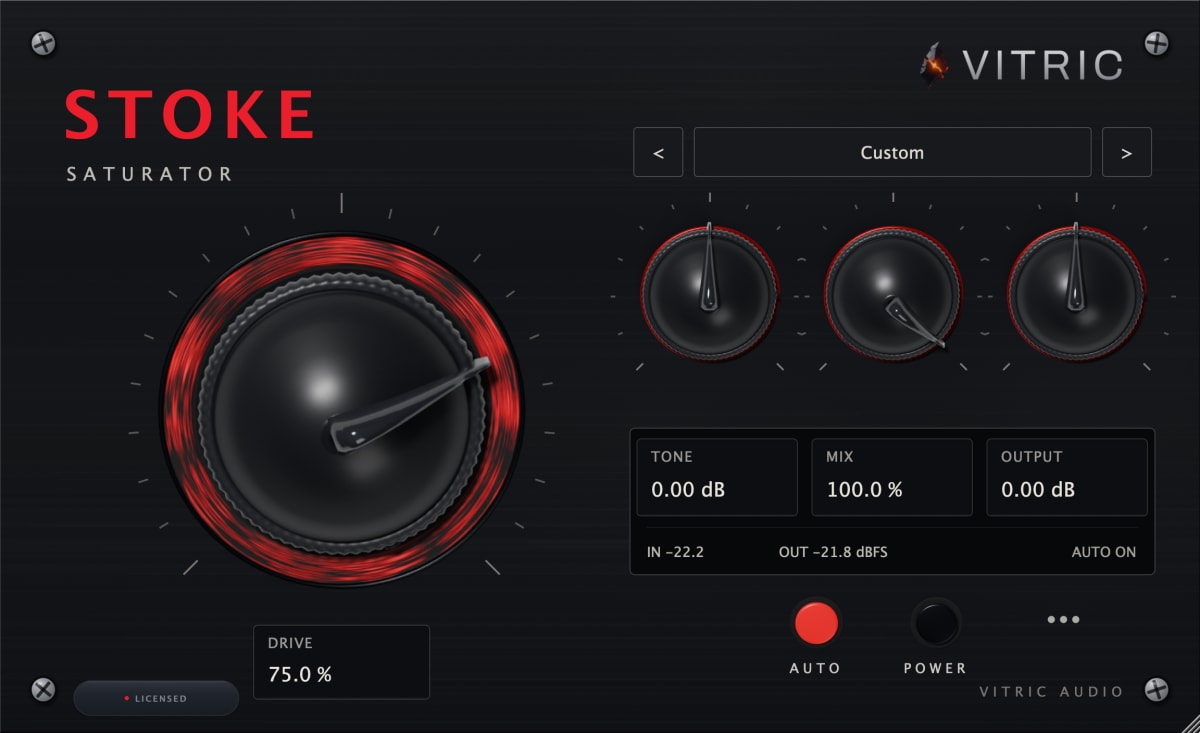
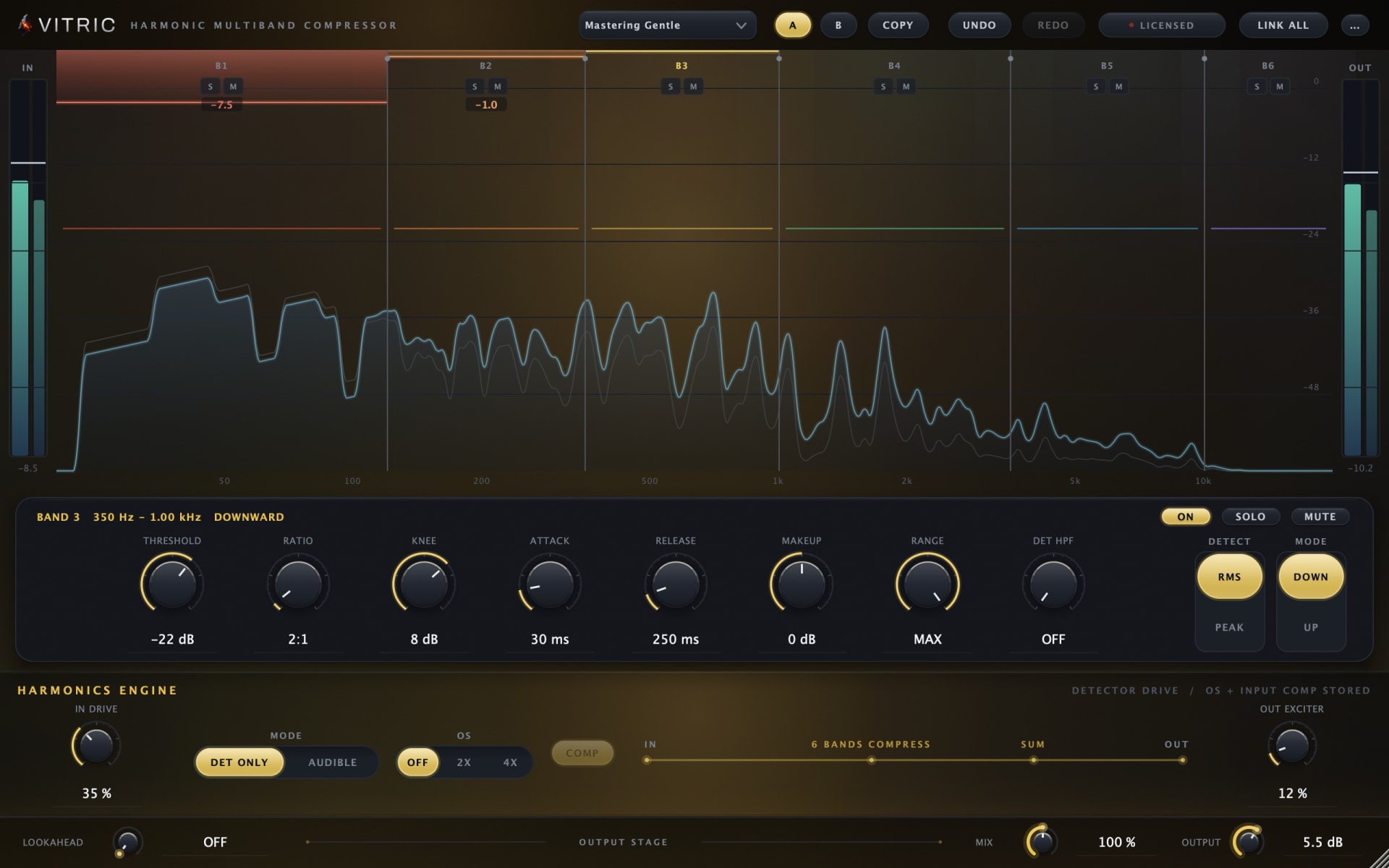
Explore all plugins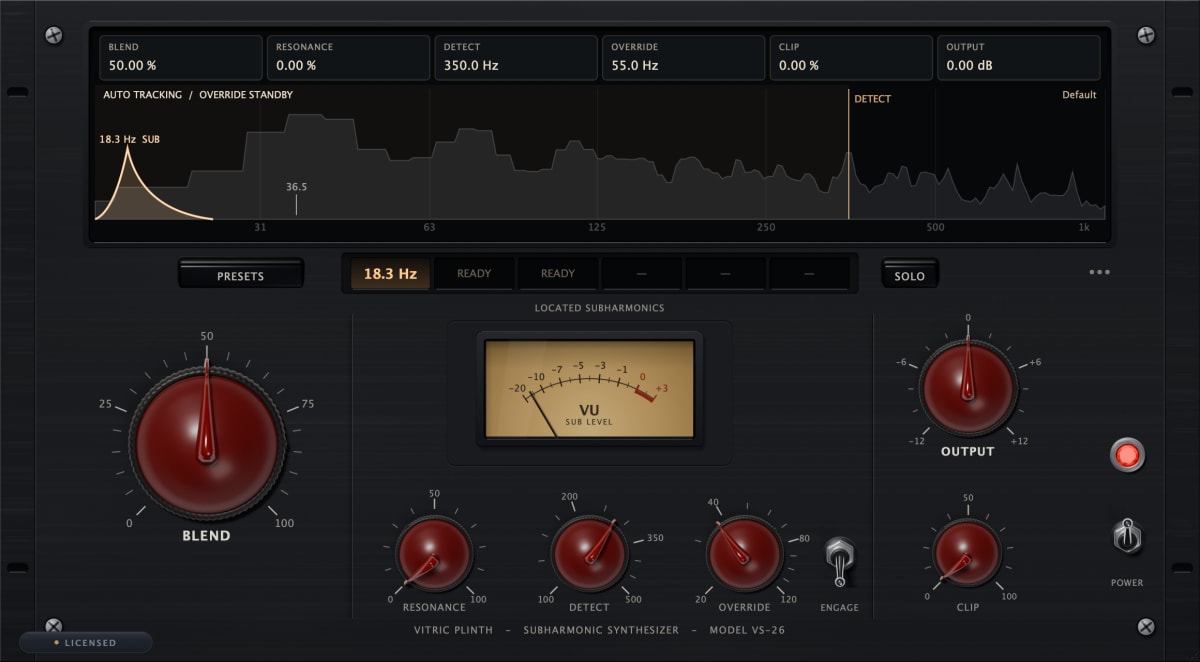
Hear it in your own session.
Iron. $49, or try it free for 3 days.
By buying, you agree to the EULA and Terms of Service.
Try free for 3 daysOne-time purchase · 3 computers at a time · 14-day money-back guarantee
Instant download: your license key arrives by email right after payment.
Or get all 12 with Vitric Access, $20 a month