Dynamic range compression, explained
Dynamic range compression reduces level differences in audio. Learn threshold, ratio, attack and release, plus limiting, upward compression and loudness.
Dynamic range compression reduces the difference between louder and quieter parts of an audio signal by changing gain as the signal plays. A compressor can steady a vocal, reshape a drum's attack or help bass notes sit together. It is different from file compression: it changes level and movement, not the number of bytes needed to store the recording.
What is dynamic range?
For a performance, dynamic range describes the span between its quiet and loud passages. A whispered verse and a shouted chorus have a wider level difference than two evenly sung phrases. On a shorter timescale, the contrast between a snare's initial hit and its sustain also matters to the way a mix feels.
These are not all the same measurement. Crest factor compares peak level with RMS level over a chosen window; loudness range describes longer-term loudness variation. A recording system's dynamic range describes its span from noise floor to maximum usable level. Say which you mean when comparing numbers.
How does a compressor work?
A detector measures the signal's level and a gain stage follows its instructions. In ordinary downward compression, the detector requests less gain when the input passes the threshold. Attack and release smooth those gain changes so the processor can respond differently to a brief transient and a sustained note.
The detector is the sidechain. It can listen to the track itself, a filtered version of it, or an external source when routing allows. Filtering bass out of the detector makes it less sensitive to bass; it does not cut bass out of the audible signal.
What do the compressor controls do?
Threshold
The level around which compression starts. Lowering the threshold makes more of the performance reach the compression region. Set it from the gain-reduction meter and the sound rather than copying a dBFS value: a quieter recording needs a different threshold for the same amount of work.
Ratio
Ratio describes the input change above threshold relative to the resulting output change. At 4:1, an input 8 dB above threshold settles to 2 dB above it, giving 6 dB of gain reduction. This is the steady-state, hard-knee case before makeup gain; attack, release and knee change what happens during a real phrase.
| Ratio | Input above threshold | Output above threshold | Gain reduction |
|---|---|---|---|
| 2:1 | 8 dB | 4 dB | 4 dB |
| 4:1 | 8 dB | 2 dB | 6 dB |
| 8:1 | 8 dB | 1 dB | 7 dB |
Attack
How quickly gain reduction builds when the detector calls for more. Attack is not a wait followed by an abrupt switch: the gain usually starts moving immediately. A faster attack catches more of a transient; a slower one can let its leading edge stand above the sustain. Start around 10 to 30 ms when preserving a drum's hit matters, then shorten it if the peak still jumps out.
Release
How quickly gain returns when the detector calls for less reduction. Start around 80 to 150 ms on a rhythmic part and listen for recovery before the next hit. Too short can make the level chatter or distort low notes; too long can hold the next note down. Different designs measure timing differently, so identical numbers need not feel identical.
Knee
The transition into compression. A hard knee changes the ratio at the threshold. A soft knee spreads that transition over a level range, often beginning below the nominal threshold. Try a 6 dB knee for gentle leveling, or a harder knee when you want a more obvious boundary between untouched and controlled peaks.
Makeup gain
A level increase after compression. It raises the whole result, including quiet detail and noise; it does not restore the dynamics you reduced. Use it to compare processed and dry signals at similar perceived loudness. An automatic makeup estimate still needs an ear check on the actual performance.
How do you set compression in a mix?
- Choose the job. Use clip gain or automation for a whole line that is too quiet. Use compression for movement within the performance, or to shape attack and sustain.
- Start gently. For a vocal, try 3:1, 10 ms attack and 100 ms release on a compressor with adjustable timing. Lower threshold until louder words show about 2 to 4 dB of reduction.
- Listen to the beginning of each word. If it loses articulation, lengthen attack. If peaks still leap forward, shorten it or edit those few peaks separately.
- Listen between words. Adjust release so breaths do not surge and the next phrase is not held down. Check a verse and chorus, not just one loop.
- Match output and compare. Keep the steadier vocal only if it fits the track better. A bus may need just 1 to 2 dB of reduction at 2:1; more is not an improvement by itself.
For a choice based on response rather than labels, read FET vs opto compressor: choosing the right response. Fast peak control and slower phrase leveling are different jobs, and one processor need not do all of both.
Compression vs limiting
Limiting is very strong compression used to restrain peaks. As ratio approaches infinity to one, increasing the input above threshold produces essentially no further output increase in the ideal static curve. The timing still matters: a high-ratio compressor with a slow attack can let a transient through.
A peak limiter is designed around controlling those peaks, often with lookahead. A true-peak limiter also addresses reconstructed peaks between digital samples. An ordinary compressor is not a guarantee that an exported file stays under a particular true-peak ceiling. Shape the movement first and check the final file separately.
Upward vs downward compression
Downward compression lowers louder material above threshold. Upward compression raises quieter material below threshold. Both reduce level differences, but upward processing can bring room sound, sustain and noise forward without directly turning down the loudest events. Keep its maximum lift restrained and listen into the pauses.
Downward compression followed by makeup gain can also make quiet detail louder. It is not the same control behavior as an upward stage. Parallel compression blends a compressed path with dry audio; it can add sustain while retaining some dry attack, but is another routing technique rather than a synonym for upward mode.
When should you use multiband compression?
A broadband compressor applies one gain change across the whole signal. A multiband compressor splits the spectrum into regions and controls each separately. If a few bass notes swell while the vocal and cymbals already sit well, controlling the low band can avoid pulling everything down with the bass.
Try 2:1 and only 1 to 3 dB of reduction in the troublesome region first. Set the crossover around the problem by ear, then listen to all bands together. Too much independent movement changes the mix's tonal balance from moment to moment. For a narrow resonance, dynamic EQ may be the more focused tool.
Does streaming normalization undo compression?
No. Loudness normalization generally applies a playback gain adjustment to bring measured loudness toward a target. Turning a compressed master down does not restore the transients or phrase contrasts that were reduced. Those choices remain audible.
For example, if a playback system turns a master down by 4 dB, its peaks and quiet passages both drop by 4 dB. Their relationship stays the same. Heavy compression can therefore leave a less punchy result even when its loudness advantage is removed. Playback modes and peak handling vary, so there is no single normalization number to build every master around.
Judge density and impact at matched loudness, then measure the export. The loudness meter provides a separate check of integrated LUFS and true peak; neither reading tells you whether the groove survived.
Put the controls to work in Caliper and Harmonic
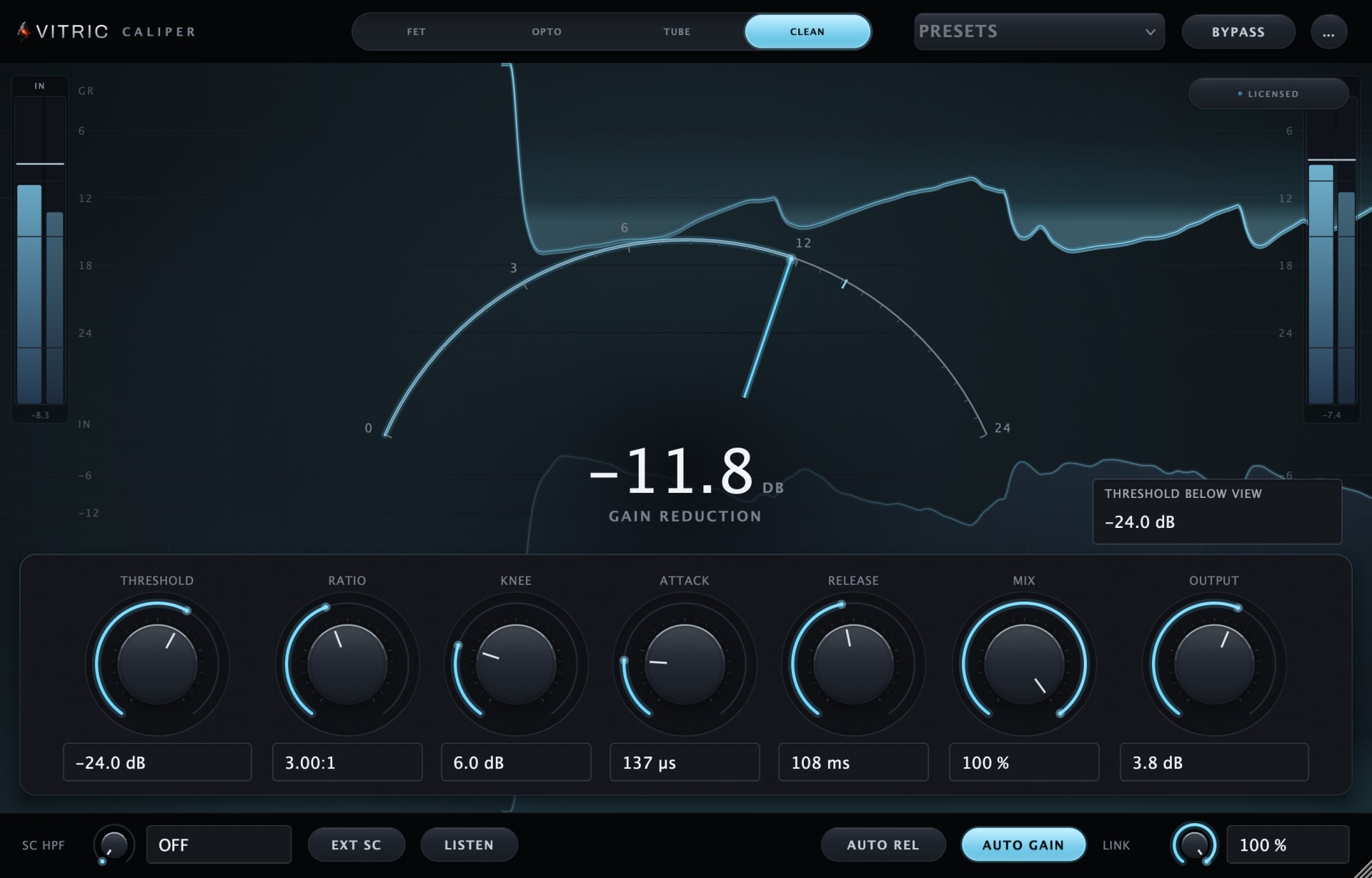
Vitric's Caliper Compressor offers FET, Opto, Tube and Clean modes. Clean gives you threshold, ratio, exact knee math and manual attack and release (or auto release) for the vocal exercise above. FET is input-driven into a fixed threshold, while Opto uses Peak Reduction with fixed attack and a two-stage release. Use the Caliper manual for the controls available in each mode.
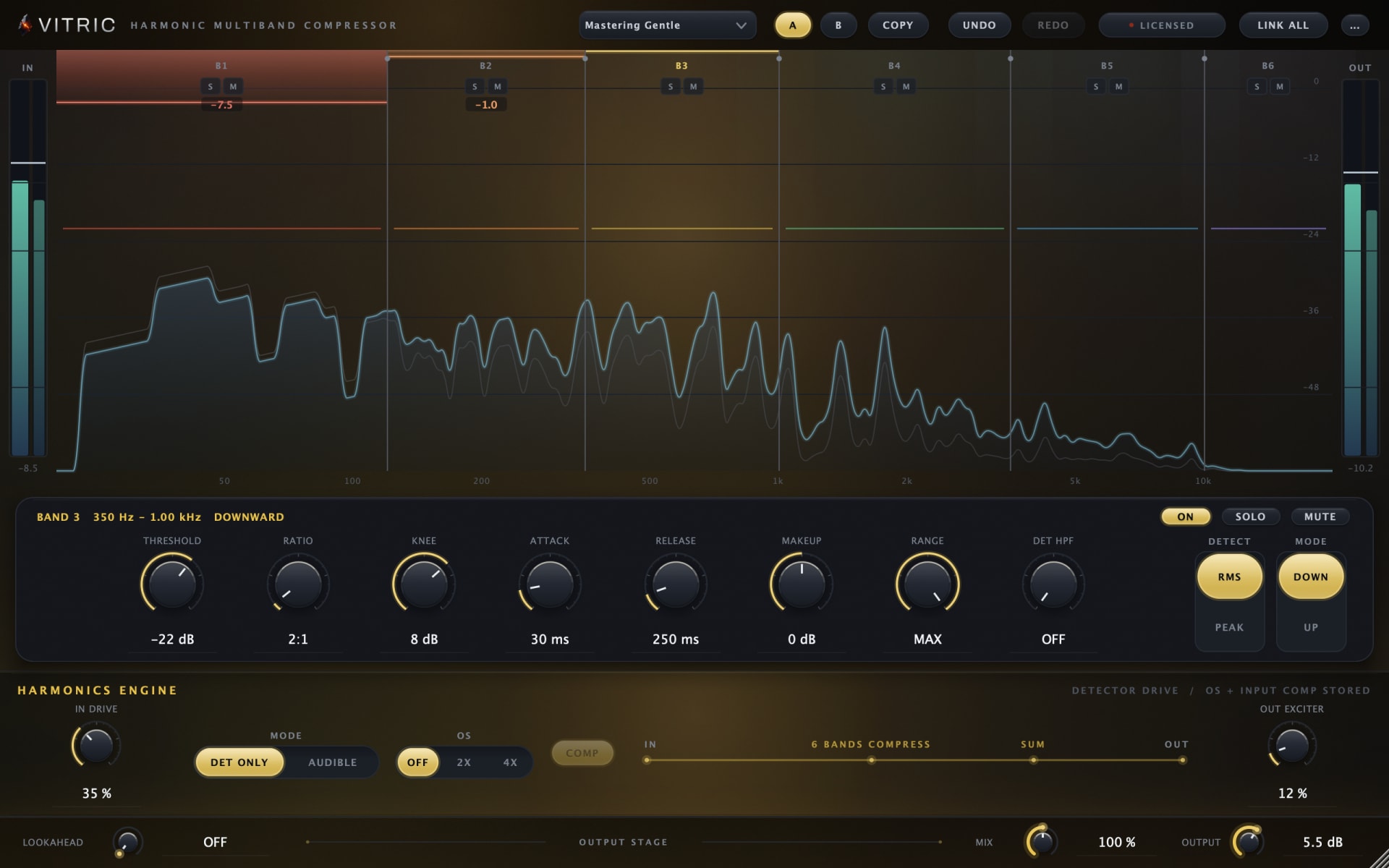
Harmonic Multiband Compressor has six bands with independent dynamics, including Down and Up modes and a Range cap. Its manual explains the per-band controls and Harmonics Engine. Caliper reports zero added latency in every mode; Harmonic does so with both lookahead and oversampling off. The zero latency compression guide explains when that matters for recording and parallel paths.