How to tune an 808 to your song, with a frequency chart
Find the stable pitch of your 808, map its root note in the sampler and check it against your bass line. Includes a calculated note chart and a worked transposition.
To tune an 808, measure the sustained part of the sample, tell your sampler which note it contains, then play the notes your bass line needs. The click and initial pitch drop can read higher than the settled tone. Tune the part you hear as the bass note, then check the entire hit in context.
1. Identify the song's key and the intended bass notes
Start with the chords or melody. If you need a second opinion, export a harmonic section to the free Key and BPM Finder. Treat its musical key and confidence as a suggestion. A bare 808 or drum loop may not contain enough information to distinguish major from minor. Confirm the result with an instrument in the session.
Write the bass line against those chords. The chord root is a useful first choice, but passing notes, fifths and deliberate tension are musical decisions. A key detector cannot compose that line for you.
2. Measure the stable part of the sample
- Play a long enough note to hear the tail after the pitch drop. Turn off sampler pitch modulation temporarily if it obscures the source.
- Use a tuner or an analyzer with enough low-frequency resolution. Read the lowest stable pitched component, not automatically the tallest peak: a harmonic can be louder than the fundamental.
- Enter its frequency into the note and frequency converter. Use the same tuning reference as the session; the examples here use A4 = 440 Hz.
- Check several moments in the tail. If it keeps falling in pitch, there may be no single perfect tuning for the entire sample. Choose the section that carries the note, shorten it or use another sample.
A small FFT can blur nearby bass notes. The spectrum analyzer guide explains the resolution tradeoff. Do not boost a sub heavily just to make a display easier to read.
3. Set the root, then transpose: an E-to-F example
Suppose the settled tail measures about 41.20 Hz. At A4 = 440 Hz that is E1. Assign E as the sample's original/root note according to your sampler's mapping controls. Playing the next semitone, F, should raise it to approximately 43.65 Hz. That is a one-semitone shift, not a one-octave shift.
If you use a direct pitch control instead, raise the sample by one semitone. Do not also remap and transpose by the same amount without checking the result, or you may apply the correction twice. Octave names differ between DAWs, so use the audible pitch, MIDI note or hertz when two displays disagree.
The underlying equal-tempered calculation is target Hz = source Hz × 2^(semitones / 12). Transposition by ordinary resampling also changes duration: higher becomes shorter. Time-stretch modes can preserve length but may change the sound.
808 frequency chart at A4 = 440 Hz
These values are calculated from equal temperament, not measured from a sample pack. Scientific pitch notation is used: C1 is MIDI 24 and C2 is MIDI 36. Use the interactive chart for other octaves or tuning references.
| Note | Octave 1 | Octave 2 |
|---|---|---|
| C | 32.70 Hz | 65.41 Hz |
| C# | 34.65 Hz | 69.30 Hz |
| D | 36.71 Hz | 73.42 Hz |
| D# | 38.89 Hz | 77.78 Hz |
| E | 41.20 Hz | 82.41 Hz |
| F | 43.65 Hz | 87.31 Hz |
| F# | 46.25 Hz | 92.50 Hz |
| G | 49.00 Hz | 98.00 Hz |
| G# | 51.91 Hz | 103.83 Hz |
| A | 55.00 Hz | 110.00 Hz |
| A# | 58.27 Hz | 116.54 Hz |
| B | 61.74 Hz | 123.47 Hz |
4. Check the kick, note length and playback system
Play the bass line with the kick and chords. If each 808 rings into the next note, shorten the envelope or use the sampler's voice/choke controls. Correct tuning cannot fix overlapping notes or two competing low-end parts. Check mono and a quieter monitoring level before changing the sound to suit one loud playback system.
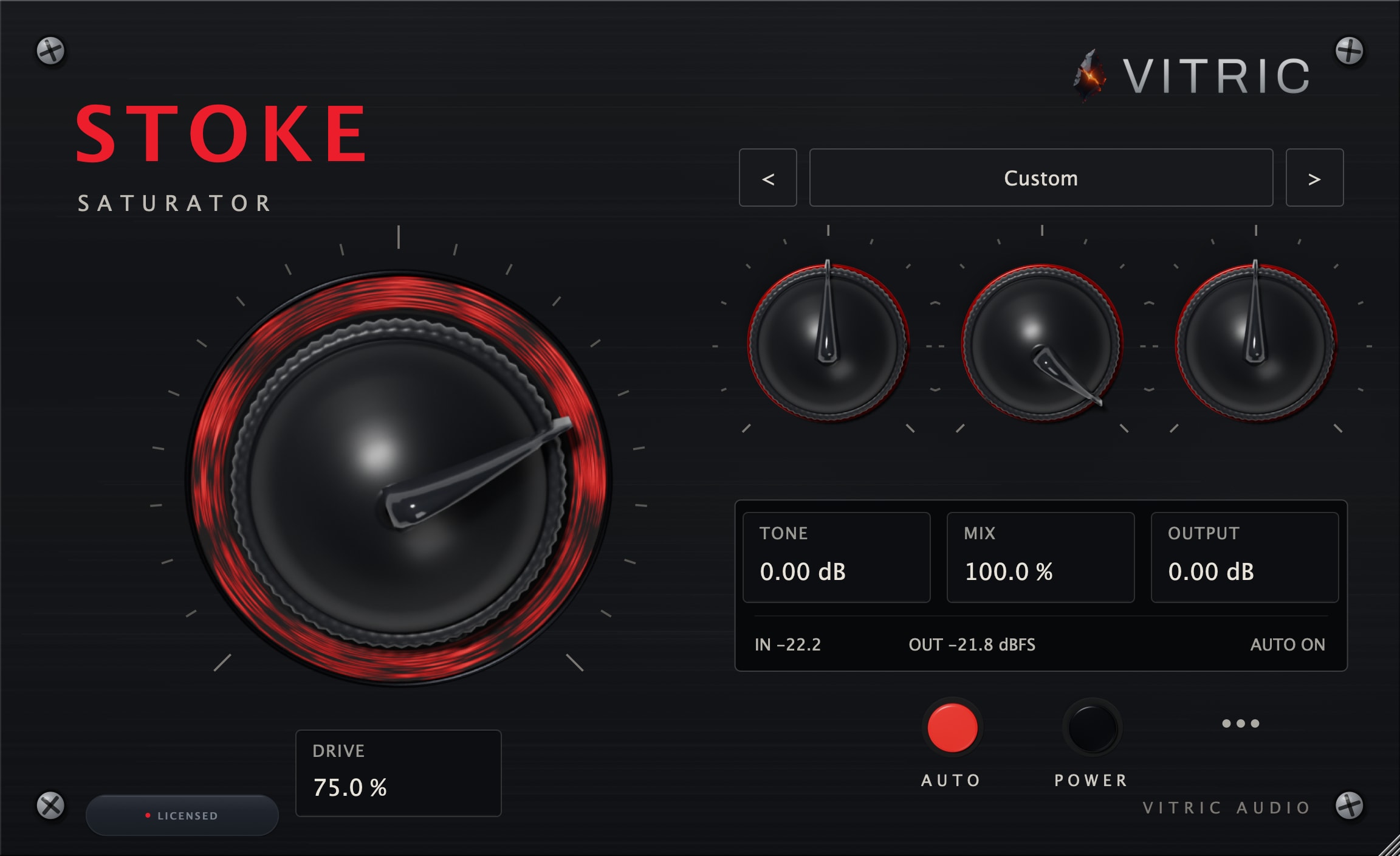
If the fundamental is in tune but hard to hear on small speakers, upper harmonics can help communicate its pitch. Try a little saturation with Stoke and compare at matched loudness. More sub energy is a different decision.
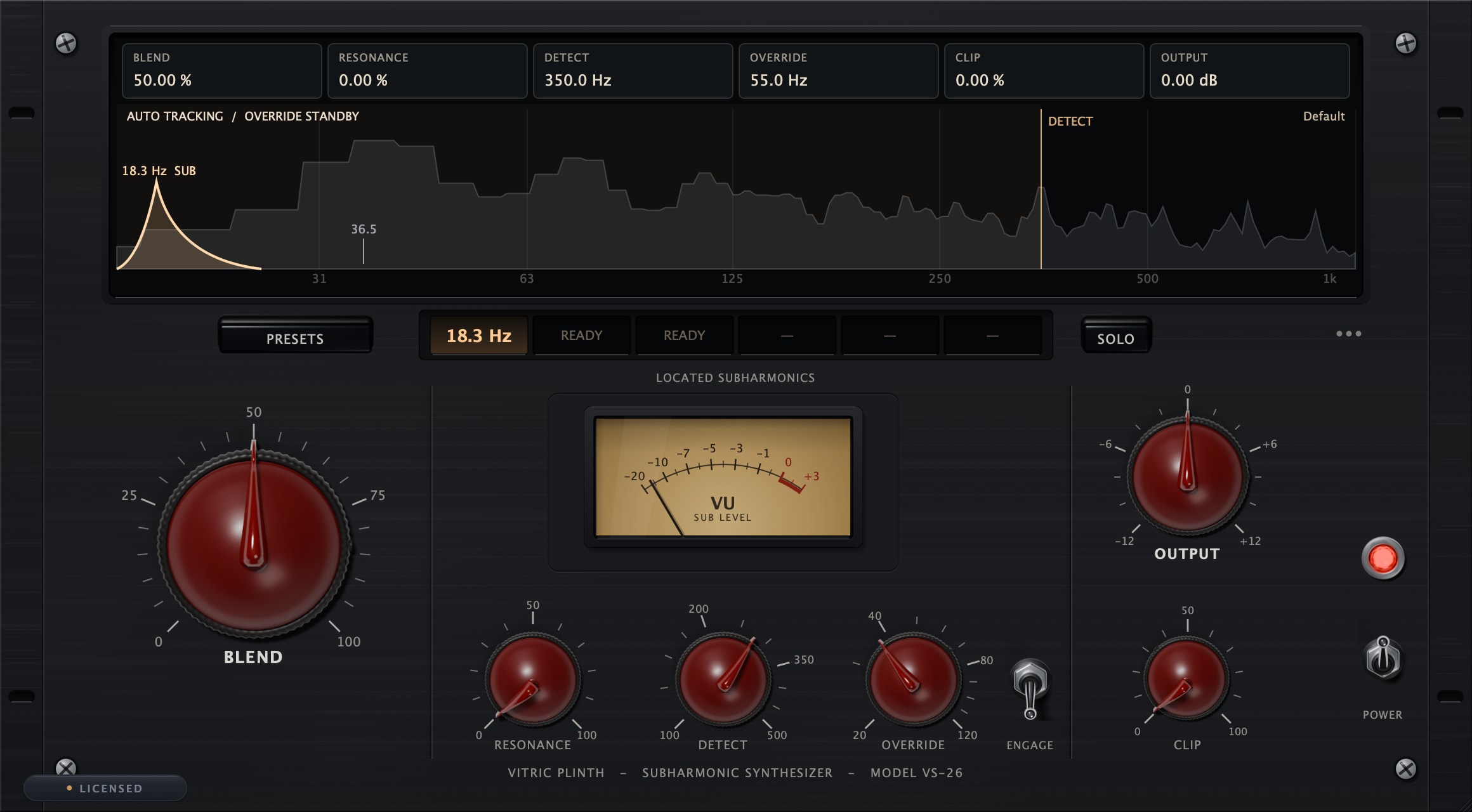
Plinth generates a sub one octave below audio; it does not retune the original 808. An octave below F1 is roughly 21.83 Hz, near the bottom of the audible range and demanding of headroom. Fix the original tuning first and add a lower octave only when the arrangement and playback system support it.
Where are the root-note controls?
Image-Line documents the root-note keyboard in FL Studio's channel settings. Ableton Sampler separates root key from detuning in its sample mapping. The exact control depends on your sampler; do not confuse the root-note assignment with the MIDI note being played.