How to install plugins in Ableton Live
Install VST3 or AU plugins in Ableton Live, enable the right folders, rescan and fix missing plugins. Follow along with a free 3-day Vitric trial.
To install a plugin in Ableton Live, run its installer with Live closed, enable the matching format in Live's Plug-Ins settings, then rescan. The plugin appears in the browser's Plug-Ins section, ready to drag onto a track. VST3 works on Windows and Mac; AU is Mac only.
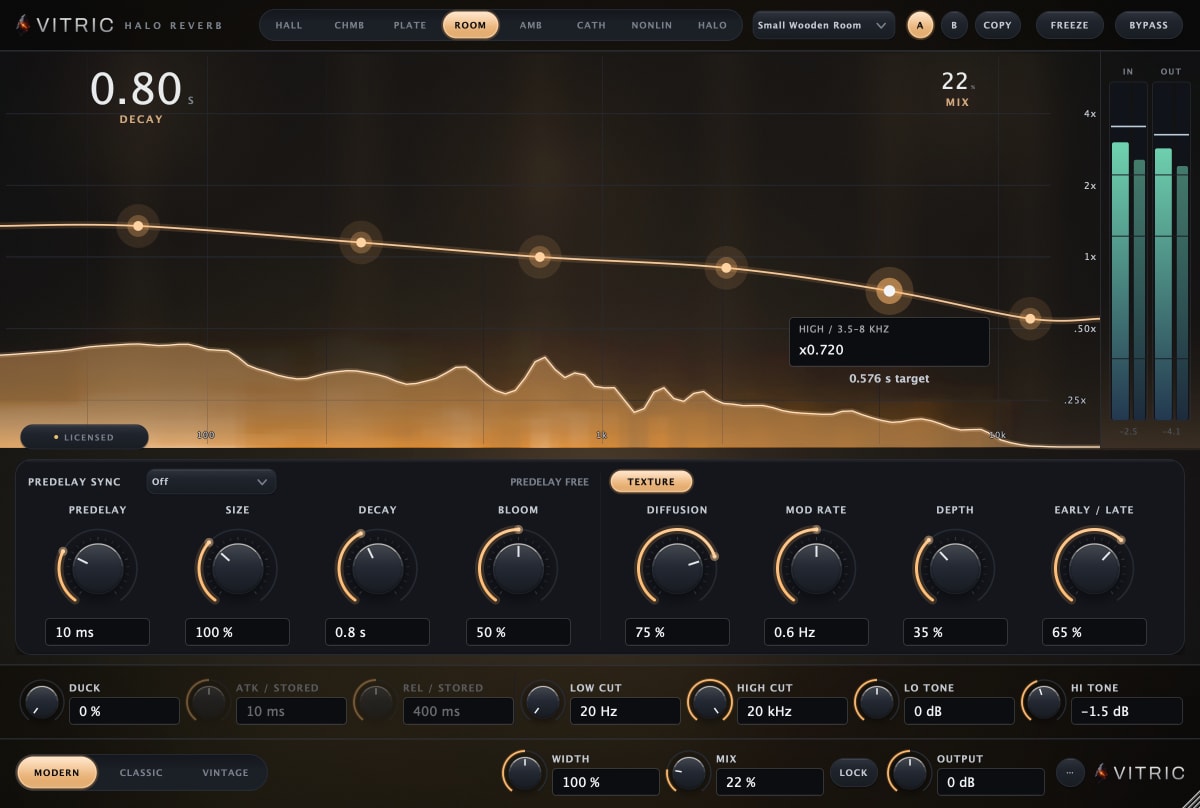
Vitric's Halo Reverb is the effect used in this walkthrough. Its free 3-day trial lets you check installation and hear it in a session. Start the trial after installing and scanning, because its clock begins when the trial license is issued.
Should you use VST3 or AU?
Use VST3 if you want the same plugin format on Windows and Mac. On Mac, Live can also load Audio Units. Vitric's Mac package includes AU, VST3 and AAX; its Windows installer includes VST3 and AAX. Live does not load AAX, which is for Pro Tools, and Vitric does not ship VST2.
For a project that moves between Windows and Mac, choose VST3 from the start and install the same plugin version on both computers. An AU instance saved on a Mac will not automatically become a VST3 instance on Windows. Installing both formats does not make them interchangeable inside a saved Live Set.
Where are the VST3 and AU folders?
| System and format | Vitric installation folder |
|---|---|
| Windows VST3 | C:\Program Files\Common Files\VST3 |
| Mac VST3 | /Library/Audio/Plug-Ins/VST3 |
| Mac AU | /Library/Audio/Plug-Ins/Components |
Vitric's installers place the plugins in these system folders. Other Mac plugins may use the equivalent folders under ~/Library/Audio/Plug-Ins, where the tilde means your home folder. In Finder, use Go > Go to Folder to inspect a path. AU plugins installed this way have a .component extension.
A downloaded .pkg or .exe is the installer, not the file Live scans. Run it rather than moving it into a plugin folder. A Windows standalone application is also separate from the VST3 file; on Mac, Vitric's package installs plugins rather than an app in Applications.
Install the plugin and enable it in Live
- Save your Set and quit Live. Download the current Halo Reverb installer for your computer, then run it. Keep VST3 selected if format choices are offered.
- Reopen Live and open the Plug-Ins settings. Press Ctrl+, on Windows or Cmd+, on Mac, then choose Plug-Ins. Live 12 calls this window Settings. The same page opens from the Activate button in the browser's Plug-Ins label.
- Check the Plug-In Sources. Live only lists plugins from sources you have switched on. Make sure the option for the VST system folders is on, so Live looks in the standard locations above. The exact wording of the switch differs between Windows and Mac and between versions, so read the Plug-In Sources section rather than expecting a particular label. You do not need a custom folder for a standard Vitric installation.
- If using AU on Mac, turn on Use Audio Units. Live lists Audio Units only while this option is on.
- Click Rescan and wait. Open the browser's Plug-Ins label and search for Halo Reverb. Check its format so you load the VST3 or AU entry you intended.
Leave the VST Plug-In Custom Folder alone for this installation. It is for plugins stored outside the standard folders. If you already use another vendor's custom folder, keep that setup; adding Halo does not require moving your existing library.
Load Halo Reverb and activate the trial
Drag Halo from Plug-Ins onto an audio track containing a clip. It is an audio effect, so it can also follow an instrument in a MIDI track's device chain. For a first check, play the track with a modest wet/dry blend and compare with bypass. The Halo manual covers using it on a return track and choosing a space.
If you are installing Kiln Synthesizer instead, drag it onto a MIDI track and send it notes. It generates audio; it does not process an audio clip like Halo does.
- In Halo's license panel, choose Start free trial to open the trial page with the product and machine code filled in.
- Sign in using the email link, check the selected product and computer, then choose Email my trial.
- Save the emailed license attachment and use Load file in Halo on that same computer.
Every feature is available for three days from issuance. Keep the computer online for periodic trial verification. There are no payment details or automatic charges. A trial is bound to its issuing computer; reinstalling the plugin does not reset it.
What if Live cannot find the plugin?
Check the format, folder and browser filters
Confirm that the correct system-folder switch is on and the installed file exists. Clear browser search and category filters, then search by the plugin's name. An AAX file or a Windows app executable cannot appear as a VST3 device. If both AU and VST3 appear on Mac, they are separate format entries, not proof of a bad installation.
Run a full rescan after an update
Start with an ordinary Rescan. If Live still keeps an old scan result after reinstalling or updating the plugin, hold Alt on Windows or Option on Mac while clicking Rescan. That deletes Live's plugin database and runs a clean scan, so it takes longer. Let it finish before opening the plugin. If a scan repeatedly fails or crashes, keep the message and contact support instead of repeatedly clearing caches.
AU is missing on Mac
Check that Audio Units is enabled and the component is in the Components folder. macOS must register the AU, and it must pass the host's compatibility checks. Quit Live after installation and reopen it; if a newly installed AU is still missing, restart the Mac and try again. Live does not use Logic Pro's Plug-in Manager, so Logic's Reset & Rescan command is not a Live menu item.
Check 64-bit and Apple Silicon compatibility
Vitric's Windows builds are 64-bit, and its Mac package supports both Intel and Apple Silicon. Start with Live running natively on an Apple Silicon Mac. For another vendor's older Intel-only plugin, check its compatibility guidance rather than switching the whole DAW to Rosetta as a first fix.
Vitric requires Windows 10 or later, macOS 10.15 or later on Intel, or macOS 11 or later on Apple Silicon. Your Live version may require a newer OS. If the plugin opens but produces no sound, check routing and license status before changing scanner settings.
Get help with the exact failure
Send Vitric support the plugin and version, Live version, operating system, format and exact error. On Mac, say whether you use Intel or Apple Silicon and whether Live is running under Rosetta. Include whether the plugin is missing from the browser, rejected during scanning or silent after loading.
For other hosts, see VST3 installation in FL Studio and AU installation in Logic Pro.