
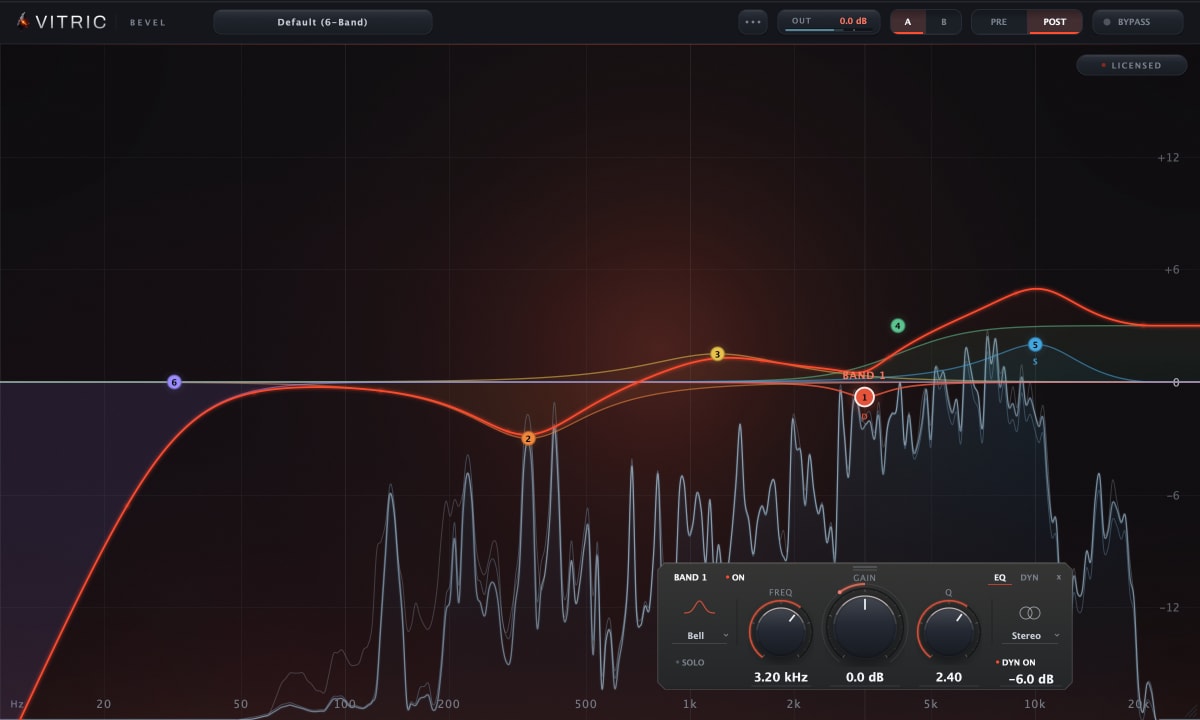
Tone and resonances
Bevel EQ
Broad shelves for overall tone, dynamic bands for a harsh frequency that only shows up in the loud sections, and Mid/Side bands to tidy the low end or open the sides.
Mastering
The plugins we reach for on a master bus, the free tools for checking loudness and balance, and guides to the decisions in between. Everything here runs in your DAW or your browser.
In your DAW
Tone and resonances
Broad shelves for overall tone, dynamic bands for a harsh frequency that only shows up in the loud sections, and Mid/Side bands to tidy the low end or open the sides.
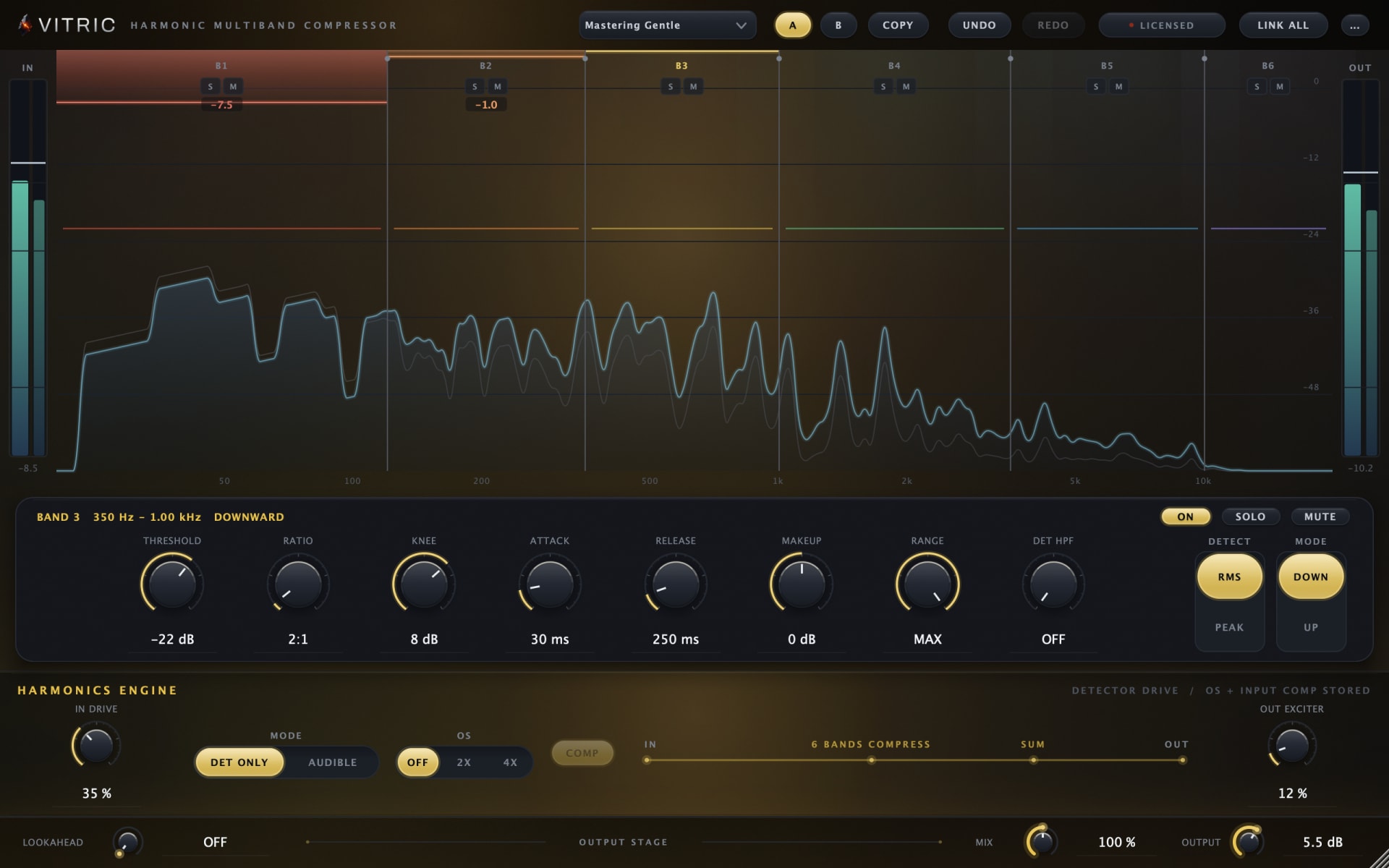
Band control
Six bands of compression with up to 10 ms of lookahead: steady the low end and hold back harsh upper mids without squashing the whole mix.
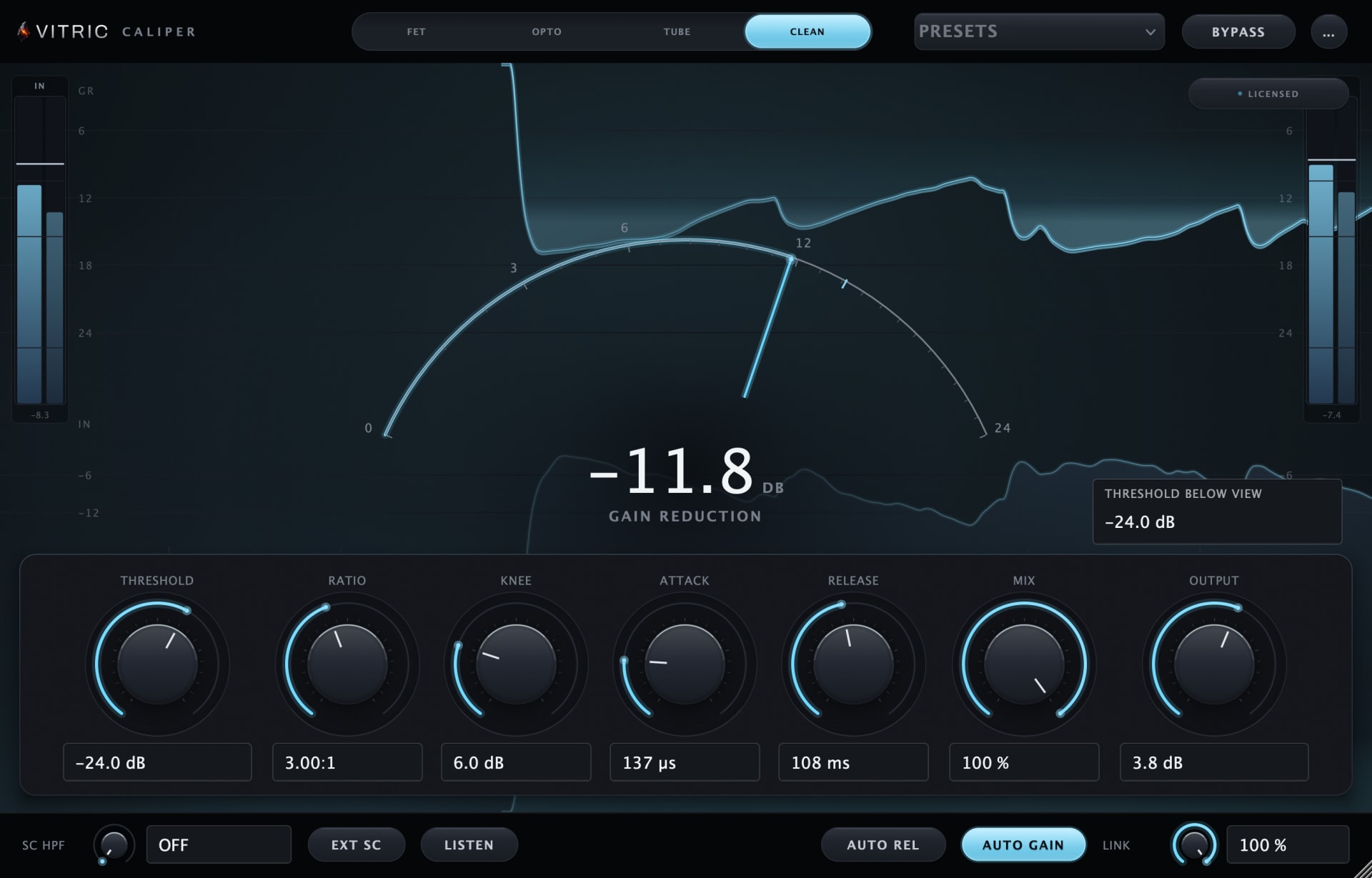
Glue
Bus compression with four characters, Clean for transparent control, and a parallel Mix control that adds density while the dry signal keeps its attack.
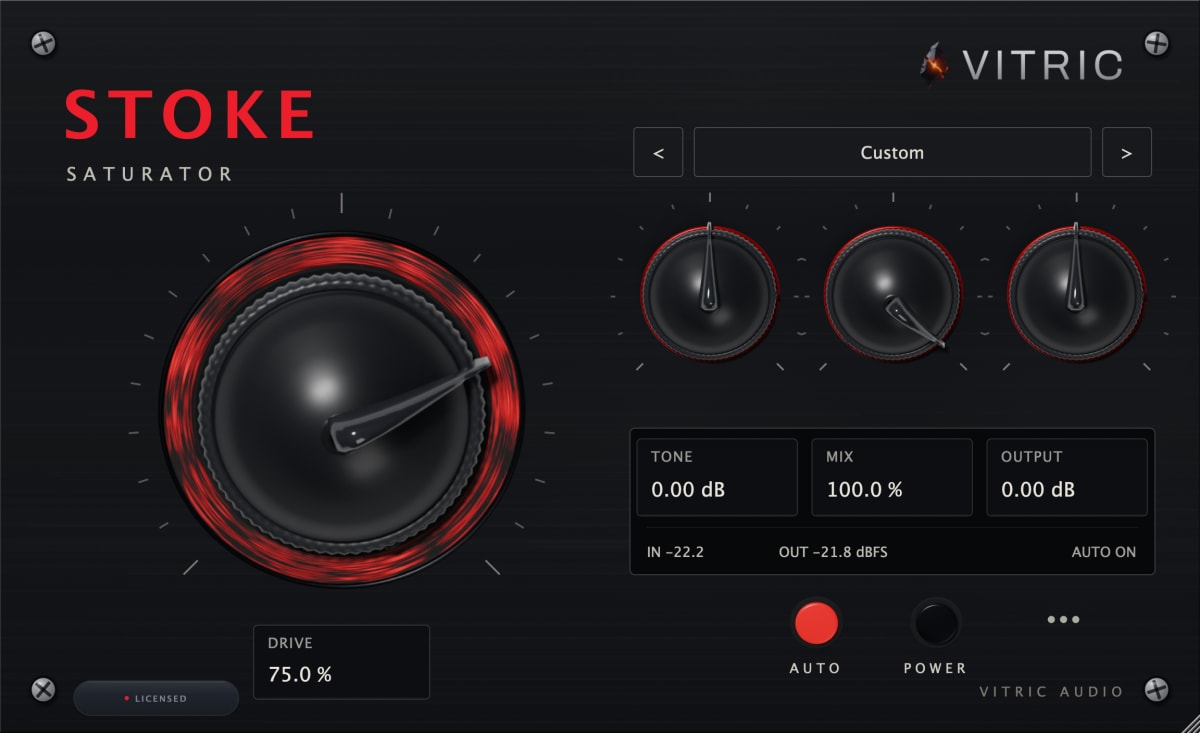
Density
A little saturation for weight and harmonics, blended with Mix, with Auto output so a louder signal never fools the comparison.
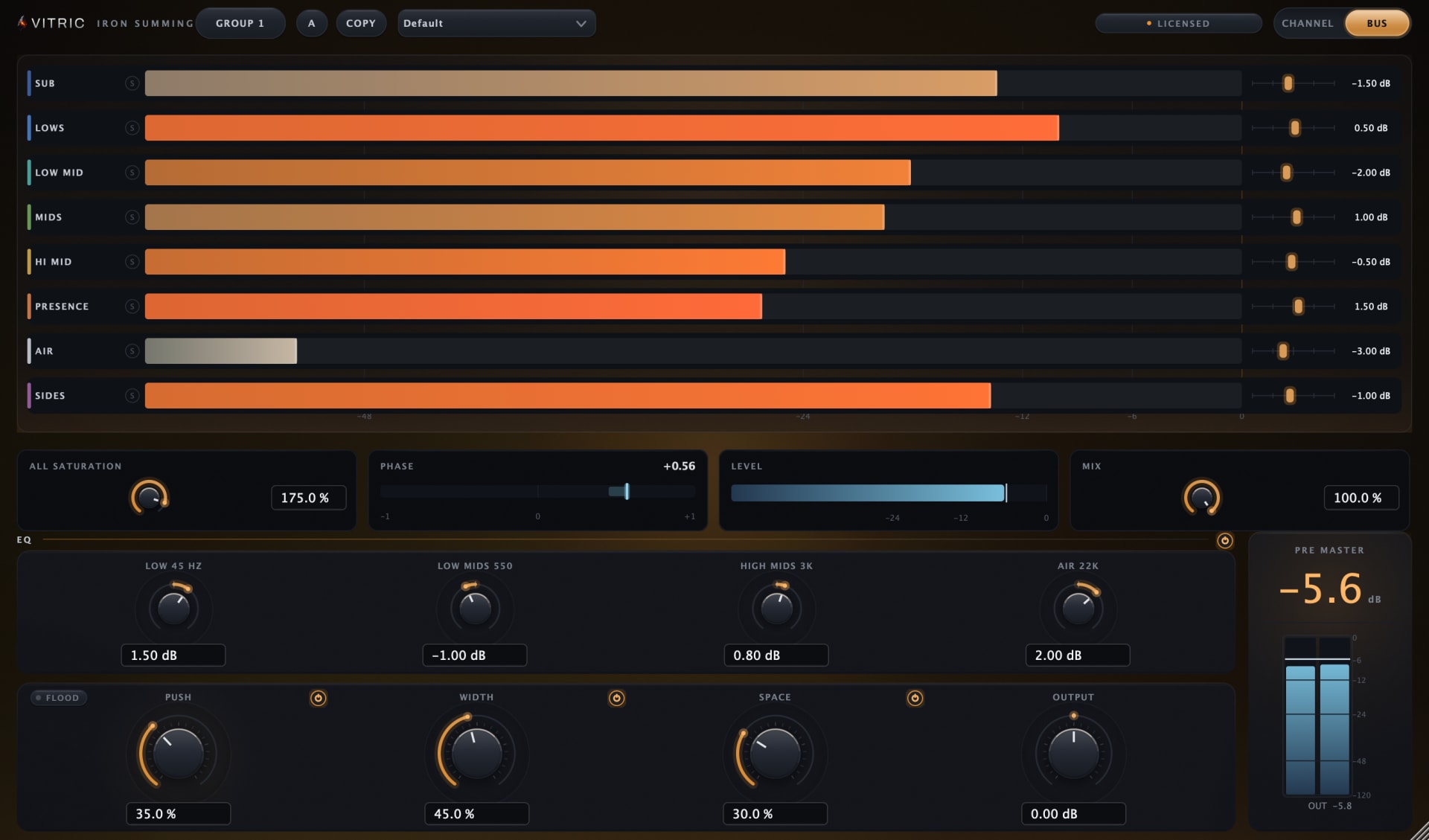
Console color
An Iron Bus instance on the master bus adds console-style color and bus control to the whole mix.
A starting order
A common order, not a rule. Skip any stage the mix does not need: the best master is often the one with the fewest moves.
Check the mix's loudness, true peak and balance before touching anything, so every change has a reference.
Small EQ moves: a shelf for overall brightness, a dynamic band for a resonance that only appears when the mix gets loud.
Multiband compression where one region needs holding back, most often the low end or the harsh upper mids.
Gentle bus compression, a dB or two of gain reduction, to make the mix move as one.
A touch of saturation or console color for weight. Match the output level before you judge it.
A true-peak limiter of your choice sets the ceiling. Then measure the bounce again and compare it with your references at the same loudness.
In your browser
LUFS and true peak
Free
Integrated LUFS, short-term and momentary maximums, loudness range and true peak, with what each streaming service says it does to a track at that level.
Mix critique
Free
Measures a mix's loudness, spectral balance, width and dynamics against a genre target or a reference track, then writes a prioritized list of changes to try.
Ranges, bands, notes
Free
Where instruments sit from 20 Hz to 20 kHz, the bands engineers name (mud, honk, harshness, air), and a note to frequency converter for tuning 808s.
Learn
Mastering is the last step before release. The finished stereo mix gets small, careful changes to tone, dynamics and loudness so it translates on every system and sits well beside other releases. It treats the whole mix as one signal, so the moves are usually smaller than in mixing.
Mixing balances the individual tracks: level, EQ, compression and effects on each part. Mastering starts from the bounced stereo mix. If a mastering move has to be big, the fix usually belongs back in the mix.
Spotify publishes the most: at its default setting it plays tracks at -14 LUFS and asks for true peak below -1 dBTP, or below -2 dBTP if the master is louder than -14 LUFS. Most other services do not publish a playback level for music. The free loudness meter shows what each service documents, with links.
Usually, yes. A true-peak limiter at the end sets the final ceiling, so the master does not clip after conversion or lossy encoding. Set the ceiling a little below 0 dBTP, then measure the result rather than trusting the gain reduction meter.
Yes. Every Vitric plugin has a free three-day trial of the full plugin, in VST3, AU and AAX for macOS and Windows.