Detector-only saturation: make a compressor hear differently
Saturate only the copy of the signal the detector measures and the compressor stops chasing micro-transients and leans on the body, while the audio path stays clean.
Put a compressor on a drum bus and watch the gain reduction meter. Most of its movement is spent on the shortest events in the signal: stick attacks, hat bleed, the first millisecond of a snare. The body of the sound, the part you wanted leveled, only gets steady attention once the spikes have been dealt with. The standard fixes each give something up. A slower attack lets the spikes sail through and reacts late. A lower threshold grabs the body, but grabs the spikes even harder.
There is a third option that changes what the compressor reacts to without touching what you hear: saturate the copy of the signal the detector measures, and only that copy. This article walks the mechanism of detector-only saturation, why it makes a compressor lean on the body the way slower optical and tube units do, and how to use it without fooling yourself. It is the mechanism companion to the broader saturation-into-compression piece in the guides index.
Every compressor is two signal paths
A compressor is drawn as one box, but internally it is two paths. The audio path carries the signal you hear, through the gain element and out. The detection path, the sidechain, carries a copy of the signal to the detector, which tracks its level. Everything downstream, the gain computer with its threshold, ratio and knee, the attack and release, only ever acts on what the detector reports.
The two paths do not have to carry the same signal. External sidechains prove this daily: a bass compressor keyed from the kick is reacting to a signal that never appears at its output. A sidechain high pass is the same idea in miniature, editing the measurement itself. The detection path is not audio. It is a measurement, and a measurement can be shaped to make the resulting decisions better.
Detector-only saturation is the level-domain version of that move.
What a soft clipper does to the measurement
The tool is a waveshaper, typically a curve like tanh: nearly linear for small values, bending progressively harder as the input gets hotter. Run the sidechain copy through it and the largest excursions get pulled down the most. Micro-transients, the stick click, the consonant, the pick edge, live at the very top of the waveform, so they take the most bending. The body of the note sits lower on the curve and passes nearly unchanged. The crest factor of the detection signal, the gap between its peaks and its average, shrinks.
The rounding is instantaneous and level-dependent, not time-based: a spike does not get through because it is three milliseconds short, it gets rounded because it is tall. That is a selection rule attack and release cannot express.
Waveshaping always generates harmonics as a byproduct, and in the audio path those harmonics are the audible price of the trick. In the sidechain, nobody ever hears the signal, so the price drops to zero. You keep the half of saturation that changes the compressor's behavior and discard the half that changes tone.
Why the compressor stops flinching
Feed the detector that rounded copy and its envelope changes shape. The spikes that used to shoot far above threshold now poke just past it, or not past it at all. Gain reduction is no longer yanked around by every hit. It is driven by the sustained energy underneath, which is what you pointed the compressor at.
This is not the same as slowing the attack. A slow attack delays the response to everything, transient and body alike, so the compressor reacts to the hit after the hit is over. Detector saturation shrinks what the spikes look like before the ballistics ever apply, while the response to sustained level stays as prompt as your attack setting. You get a compressor that ignores millisecond-scale events and still catches a phrase that swells.
A subtler effect rides along. The saturation curve is itself a soft compressive curve applied to the detected level, sitting in front of the gain computer like an extra, very wide knee. As the input gets hotter, the detected level rises more slowly than the true level, so gain reduction eases in rather than switching on. The response gets progressively gentler with level, a program-dependent behavior that a static ratio and knee alone will not give you.
Why the result reads as vintage
This is a large part of the character of classic optical and tube compressors. In those circuits, the signal reaching the level detection element has already passed transformers and amplifier stages that are gently nonlinear, and in an optical design the light source and photocell respond nonlinearly themselves. The detector was never handed a spiky, literal copy of the input; the circuit rounded the peaks by construction. A clean digital feedforward compressor measures the raw signal instead, so it reacts to spikes the hardware never saw.
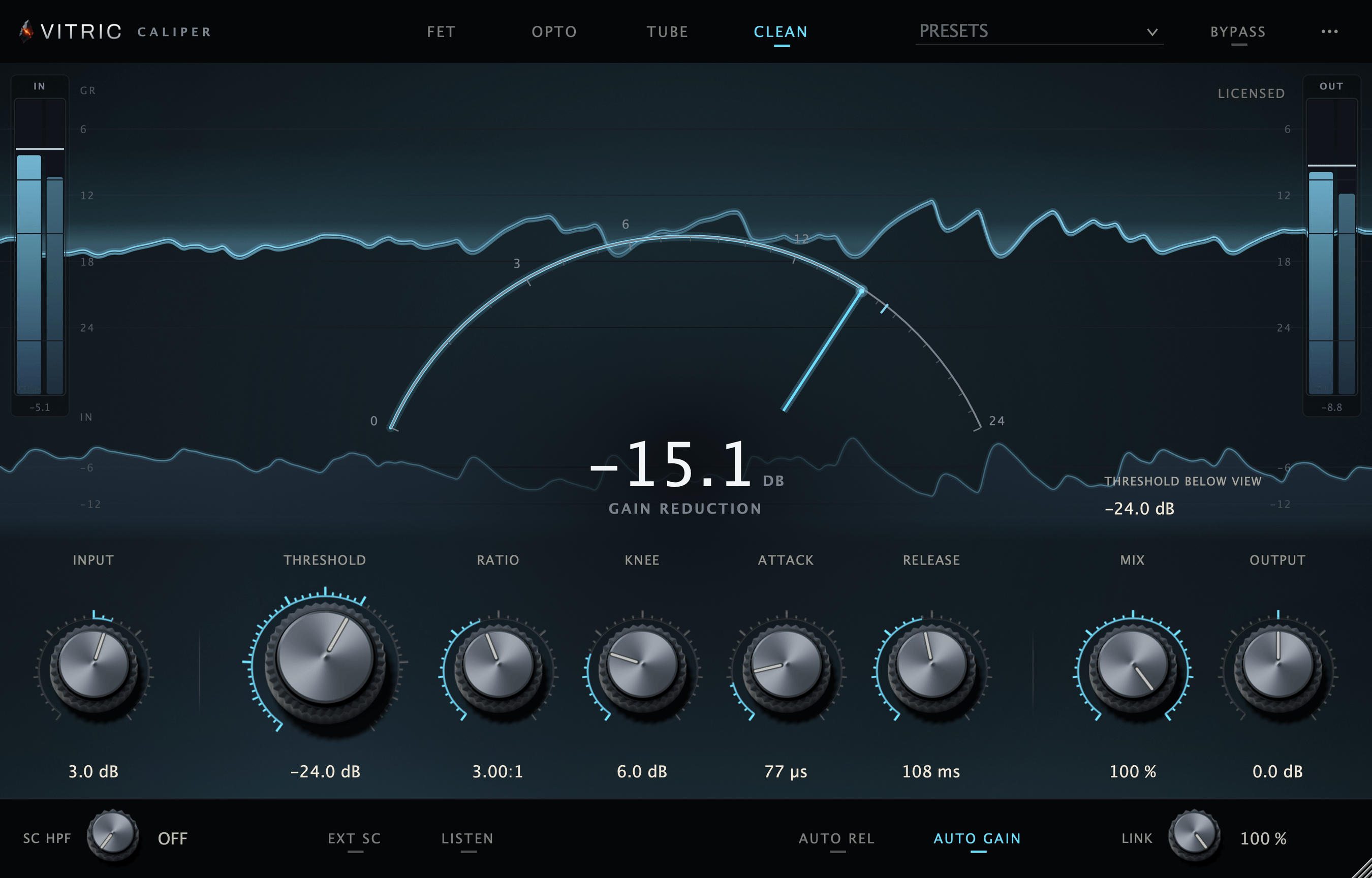
Saturating the sidechain hands a clean design the same softened measurement the hardware always had, without adopting the hardware's noise, frequency response or audible distortion. If you want the whole circuit rather than only the detection half, that is a different tool: Caliper Compressor models the optical cell's two-stage release and light memory directly, alongside FET, tube and clean modes. Detector saturation gets you one specific piece of that character, the smoothed measurement, with everything else left modern.
One axis among three
Detector saturation is easy to confuse with two older sidechain tools. All three shape the measurement; they work on different axes.
| Tool | Axis | What it changes | Typical job |
|---|---|---|---|
| Sidechain high pass | Frequency | Removes low end from the measurement | Stop the kick from pumping everything |
| RMS or averaged detection | Time | Integrates level over a window | Slower, leveling-style response |
| Detector saturation | Level | Rounds the largest excursions in the measurement | Ignore micro-transients, squeeze the body |
Because the axes are independent, the tools stack: filter the lows out of the measurement, set the feel with the detection window, then decide with drive how much the remaining peaks count.
Using it in a session
Set the compressor roughly, then bring the detector drive up while watching the meter. Four things will trip you up if you do not expect them.
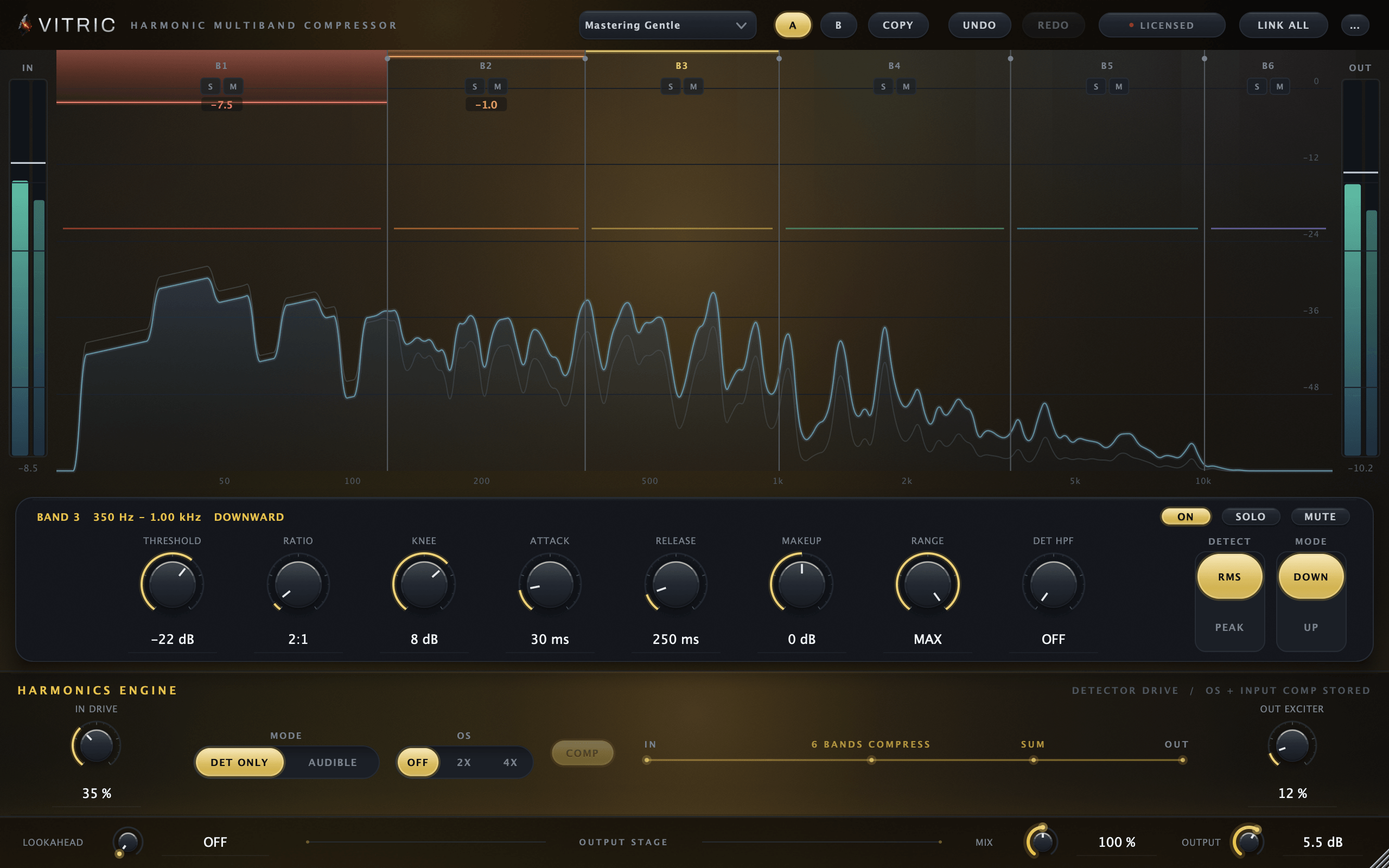
- Drive changes the reported level. In the Harmonic Multiband the detector drive keeps full scale at full scale, so everything quieter reads hotter and the same threshold gives more gain reduction. As you add drive, raise the threshold until the meter shows the same depth, then judge.
- Match gain reduction, not knob positions. An A/B between drive settings is only fair when both produce similar meter movement. Otherwise you are comparing amounts of compression, not qualities of it.
- Do not expect tone from it. The audio path is untouched by definition. If you want to hear harmonics, saturate the audio path instead, or add a separate saturator. Detector-only drive changes movement, not color.
- Verify the clean claim. Set the threshold to 0 dB and the knee to 0 so the meter shows no gain reduction, then sweep the detector drive. Nothing should change audibly. If it does, either level is shifting somewhere or the mode is not doing what it says.
Once it is set, the tells are specific: hits keep their front edge even at fast attack settings, the gain reduction meter moves in slower, smaller arcs, and you can push several dB deeper into the sustains before the compression announces itself.
Per band, the case gets stronger
On a full-range bus the trick has one compromise left: a single sidechain saturator bends hardest around the loudest thing in the whole signal, which is usually the low end, so one instrument shapes the measurement everyone shares. In a multiband compressor each band has its own detector, and detector saturation applied after the crossover split works on each band's content alone. The low band's detector rounds bass peaks, the high band's detector rounds cymbal edges, and neither pollutes the other's measurement. Rebuilding that by hand means one duplicated, saturated, gain-matched sidechain track per band, updated every time an edit moves. It is possible, and nobody does it twice.