Zero latency compression: when plugin delay actually matters
Lookahead and oversampling buy real quality by delaying the signal, a trade that is free in a mix and poison in a headphone cue. Here is the mechanism and when to care.
A vocalist stops mid-take and says the headphones feel wrong. Not out of tune, not too loud: wrong, like singing into a pillow. Nothing on the meters explains it. The usual culprit is a plugin somewhere in the monitoring path quietly holding the signal back a few hundred samples, because holding the signal back is how it does its job.
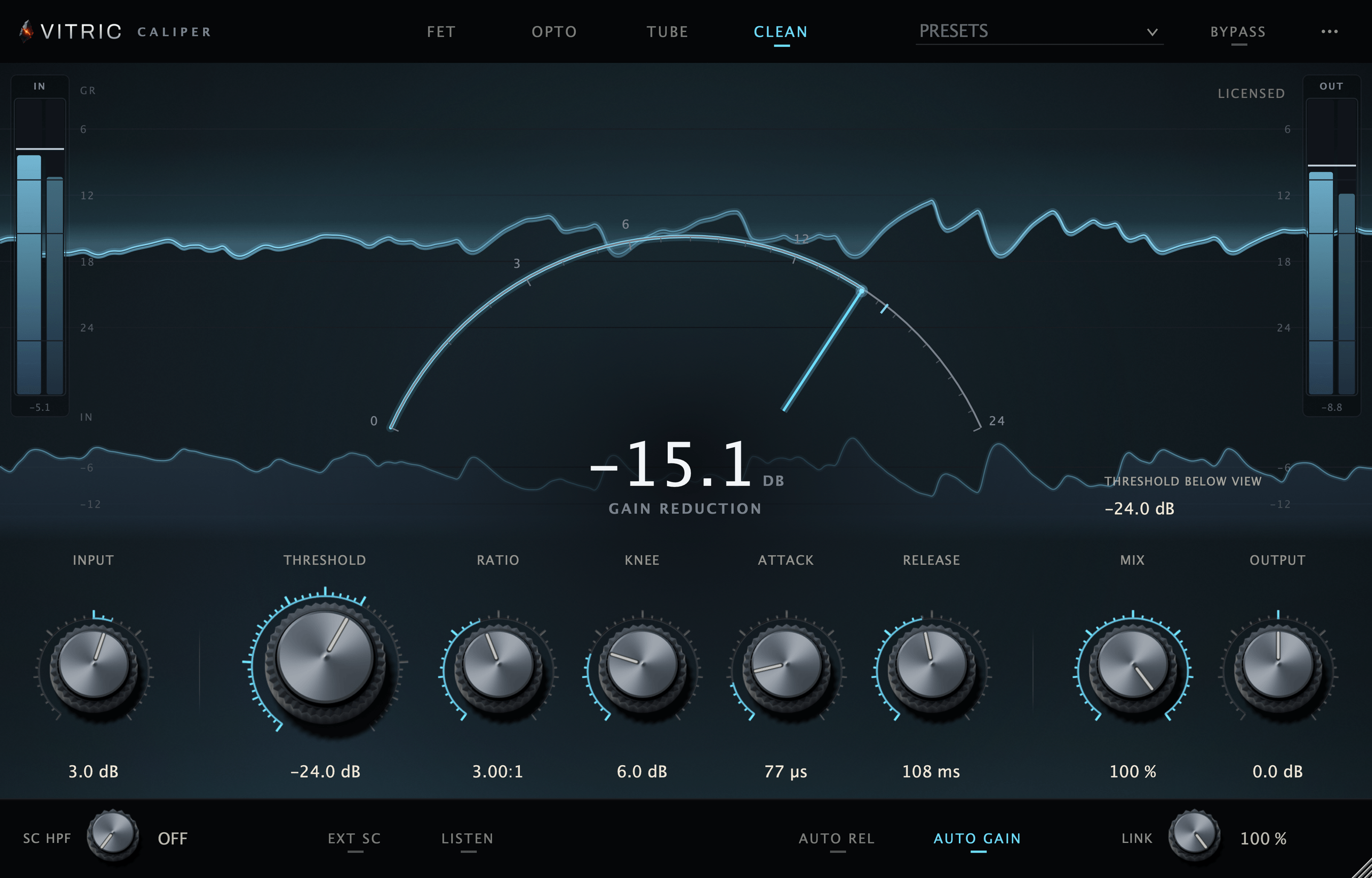
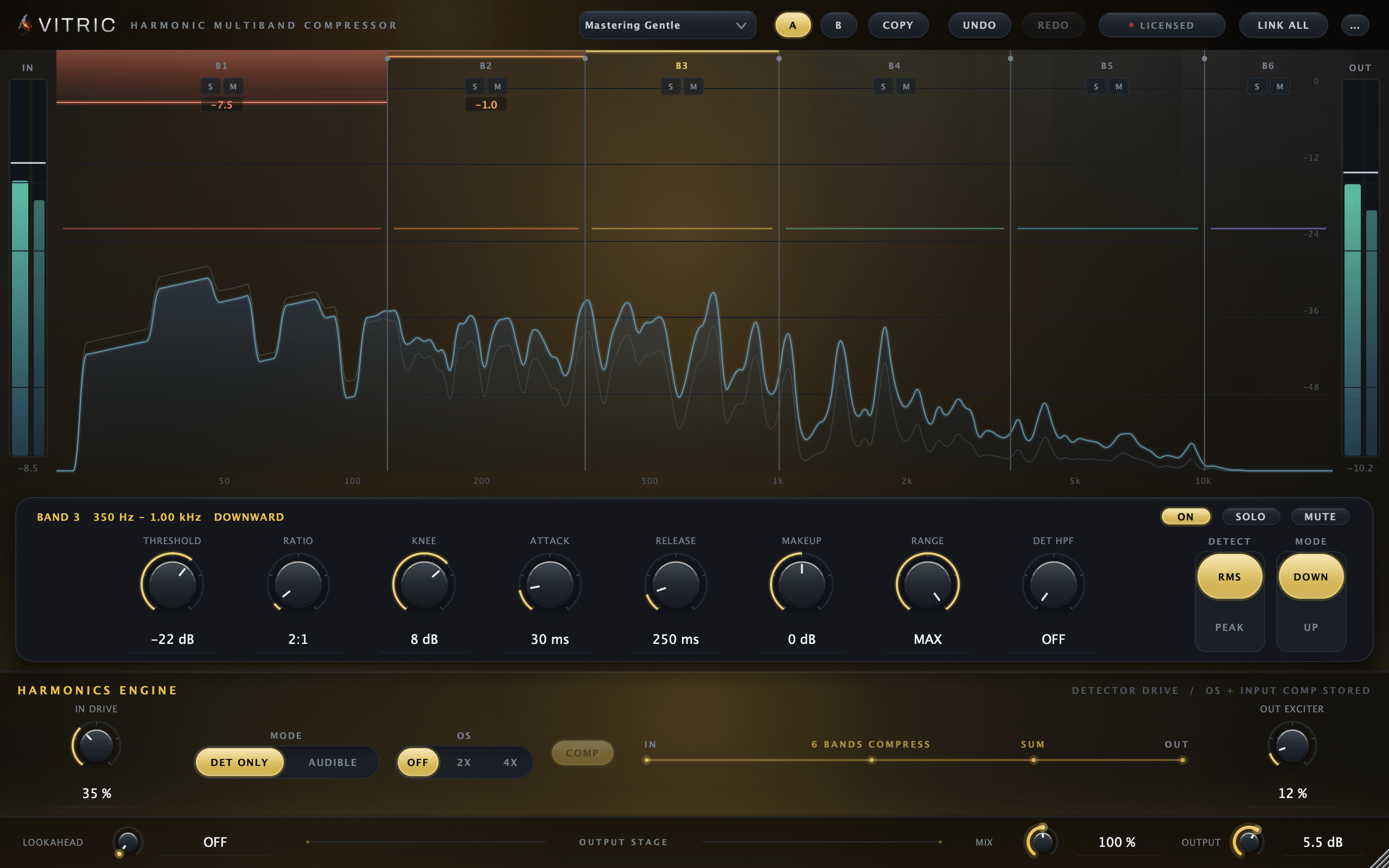
Plugin latency has a bad reputation it only half deserves. In a mix, your DAW erases it completely. In a cue mix or a live tracking chain, no software can erase it, because the delay stands between a performer and their own hands. This article walks where the delay comes from, what delay compensation actually fixes, and how to build a tracking chain that stays playable. Vitric's Caliper Compressor adds zero samples of latency in all four of its modes; Harmonic Multiband Compressor offers up to 10 ms of lookahead for the mix, where the delay costs nothing.
Where the delay comes from
Latency is not sloppiness. Almost every sample of it pays for a specific feature. Three are worth knowing by name.
Lookahead. A compressor's detector can only react to what has already happened. If you want gain reduction to be in place before a transient arrives, the only option is to delay the audio path while the detector reads the undelayed signal. The plugin is not predicting the future; it is holding the present back. A 10 ms lookahead means the audio leaves the plugin 480 samples late at 48 kHz. There is no cheaper way to buy that feature.
Oversampling. Saturation and clipping create harmonics above the frequencies your session can represent, and those fold back down as inharmonic aliasing. Oversampling runs the nonlinear stage at a multiple of the session rate, then filters the result back down. The resampling filters are the cost: a linear-phase filter delays the signal by half its own length, on the way up and again on the way down. The steeper the filters, the more samples they cost.
Block-based processing. Anything built on an FFT, such as linear-phase EQ or spectral processing, has to collect a full block of audio before it can compute anything. The block size sets a floor on the delay no cleverness can remove.
A compressor with none of these needs, no lookahead, no oversampling, no FFT, can run at zero added samples: audio in, gain applied, audio out, all within the same processing block. The trade is that it can never see ahead. It can only react fast.
What delay compensation actually does
Every plugin reports its latency to the host, and the host runs plugin delay compensation: it delays every other track by the same amount so the whole session lines back up at the master bus. PDC does not remove the delay. It makes the delay equal everywhere, which is just as good, as long as everything you care about lives inside the session.
That last clause is where every real problem hides. PDC can align anything it can delay. It cannot delay a performer's hands, a singer's own voice reaching their ears through bone, or a hardware insert sitting outside the box. Latency problems are boundary problems: somewhere, a signal path crosses out of the session into the physical room, and compensation cannot follow it.
When latency does not matter
Be honest about the easy case first, because it covers most of a record's life. If you are mixing or mastering entirely in the box, with no live input being monitored through the session, plugin latency is close to a non-issue. PDC holds everything sample-aligned, and whether the master bus runs 30 ms behind the ruler is inaudible and irrelevant. This is exactly why mastering chains lean on linear-phase EQ, lookahead limiting and heavy oversampling: the quality is real and the latency is free.
The same goes for lookahead on a multiband. The Harmonic Multiband Compressor offers up to 10 ms of host-compensated lookahead, and its oversampled saturation mode runs a delay-compensated dry path so the wet and dry signals stay aligned inside the plugin. At mixdown those are pure upside. Pick mix plugins by sound and let the host do the bookkeeping.
Where it bites: tracking and cue mixes
Now put a musician on the other end of the wire. Sound travels roughly a foot per millisecond in air, so a guitarist ten feet from an amp has always lived with about 10 ms and adapted fine. Headphones are less forgiving, and singers are the worst case: a vocalist hears their own voice through bone conduction instantly, and the delayed cue signal sums with it. A few milliseconds reads as comb filtering and a strange hollow thickness. Tens of milliseconds reads as a slapback on their own voice. Either way they stop trusting the headphones, and the performance is what pays.
The budget is already tight before any plugin loads. A 128-sample interface buffer at 48 kHz is about 2.7 ms into the box and the same back out, plus converter latency. Software monitoring through a DAW starts several milliseconds in the hole. Every sample a plugin adds lands directly on top, and PDC cannot help: the one path it cannot delay into alignment is the live one.
| Situation | Does plugin latency matter? | Why |
|---|---|---|
| Mixing, all tracks printed | No | PDC aligns everything; the whole mix shifts together |
| Mastering | No | One stereo path, nothing live; lookahead and FFT are free |
| Tracking with software monitoring | Yes, every sample | The performer's ears are outside the session; PDC cannot delay a person |
| Cue mix with processing on the artist's channel | Yes | Delay sums against bone conduction and room bleed |
| Hardware inserts and outboard sends | Yes, needs measuring | The path leaves the box; the host can only compensate what it is told |
Parallel paths: the subtle failure
The ugliest latency bugs are not delays you hear as delays. They are parallel paths that no longer null. Split a signal, process one copy through something latent, and sum the copies back: if the host compensates correctly, nothing happens. If anything slips, even a few samples, the sum comb filters. A one-sample offset at 48 kHz puts the first notch around 24 kHz, harmless. A 64-sample slip puts it near 375 Hz, and now your parallel drum bus sounds thin and nobody knows why.
Modern DAWs get internal parallel routing right almost all the time. The slips come from the boundaries again: a hardware insert whose round trip was never measured, a plugin that changes its reported latency when you flip an oversampling switch mid-session, or a parallel path built across two pieces of software. When a parallel chain sounds hollow, null-test it: flip polarity on one path and listen to how much fails to cancel.
The simplest fix is to keep the split inside one plugin. A compressor with a wet/dry mix control does parallel compression with both copies aligned by construction, because the dry path never leaves the process. No routing, nothing to slip.
Running a tracking chain in practice
You can absolutely track through plugins. Singers commit harder into a little compression, and an amp sim in the cue changes how a guitarist plays. The rules are short.
- Read the latency readout, not the marketing. Most DAWs show per-plugin delay in samples. Anything nonzero in a monitored path is a decision you are making on the artist's behalf.
- Watch the mode switches. A plugin that is zero latency by default may not stay that way when you enable oversampling, lookahead or a linear-phase option. Check after every such switch, not once at insert time.
- Keep lookahead out of the cue. Brickwall peak control is a mixdown job for a lookahead limiter, where the delay is compensated and free. While tracking, a fast-attack compressor gets close enough.
- Shrink the buffer for the take, not the mix. Track at 64 or 128 samples and accept the CPU cost; raise the buffer when you switch to mixing, where latency stops mattering.
- Print or split when the chain gets heavy. Monitor through a light zero-latency chain while recording dry, and save the latent processing for playback.