How to make a beat: drums, 808, melody and arrangement
Making a beat comes down to six steps: pick a tempo and key, program the drums, add an 808 or bass that follows the key, write chords or a melody, arrange it into intro, verses and hooks, then mix and export. Here is each step, with the guides and free tools for it.
A beat is the instrumental a rapper or singer performs over: drums, a bass line, often an 808, and chords or a melody, arranged into sections. You can start with any of them, but working in this order keeps the parts in the same tempo and key from the first bar.
1. Pick a tempo and a key
The genre sets the tempo: about 140 BPM for trap, felt at half that, 80 to 100 for boom bap, about 90 for reggaeton and 115 to 130 for house. The BPM by genre guide has more styles and where each number comes from. Pick a key before writing anything pitched; if you are building on a sample, find its key and tempo with the key and BPM finder.
2. Program the drums
Start with one bar on a 16-step grid: kick, snare or clap, hi-hats. The drum patterns guide has house, boom bap, trap, UK drill and reggaeton grids to copy. Then vary it: a second bar with a different kick, a hi-hat roll before the snare, a gap where the vocal will land. In FL Studio that grid is the step sequencer in the Channel Rack; see how to use FL Studio. In other DAWs, draw the hits in the piano roll.
3. Add the 808 or bass
An 808 is a long, tuned bass note built on a kick drum sound, so it plays the bass line and has to be in the song's key. Put its notes on the root of each chord, decide how it shares space with the kick, and keep its low end in mono. See what an 808 is, how to tune one, and synth bass for reese and wobble basses.
4. Write chords or a melody
Four chords looped over the drum bar is enough for a verse. The chord progressions guide lists common, sad, pop, R&B and trap progressions in every key, and piano chords spells out the notes of each chord. Try them on the virtual piano before you draw them in. Keep the melody simple and leave room for the vocal. For the sounds themselves, start with presets and learn what each part of the synth does in what is a synthesizer.
5. Arrange it into a song
A loop becomes a beat when it changes over time. In hip hop the hook is the chorus between verses, and a common template runs intro, verse, hook, verse, hook, sometimes a bridge, then an outro. Common lengths are 16 bars for a verse, 8 for a hook and about 4 for the intro and the outro. The song structure guide shows how long 4, 8 and 16 bars last at common tempos.
Change what plays, not just how loud: drop the drums for the last bar before a hook, add a layer in the hook, strip a verse back to drums and 808. Each change tells the listener a new section has started.
6. Mix and export
Balance the drums, 808 and melody with faders before any plugin, keep the kick and 808 out of each other's way, and leave headroom. The how to mix a song guide goes step by step. Export a WAV of the full beat, and stems if the artist wants them.
Free tools for each step
- BPM tapper: find the tempo of a beat you are referencing.
- Key and BPM finder: the key and tempo of a sample or loop.
- Chord finder: name a chord from the notes you found.
- Delay calculator: delay and reverb times at your tempo.
Vitric plugins for beats
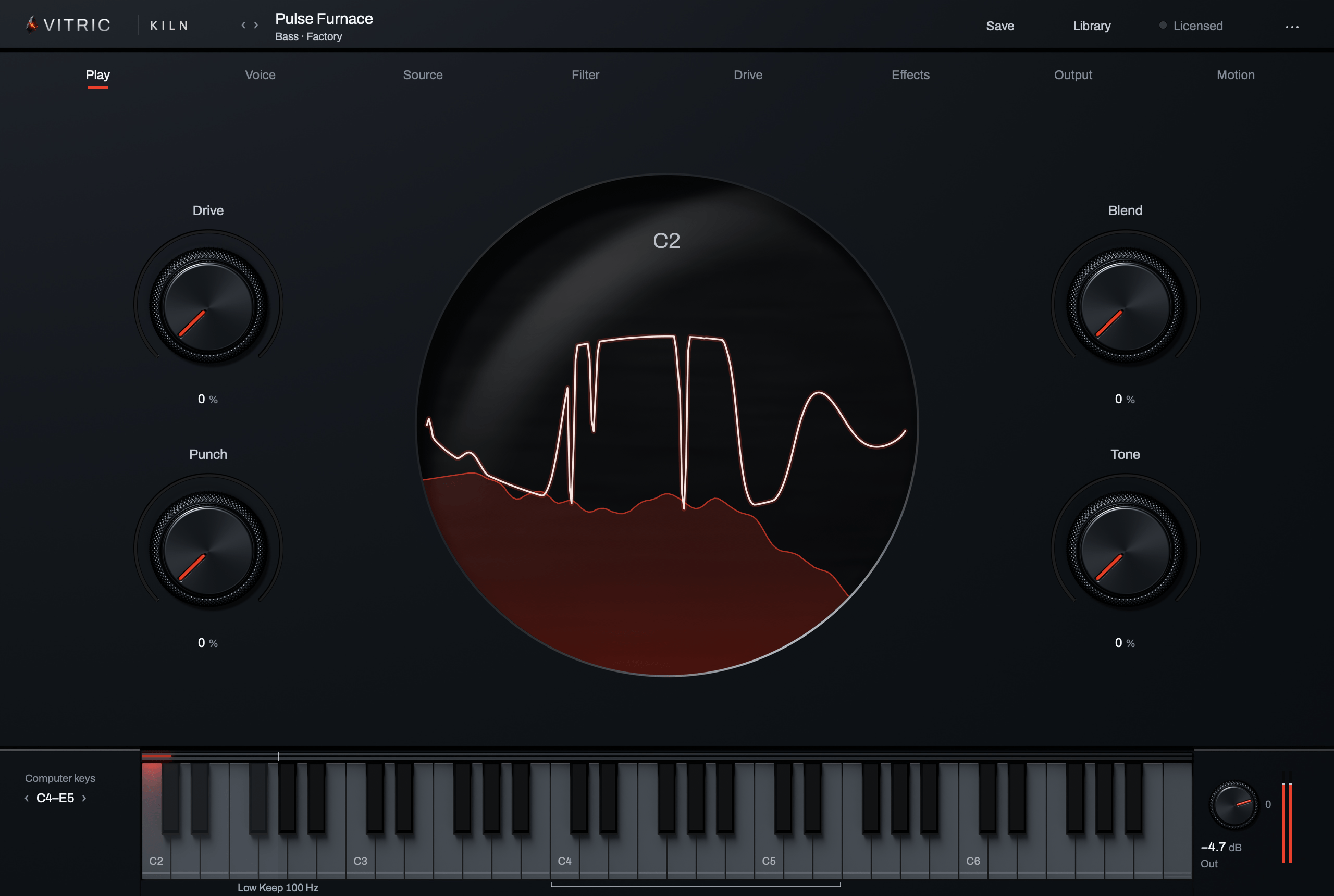
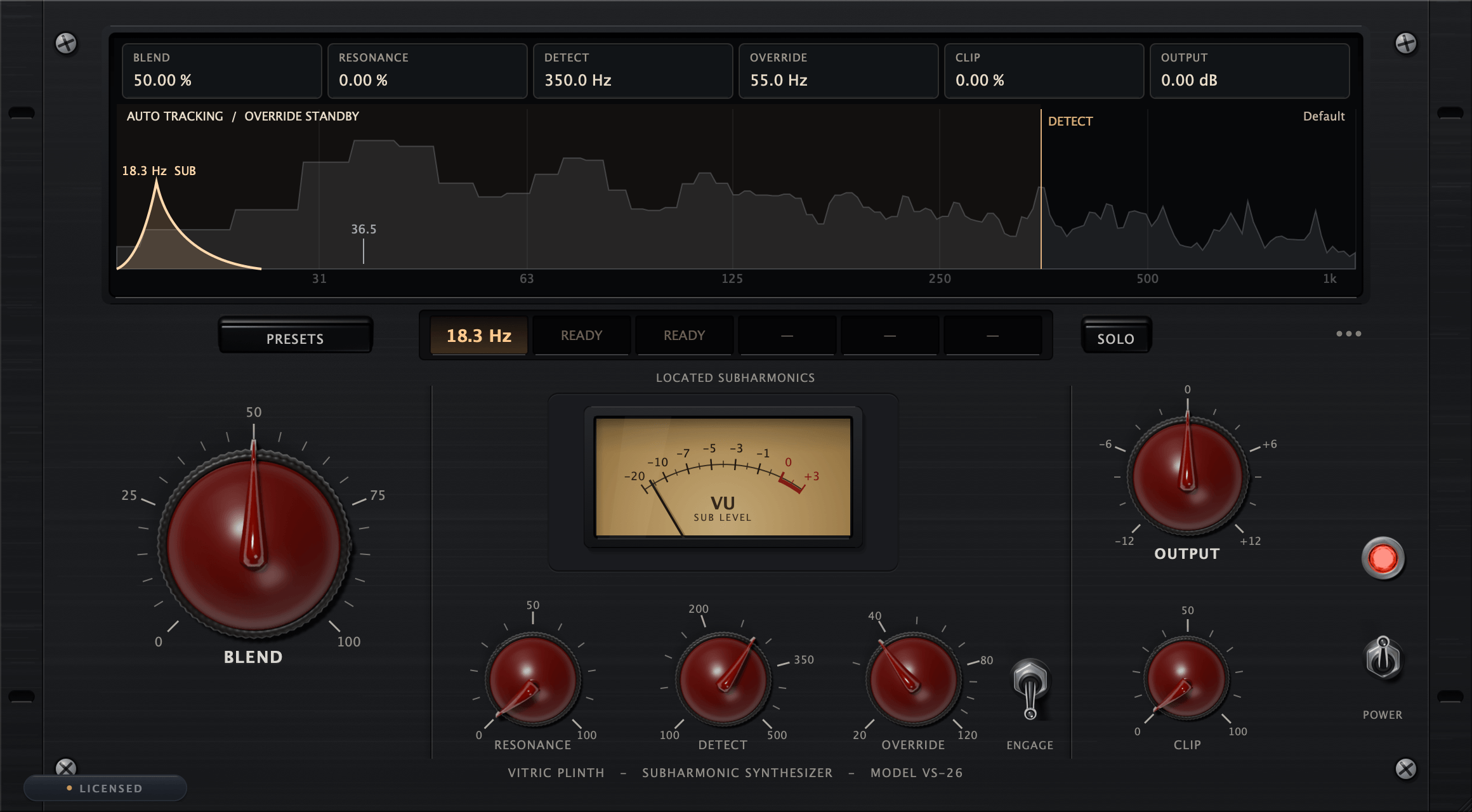
Kiln Synthesizer covers the pitched parts: its 683 factory presets include 808s, basses, subs, keys, pads and leads, and in Poly mode Chord Glide slides each note of a chord to the nearest note of the next. Plinth Subharmonic Synthesizer adds a mono sub one octave beneath a kick or bass that needs more weight.
Beat making questions
What do I need to make a beat?
A computer, a DAW, headphones or speakers, and drum sounds. A MIDI keyboard helps for chords and melodies but is not required: everything can be drawn in the piano roll.
How do you make a beat in FL Studio?
Set the tempo, program the drums on the step sequencer in the Channel Rack, write the 808 and the chords in the Piano roll, then arrange the patterns into a song in the Playlist. The how to use FL Studio guide walks through each window.
How many bars is a beat?
A full beat on the common template (a 4-bar intro, two 16-bar verses, two 8-bar hooks and a 4-bar outro) is 56 bars. Some beats add a third verse and hook, or a bridge.
Should I start with the drums or the melody?
Either. Starting with drums locks the groove; starting with a melody or a sample sets the mood. Set the tempo and key first either way.
How long is a beat at 140 BPM?
At 140 BPM a bar of 4/4 lasts about 1.7 seconds, so a 56-bar beat runs about 1 minute 36 seconds.