Buffer size and latency: what to set for recording and mixing, with a latency chart
The buffer size is how many samples your computer processes at a time. A small buffer means less delay but more strain on the CPU; a large one means fewer clicks and dropouts but more delay. Record with a small buffer, mix with a large one, and here is how much delay each setting adds.
Your computer processes audio in small blocks, and the buffer size is how many samples go in each block. A smaller buffer gets audio in and out sooner, so there is less delay (latency) between playing and hearing, but the computer has less time for each block, and if it runs out you hear clicks, pops or dropouts. A larger buffer is safer for the CPU and adds delay. So record with a small buffer and mix with a large one.
How much delay does each buffer size add?
One buffer lasts the buffer size divided by the sample rate. The table shows one buffer in milliseconds.
| Buffer (samples) | 44.1 kHz | 48 kHz | 96 kHz |
|---|---|---|---|
| 32 | 0.73 ms | 0.67 ms | 0.33 ms |
| 64 | 1.45 ms | 1.33 ms | 0.67 ms |
| 128 | 2.9 ms | 2.7 ms | 1.3 ms |
| 256 | 5.8 ms | 5.3 ms | 2.7 ms |
| 512 | 11.6 ms | 10.7 ms | 5.3 ms |
| 1024 | 23.2 ms | 21.3 ms | 10.7 ms |
| 2048 | 46.4 ms | 42.7 ms | 21.3 ms |
The delay you hear while monitoring is longer, because input and output each have a buffer: at 128 samples and 48 kHz that is 2.7 ms in plus 2.7 ms out, about 5.3 ms, before the converters, the driver and any plugins add their own. Logic Pro shows the resulting round-trip latency under its I/O Buffer Size menu.
That is also why a higher sample rate lowers latency at the same buffer size: Apple notes that higher sample rates reduce input monitoring latency, but they make larger files and ask more of the processor and disk, and plugins need more processing power at higher rates.
What causes latency?
Apple lists the factors for Logic Pro, and the same factors apply in other DAWs: the I/O buffer size, the analog-to-digital and digital-to-analog conversion in your interface, the interface's software, the project's sample rate, and the plugins on your tracks. Bluetooth headphones and speakers add their own delay, so use them for listening, not for recording. You cannot change the converter, interface-software or Bluetooth delay, but you can change the buffer, the sample rate and the plugins.
How much delay is too much depends on what you are doing. In one study cited by Wikipedia, listeners found latency above 15 ms noticeable, but singers hearing their own voice through headphones are more sensitive: the same article notes that ten milliseconds is less noticeable to a listener who is not hearing their own voice.
What buffer size should I use for recording?
The smallest your computer handles without clicks. Apple's advice for Logic is to set the lowest buffer when recording and go up one setting if you get overload alerts. FL Studio's manual says to use the smallest buffer that does not raise the buffer underrun count when you record audio or play MIDI live. On Apple Silicon Macs it lists 128, 192, 256, 512 and 1024 samples, with 128 as the starting point, and step up to 192 if 128 gives you trouble. Berklee's Ableton Live guidance also starts at 128 samples.
For Intel processors, FL Studio's manual suggests 10 to 20 ms (440 to 880 samples at 44.1 kHz), and notes that Intel processors do better with longer buffers, the opposite of Apple Silicon.
If you record audio only (no software instruments) and your interface has direct monitoring, which sends the input straight to your headphones without going through the computer, you can skip the problem. Apple suggests turning off Software Monitoring in Logic Pro, setting the buffer to 256 samples and leaving it there for recording and mixing; in Ableton Live you set the track's Monitor to Off. The trade-off: the singer then hears the voice without any plugins, so no tuning or reverb in the headphones.
What buffer size should I use for mixing?
A large one. Apple's advice for Logic is to decrease the buffer when recording and increase it when mixing: a larger buffer lowers the load on the CPU, which helps a heavy session with many plugins play without interruptions. If playback stutters, raise the buffer one step at a time until it stops.
Where do you set the buffer size?
- FL Studio: Options, Audio settings. On a Mac, set Buffer Length there; on Windows it is only a readout, so click Show ASIO panel and set the buffer in the driver's panel.
- Ableton Live: Settings (in the Live menu on a Mac and the Options menu on Windows; older versions call it Preferences), the Audio tab, Buffer Size. On Windows with an ASIO driver, if Buffer Size is greyed out, click Hardware Setup and change it in your interface's control panel.
- Logic Pro: Logic Pro, Settings (or Preferences), Audio, Devices, I/O Buffer Size.
What is ASIO?
ASIO (Audio Stream Input/Output) is a driver protocol Steinberg specified for low latency on Windows: it bypasses layers of the operating system so the DAW talks to the audio interface directly. macOS does not need it, because its built-in Core Audio already does this job.
On Windows, get the ASIO driver from your interface maker's website and choose it as the device in your DAW's audio settings; its buffer is then set in the driver's own panel. FL Studio's manual recommends drivers in this order: the interface's own (native) ASIO driver, then ASIO4ALL, then FL Studio ASIO. If your audio device has no ASIO driver of its own, FL Studio installs both of the others: ASIO4ALL is a generic ASIO driver that works with most audio devices, and FL Studio ASIO runs on top of the Windows audio system (WASAPI), so its lowest stable latency may be higher and recorded audio can land slightly differently from take to take.
Plugins add latency too
Some plugins need extra time to work, for example a limiter or compressor looking ahead, and your DAW delays the other tracks to keep everything in time, as the guide to plugin latency explains. That is fine when mixing, but while you record, plugins with latency on the track you are monitoring, and on the buses and master it plays through, add to what you hear. Logic Pro's Record, Low Latency Mode routes audio around latency-inducing plugins while you record, and Ableton Live's Options, Reduced Latency When Monitoring does the same job for monitored tracks.
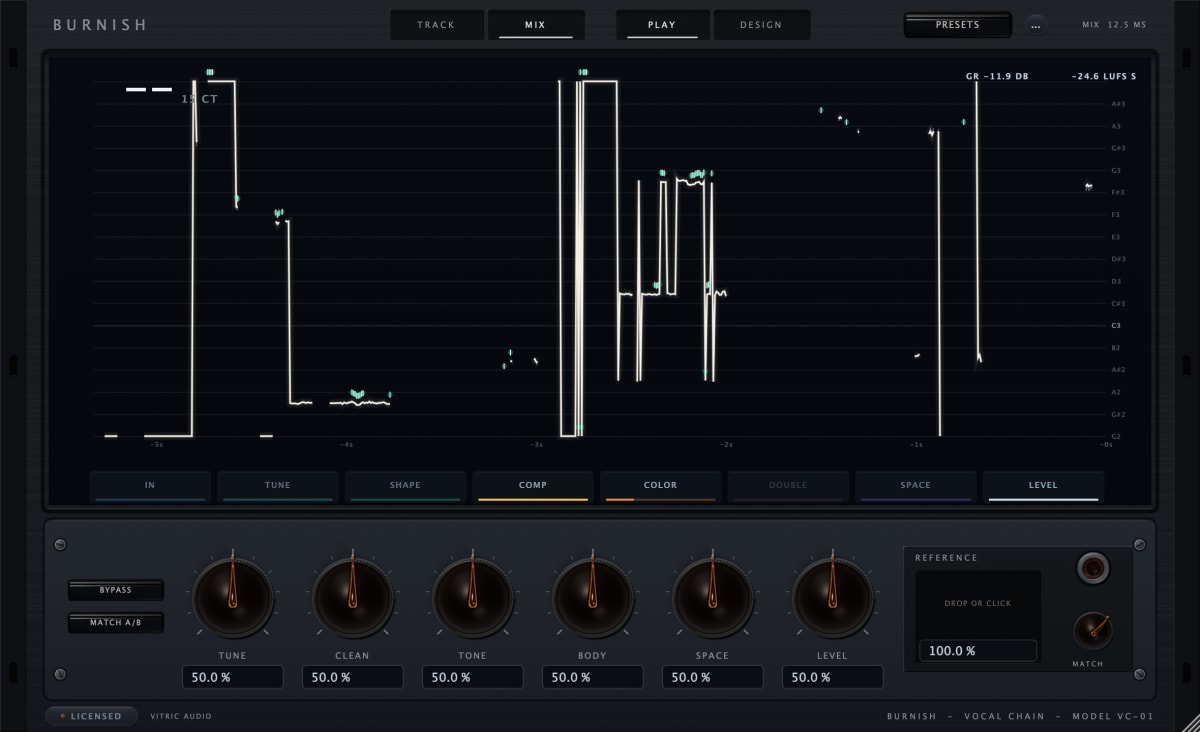
Several Vitric plugins state their latency. Burnish Vocal Chain's TRACK mode forces Classic tuning and removes the gate lookahead, so the plugin reports four samples, about 0.1 ms at 48 kHz; while Classic is correcting a note the sound is delayed a little more, about 3 ms typically. Caliper Compressor and Plinth Subharmonic Synthesizer add no latency, and Stoke Saturator adds 6 samples at 44.1 and 48 kHz (0.125 ms at 48 kHz). Your buffer, interface and other plugins still set the total.
Questions
What is a good buffer size?
For recording, the smallest that plays without clicks, often 128 or 256 samples; for mixing, a larger buffer such as 512 or 1024 samples.
Does buffer size affect sound quality?
Not the sound of the audio itself, as long as there are no clicks or dropouts. It changes the delay and the load on your CPU. FL Studio's manual notes that glitches in rendered audio are not an underrun; they are likely a plugin behaving badly.
Why do I hear clicks and pops in my DAW?
Often the buffer is too small for the session: the computer cannot finish each block in time, which FL Studio reports as a buffer underrun. Raise the buffer size one step.
What is a good latency for recording?
As low as your system allows. FL Studio's manual calls 1 to 4 ms without underruns cutting edge, 5 to 10 ms excellent and 11 to 20 ms good, with 10 ms (441 samples) as a good target. Singers hearing their own voice on headphones are the most sensitive, so for vocals keep the buffer as low as your computer copes with, or use your interface's direct monitoring.