Parallel compression: New York compression on drums and vocals
Parallel compression blends a heavily compressed copy of a track with the dry original: the dry keeps the attack and the compressed copy brings up the body and detail. Here is why it works, how to set it up, and where to start on drums and vocals.
Parallel compression mixes the dry track with a heavily compressed copy of itself. The dry copy keeps the attack of every hit; the compressed copy brings up the quiet detail between them. The result sounds fuller and denser without losing its punch. It is also called New York compression, after the New York studio engineers who relied on it, and it is used most often on drum buses, bass and vocals.
Why it works
A normal compressor turns the loudest moments down. Parallel compression works the other way round: it raises the softest sounds, adding audible detail, while the dry path keeps the fast transients that give a performance its feel. Because we notice loud sounds being suddenly turned down more than soft sounds being raised, the compressor on the parallel path can be set aggressively without the blend sounding squashed.
How to set it up
- On a bus: send the track or the drum group to an aux, put a compressor on the aux at 100 percent wet, and raise the aux fader under the dry signal.
- With a Mix knob: many compressors blend dry and compressed signal themselves; turn Mix down from 100 percent to hear the dry track come back in.
Either way, set the compressor with the blend turned up so you can hear it, then bring the blend down until it stops sounding like an effect.
Where to start
Drums: on the parallel path, use a high ratio and plenty of gain reduction, then blend it in until the room and the sustain come up without the kit losing its attack. Attack and release shape how fat the result gets, so adjust them while listening to the blend, not the compressed path alone.
Vocals: the vocal compression guide suggests 4:1, 5 ms attack and 80 ms release on the wet path, with the threshold set for 8 to 10 dB of reduction on strong phrases. Bring it up quietly under the dry vocal until the body fills in, and back it off if breaths or room noise become distracting.
Keep the two paths lined up
Digital processors can add delay. If the compressed path arrives even a little later than the dry one, the blend comb filters and sounds thin or hollow. Your DAW normally compensates, but a parallel path that sounds wrong is worth a null test: set the compressor to no gain reduction, flip the polarity of one path and listen for what fails to cancel. A Mix knob avoids the problem, because both paths stay inside one plugin. See zero latency compression.
Where it came from
The idea goes back to the 1960s. Dolby's A-type noise reduction of 1965 used parallel paths with compression on one of them, and Mike Beville described the technique for classical recordings in Studio Sound in October 1977. New York studio engineers relied on it, which gave it its other name.
Parallel compression in Caliper
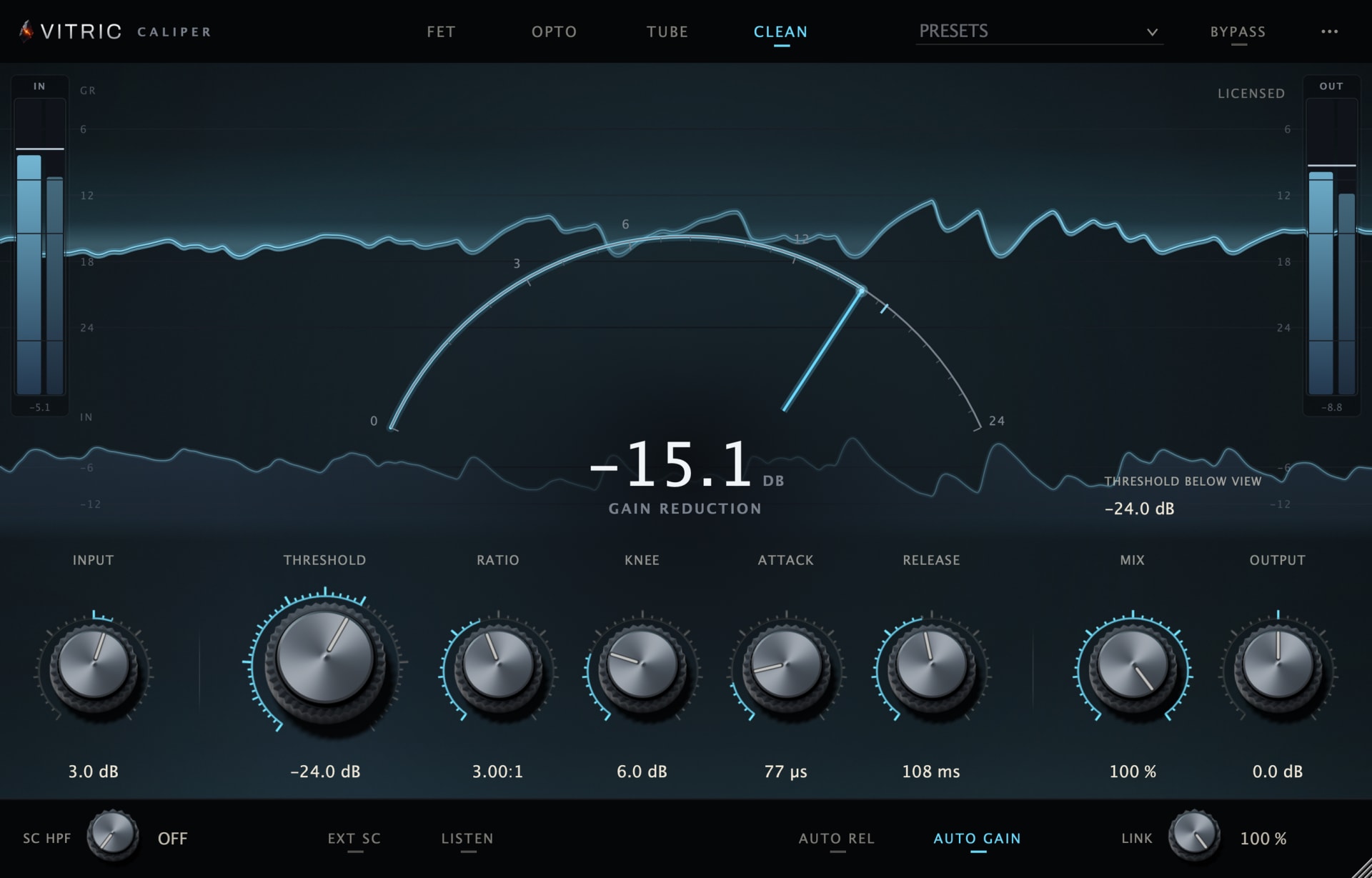
Caliper Compressor is a FET compressor with Opto, Tube and Clean modes, and every mode has a MIX knob: the blend of compressed and dry signal, for parallel compression on the track. Its OUTPUT (GAIN in Opto) is makeup gain for the compressed signal, applied before MIX, so below 100 percent the dry part is unchanged. In FET mode the ratio stack reads 4, 8, 12, 20 and ALL, and its presets include a parallel crush starting point.
Questions
What is New York compression?
Another name for parallel compression: blending a heavily compressed copy of a track with the dry original.
Is parallel compression the same as upward compression?
It has a similar effect, because quiet detail comes up, but it is a routing technique: a compressed path blended with the dry one, rather than a compressor that raises quiet material itself.
Can I use parallel compression on a whole mix?
Yes, gently. Blend a small amount of a compressed copy under the mix and compare with bypass at the same level.