Glide and arpeggiators: portamento, legato and arp patterns explained
Glide, or portamento, slides the pitch from one note to the next. An arpeggiator plays the notes of a held chord one at a time, in time with the track. Here is how each works, the settings that matter, and how to use them.
Glide and the arpeggiator are two synth features that change how notes connect. Glide, also called portamento, slides the pitch from one note to the next instead of jumping straight to it. An arpeggiator takes the chord you hold and plays its notes one at a time in a pattern, locked to the track's tempo.
What is glide (portamento)?
Portamento is a pitch sliding from one note to another; on a synth the control is usually called glide. The glide time sets how long the slide takes, from the pitch of one note to the pitch of the next. Short times give a quick scoop into each note; long times give a slow, obvious bend.
Synths often pair glide with a mono or legato voice mode, where one note sounds at a time. In a legato mode the slide happens only when you play legato: press the next key before you let go of the last one. Apple calls this fingered portamento. Play the notes separately and each one starts fresh, with no slide. That lets you choose, note by note, which notes slide.
Some synths also offer a glide curve. A linear curve moves the pitch at an even speed. An exponential curve leaves fast and then settles into the note, like an 808 slide. In trap especially, 808 notes often slide from one note to the next: see what an 808 is.
What is an arpeggiator?
An arpeggio is a chord played one note at a time instead of all at once. An arpeggiator does it for you: hold a chord and it plays the notes in a repeating pattern, in time with the track. Common controls include:
- Mode or direction: the order of the notes, such as up, down, up and down, random, or the order you played them.
- Rate: the length of each step in note values, such as 1/8 or 1/16, usually following your DAW's tempo.
- Octave range: how many octaves the pattern climbs through before it starts again.
- Gate: how long each step sounds. A short gate gives a staccato, plucked pattern; a long one lets the notes run into each other.
- Latch or hold: keeps the pattern playing after you let go of the keys, until you play a new chord.
If the arpeggiator runs as a MIDI effect in your DAW, record its output as notes, then remove or move notes to vary the rhythm. One built into a synth plays inside the plugin; bounce it to audio, or write the notes in the piano roll.
Glide and the arpeggiator in Kiln
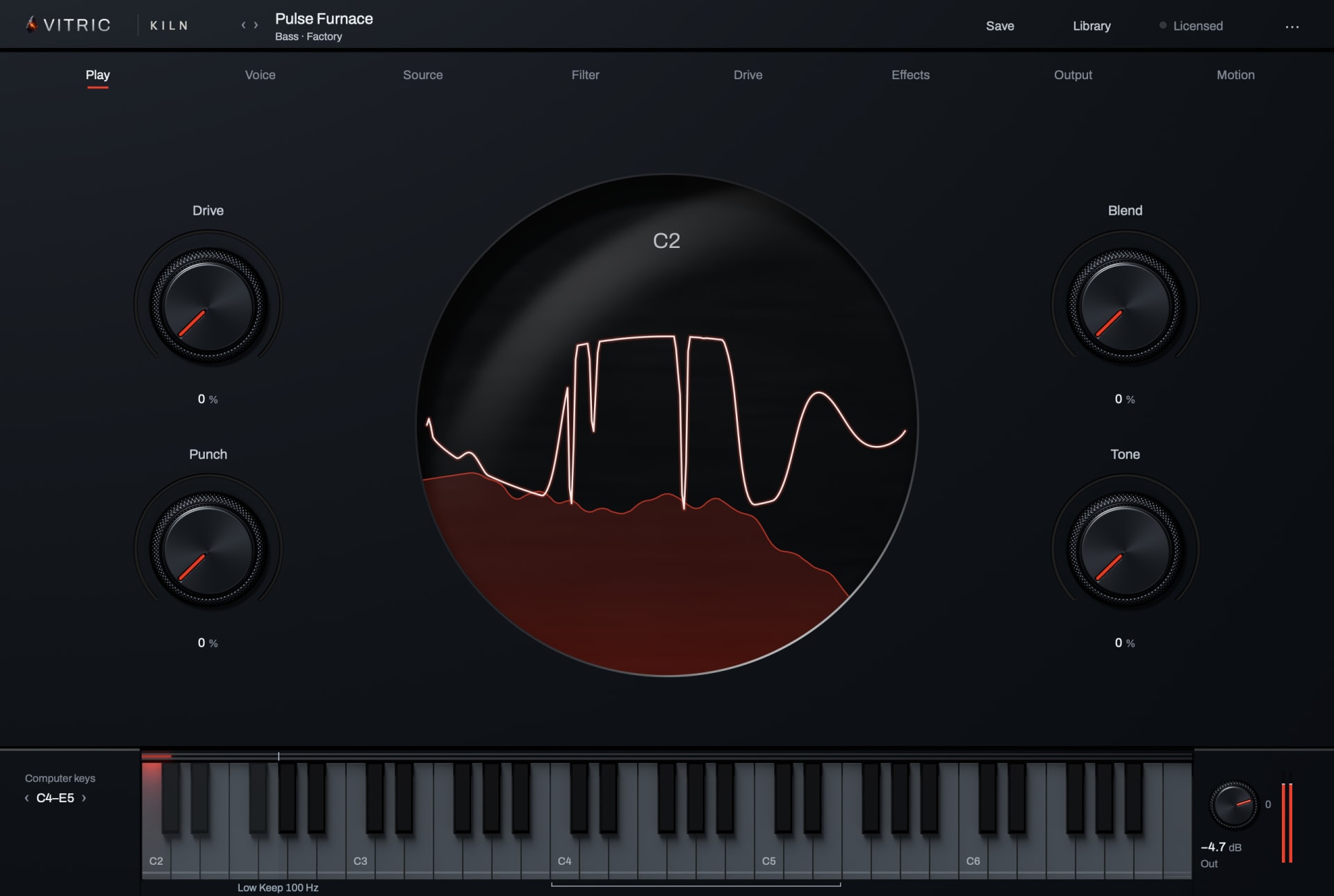
Kiln Synthesizer has both. On the sill, choose Poly, Mono or Legato, set Glide from Off to 5 seconds, and pick a Lin or Exp curve; Clean Legato slides and re-attacks without clicks. In Poly, Chord Glide slides each note of a new chord from the nearest note of the chord before. The arpeggiator on the Voice page plays UP, DN, UD, PLY (the order you played), RND or CHD (the whole chord on each step), at rates from eight bars to a 1/64 note with dotted and triplet values, over one to four octaves, with Gate, Swing, Probability and Latch. The Kiln manual starts a sliding bass at Legato, about 70 ms of glide and the Exp curve.
Questions
Is glide the same as portamento?
Yes. Portamento is the musical term for sliding between notes; glide is what many synths call the control.
Can a polyphonic synth glide?
Some can, with a poly glide mode. In Kiln, Chord Glide in Poly slides each note of a new chord from the nearest note of the chord you let go of, and voices never cross.
What is the difference between an arpeggiator and a sequencer?
An arpeggiator builds its pattern from the notes you are holding, so it changes when you change the chord. A step sequencer plays a pattern of notes you programmed in advance.