Mixing with headphones: how to make headphone mixes translate
You can mix on headphones, but they show a mix differently from speakers: a wider stereo image, a bass that is hard to judge, and reverb that sounds louder. Here is what to adjust, which headphones suit mixing, and how to check your mix.
You can mix on headphones. Engineers interviewed by Sound On Sound in 2020 prefer speakers in a good room, but mixer Manny Marroquin says he could adapt to headphones; mastering engineer Bob Ludwig would not start a mix on them with a good, calibrated room. The catch is that headphones present a mix differently from speakers, so a few habits help your headphone mixes sound right everywhere else.
Why headphones sound different
With speakers, the left speaker reaches your right ear too, a little later and quieter, and the right speaker reaches your left. Headphones lack this crosstalk: the left channel goes only to the left ear. Sounds panned to the center seem to sit inside your head rather than in front of you, and the stereo image sounds wider than it will on speakers. Crossfeed plugins can partly simulate speaker crosstalk on headphones, but they do not fully recreate speaker imaging.
Panning
On headphones a hard-panned sound plays in one ear only, which sounds unnatural and can be tiring. Sound On Sound's Martin Walker suggests easing extreme pans back, to about L90 and R90 on a control that runs to 100, but not much further, or the speaker mix narrows. He also suggests keeping stereo drum and percussion sounds and wide synth presets a little narrower.
The low end
Bass is the hardest part to judge. You do not feel it through your body as you do with speakers, and most headphones have a hump of up to 4 dB somewhere between about 40 and 500 Hz. On many cheaper models the bass does not sound like speaker bass, so mixes can end up with too much below 80 Hz and too little between 80 and 160 Hz. Check the low end on speakers whenever you can, even for a few seconds at a time. A spectrum analyzer helps you see what is there, but mixing by meters alone is a dangerous practice: see how to read a spectrum analyzer.
Reverb
Reverb is easier to hear on headphones, so it is easy to leave a speaker mix too dry. Walker's advice is to add a little more reverb than initially feels right on headphones.
Open-back or closed-back?
Mixers tend to favor open-back headphones: they stay comfortable over long sessions and sound more natural and airy, while closed-back designs can give a sense of compression. Closed-back headphones are better for recording, because they leak less sound into the microphone.
Level and fatigue
Do not keep edging the headphone level up as the session goes on: it leads to listening fatigue and, eventually, hearing damage. Take regular short breaks instead, which also keeps your decisions fresh.
Check the mix elsewhere
- On speakers, even briefly, and note the differences.
- On cheap earbuds, a home stereo and in a car.
- Against commercial tracks in a similar style.
Tools that help
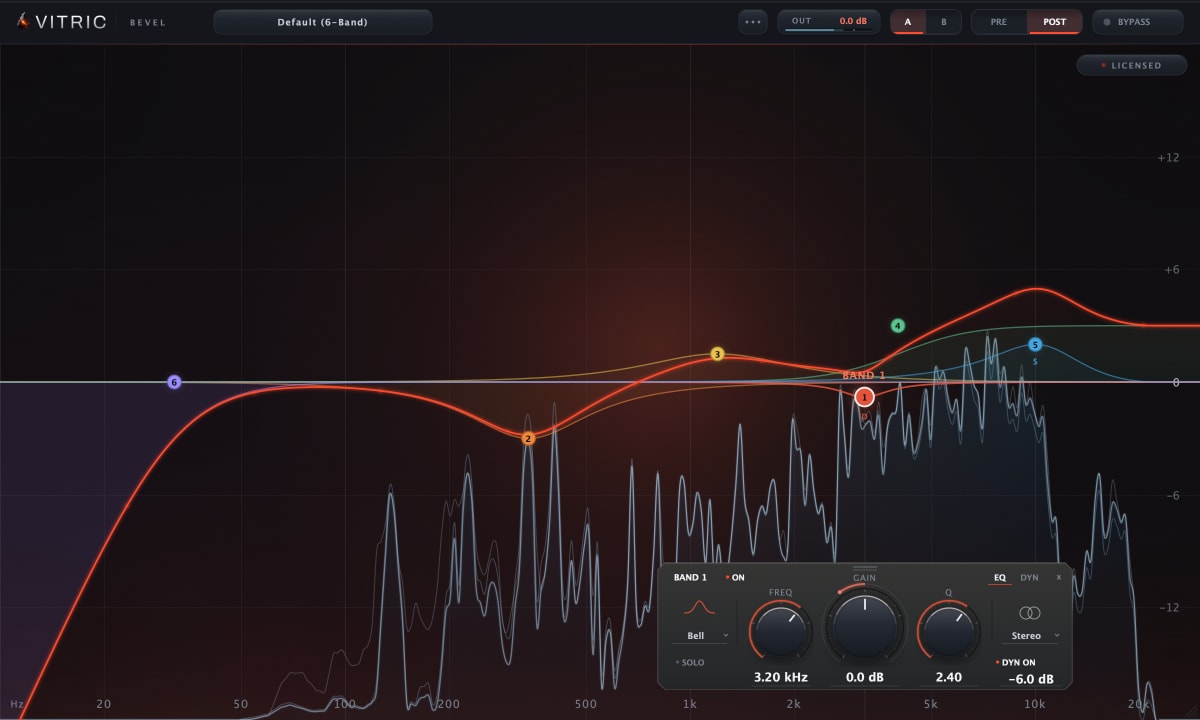
The free spectrum analyzer shows the low end your headphones may exaggerate or hide. Bevel EQ can draw the spectrum before and after its EQ together, so you can see what a low-end move changed.
Questions
Can you mix professionally on headphones?
Yes, with care. Professionals interviewed by Sound On Sound adapt when they need to, and both articles advise checking a headphone mix on speakers and other systems.
Should I use open-back or closed-back headphones for mixing?
Open-back for mixing; closed-back for recording, or for mixing in a noisy room.
Do I need a crossfeed plugin?
It can help you hear how a mix will sit on speakers, but it does not fully recreate them. Walker uses one as a check and mixes without it.