What is an audio interface? Do you need one, and what to look for
An audio interface connects microphones, instruments, headphones and studio monitors to your computer, converting sound to digital and back with low delay. Here is what it does, when you need one, and what to look for.
An audio interface is the box that connects microphones, instruments, headphones and studio monitors to your computer. On the way in it turns the analog signal into digital audio; on the way out it turns it back. Unlike a computer's built-in sound card, it is made for recording, with low-latency conversion and proper microphone and instrument inputs; unlike a mixer, it sends each input to your DAW as its own channel.
What is inside an audio interface?
- Mic preamps raise a microphone's small signal to a level the converter can use.
- Phantom power, usually 48 V (the P48 standard), often labeled +48V, powers condenser microphones through the mic cable. Most dynamic microphones do not use it.
- Instrument (DI) inputs take a guitar or bass plugged straight in.
- Line inputs take keyboards, synths and other line-level gear.
- Converters turn analog into digital on the way in (A/D) and back on the way out (D/A).
- Outputs feed headphones and studio monitors. Larger interfaces add digital inputs and outputs, such as ADAT and S/PDIF, to expand later.
Do you need an audio interface?
Yes, if you want to record a microphone, a guitar or any other instrument, or to connect studio monitors with proper outputs. If you only program beats and play software instruments, with headphones on your computer, you can start without one and add an interface when you begin recording.
What to look for
- Enough inputs for what you record at once: one or two for a voice and a guitar, more for a band or a drum kit.
- The right kinds of input: mic inputs with phantom power for a condenser mic, an instrument input for guitar or bass.
- Outputs for your monitors and a headphone output with its own volume.
- The connection your computer has: many home interfaces use USB; some use Thunderbolt.
- Good drivers. On Windows, install the maker's own ASIO driver for low latency.
Latency and monitoring
Monitoring through your computer adds a little delay between playing and hearing; the buffer size is the biggest part you can change. Record with a small buffer and mix with a large one, and use the interface's direct monitoring when you need to hear yourself without the computer's delay: see buffer size and latency.
Recording vocals through Burnish
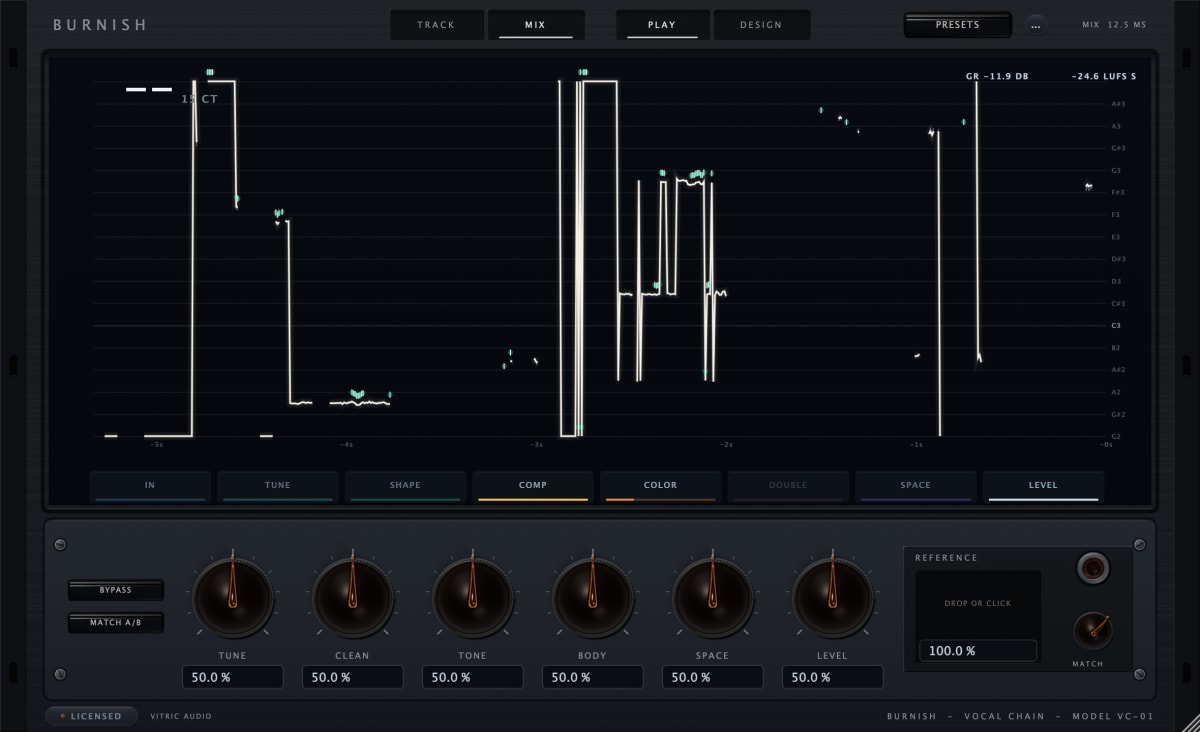
If you want to hear a processed vocal while you record, Burnish Vocal Chain has a TRACK mode that uses Classic tuning without gate lookahead, so the plugin reports four samples of latency, about 0.1 ms at 48 kHz. While Classic is correcting a note, the sound is delayed a little more, about 3 ms typically. Your buffer, interface and other plugins add to the total.
Questions
Is an audio interface the same as a sound card?
It is closely related: both convert audio in and out of a computer. An interface is built for recording, with low-latency conversion and mic and instrument inputs.
Do I need phantom power?
Only for condenser microphones and some other gear that needs it. Most dynamic microphones do not use phantom power; switch it off for inputs that do not need it.
How many inputs do I need?
As many as the sources you record at the same time. A singer-songwriter with a mic and a guitar needs two.